VocalRemoverApp
Free vocal remover that runs in your browser: split any song into vocals and an instrumental, no upload, no account, no daily limit.
Find and cut passages from podcasts, interviews, and meetings with natural-language prompts, then preview and export the clips as MP3 or WAV.
Published and maintained by ToolsBot Editorial Team
| Product website | Audio Cutter AI |
|---|---|
| Category | |
| Listed on ToolsBot | |
| Listing record updated |
Dates refer to this ToolsBot listing, not the product’s launch date or a new independent review.
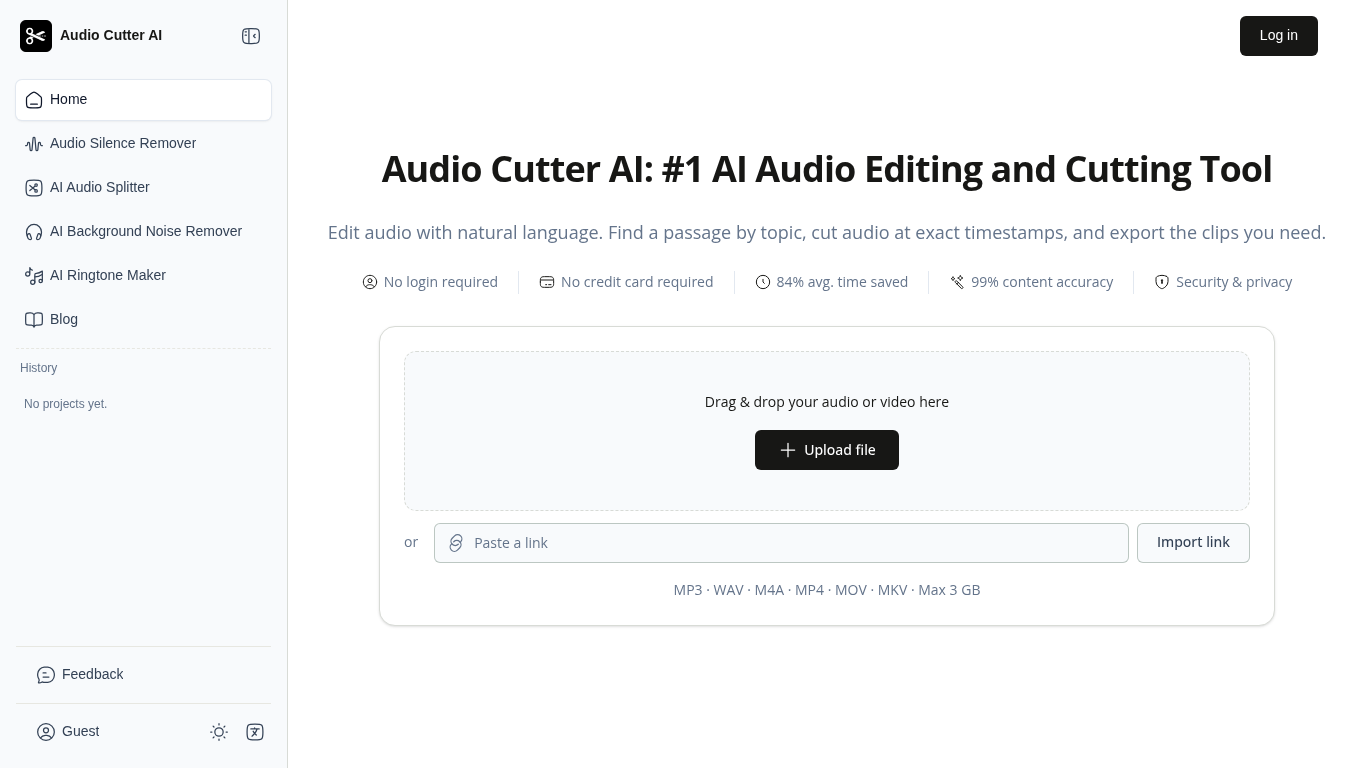
Upload a recording in your browser. Describe the answer or topic you want to keep, or give exact start and end times. Listen to the resulting clips before exporting them together or as separate files.
Upload an audio or video file or paste a link, describe the edit, then preview, refine, and download the result.
Create podcast clips, shorten lectures, find interview answers, and trim voiceovers.
Find passages by topic or timestamp, reduce noise, balance levels, remove silence, separate vocals and instrumentals, and create ringtones.
Q: Can I use a video as a source? A: Yes, you can upload a video file or paste a supported video link.
Tools in the same categories, ranked by shared categories and then total views. Compare their features to find a suitable alternative.
Free vocal remover that runs in your browser: split any song into vocals and an instrumental, no upload, no account, no daily limit.
Remove background music from MP4, MOV and WebM videos online and keep the voices. Download the MP4, voice track or music track.
Convert short melody or solo-instrument recordings into editable MIDI notes. Preview notes in the browser and export MIDI to a DAW. Local Qu
Composey is a browser-based AI audio workspace for generating music, preset-voice narration and sound effects. It also includes a free mixer
Free browser-based audio tools for trimming, volume boosting, sound effects, text to speech and beat making. Many editing tools run locally;
Free browser-based vocal and instrumental separation. Preview and download WAV tracks without an account; audio is processed on your device.
More tools to explore, ranked by total views on ToolsBot. Newer listings come first when view counts are equal.
Free online recap video maker: add your photos, pick a template, download a beat-synced MP4. No app, no sign-up. Photos deleted after your v
Transform photos into anime, watercolor, 3D avatars and other creative styles inside Telegram. Make personalized photo greeting cards. New a
Turn product updates into channel-ready marketing copy and visuals.
The LinkedIn MCP for AI agents.
AI product photography for clothing sellers: create on-model, ghost mannequin and flat lay images from garment photos, or remove backgrounds
AI Photo Detector checks photos for AI generation and editing. View classification, confidence and available region analysis. English and Ch
Product reference: Audio Cutter AI — Product website.
Check the product website for current capabilities, pricing and policies before adopting this tool.
ToolsBot provides directory information for discovery and comparison. A listing is not an endorsement or a guarantee of product claims.