Cuecaps
Animated word-by-word captions for Shorts, TikTok and Reels, made in your browser so your video never uploads.
Windows video editor with local AI subtitles, screen recording and silence cleanup.
Published and maintained by ToolsBot Editorial Team
| Product website | Cisel Media |
|---|---|
| Category | |
| Listed on ToolsBot | |
| Listing record updated |
Dates refer to this ToolsBot listing, not the product’s launch date or a new independent review.
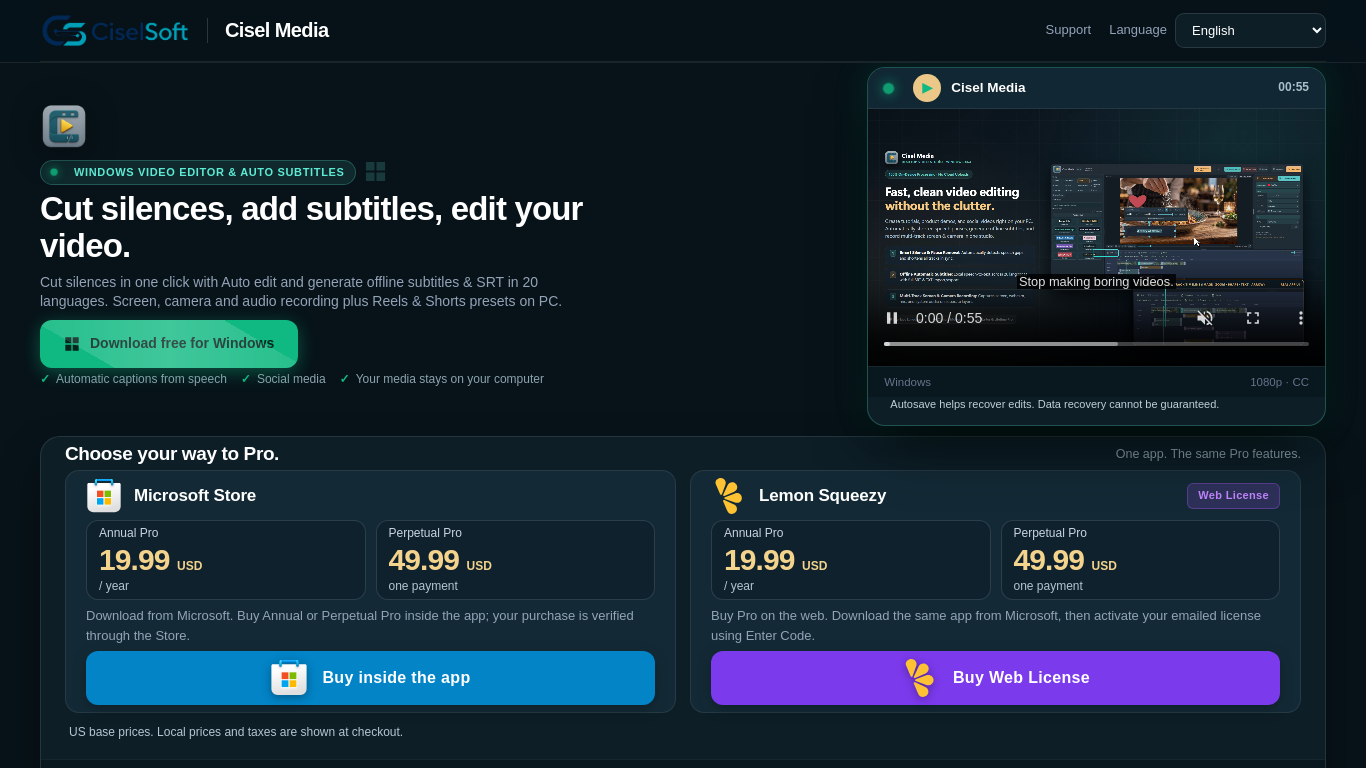
Cisel Media helps creators and educators edit recordings and generate subtitles in the language spoken in their video. Free exports are limited to 1080p at 30 fps and include a watermark; paid Pro is available.
Download the app from the Microsoft Store, add or record media, edit it on your computer, and export the finished video.
Create tutorials, presentations, and social media videos with captions and edited audio.
Screen, camera and microphone recording; review and cut detected silence; local AI subtitle generation; edit subtitle text and timing; export SRT or TXT. Windows download: https://apps.microsoft.com/detail/9NPJCBH1528G
Q: Does subtitle generation work offline? A: Yes, after the initial engine and model download. Q: What are the free export limits? A: Free exports have a watermark and are limited to 1080p at 30 FPS.
Tools in the same categories, ranked by shared categories and then total views. Compare their features to find a suitable alternative.
Animated word-by-word captions for Shorts, TikTok and Reels, made in your browser so your video never uploads.
MP3 to text online — export TXT or SRT in minutes.
AI tool for quickly generating viral video clips and captions.
AI-powered transcription service for audio and video data.
Clarity.Tube: Transform YouTube videos into structured AI insights. With 11 data extraction templates, get key quotes, expert opinions, numb
Tool for preparing FLUX LoRA training image datasets.
More tools to explore, ranked by total views on ToolsBot. Newer listings come first when view counts are equal.
An independent daily puzzle page. Sumbreak is a daily game made by LinkedIn; this site is not affiliated with or endorsed by LinkedIn. The a
Get a quiz hint before you reveal the answer. Try a spoiler-light example, then play Krillion Daily and practise on seven timed prompts.
Unofficial Trollheim: Gnomes wiki. Release status, platforms, how the Steam playtest works, 8-player co-op, Väsen and PC requirements, from
Your Anime Crusaders X field guide: reported codes, searchable unit tiers, a saved team builder and summon probability calculator. Plan your
Your independent Cork7 game guide. Learn the controls, get a snowboard, practise cork tricks and find the official browser, desktop and iOS
Realistic Ragdoll MMA codes checked against official sources. Find the right game for SORRY4UPD, compare rewards and fix common redemption p
Product reference: Cisel Media — Product website.
Check the product website for current capabilities, pricing and policies before adopting this tool.
ToolsBot provides directory information for discovery and comparison. A listing is not an endorsement or a guarantee of product claims.