Audio AI Dynamics - AAID
Tools for analyzing and enhancing music with AI.
Split a recording into two, four or six stems, then download MP3, WAV or FLAC files for practice, listening or further editing.
Published and maintained by ToolsBot Editorial Team
| Product website | Extract Stems |
|---|---|
| Category | |
| Listed on ToolsBot | |
| Listing record updated |
Dates refer to this ToolsBot listing, not the product’s launch date or a new independent review.
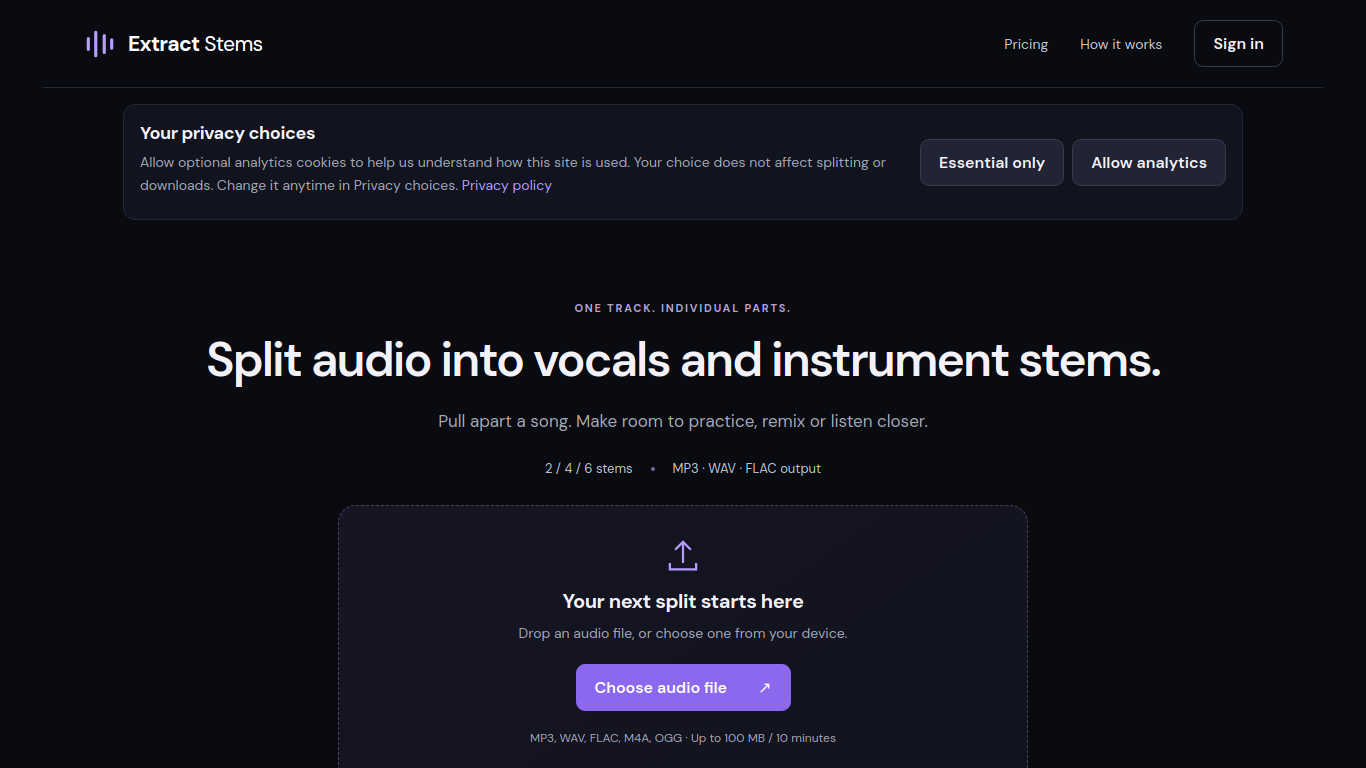
Extract Stems separates audio recordings into vocal and instrument stems.
Choose an authorized audio file, select a stem configuration, then listen to and download the separated tracks.
Separate a recording into individual parts for practice, remixing, or closer listening.
Two-, four- and six-stem separation; Vocal and instrumental isolation; MP3, WAV and FLAC downloads
Q: What audio files can I upload? A: MP3, WAV, FLAC, M4A, and OGG files up to 100 MB and 10 minutes. Q: Is a payment card required for the free minutes? A: No. Five free minutes are available after account verification.
Tools in the same categories, ranked by shared categories and then total views. Compare their features to find a suitable alternative.
Tools for analyzing and enhancing music with AI.
AI platform for easy podcast creation and publishing.
AI-powered tool for fast, lossless video and audio cutting
Audimee is a voice-to-voice tool that allows users to transform vocals using studio-quality models for professional use. It offers royalty-f
The best AI voice-over generator that sounds human, offering realistic voices with natural intonations in over 100 languages and various cha
An automated online audio mastering service powered by AI, offering free mastering options.
More tools to explore, ranked by total views on ToolsBot. Newer listings come first when view counts are equal.
Explore GetRender's AI architectural rendering tools for buildings, interiors, and landscapes, from sketch-to-render to design presentations
Create songs from text or lyrics with FloatSong's AI music generator. Choose Suno or Flow Music, write lyrics, and make your next song in on
AI sprite animation generator and sprite sheet maker for games. Create production-ready sprite sheets, walking cycles, and JSON atlases with
MemoTune is a web-based AI song generator. Turn ideas, lyrics, stories, and images into complete songs with vocals or instrumentals. No musi
Upload an MP3 or paste a song link and let SongScene turn it into a smart AI music video with beat-synced cuts, lyric captions, and 9:16, 16
Create images, video clips, and music in one AI creative studio. Choose a model, start with text or an image, and review credit costs before
Product reference: Extract Stems — Product website.
Check the product website for current capabilities, pricing and policies before adopting this tool.
ToolsBot provides directory information for discovery and comparison. A listing is not an endorsement or a guarantee of product claims.