RemoveWatermarkVideo
Remove watermark and text from video online. Cleaning TikTok, CapCut and other on-screen marks out of MP4/MOV/WebM clips without cropping th
Blur faces in video online. Keep the people you choose clear. Blurring strangers in vlogs, interviews, dashcam and event footage while keeping consented faces clear.
Published and maintained by ToolsBot Editorial Team
| Product website | FaceBlur |
|---|---|
| Category | |
| Listed on ToolsBot | |
| Listing record updated |
Dates refer to this ToolsBot listing, not the product’s launch date or a new independent review.
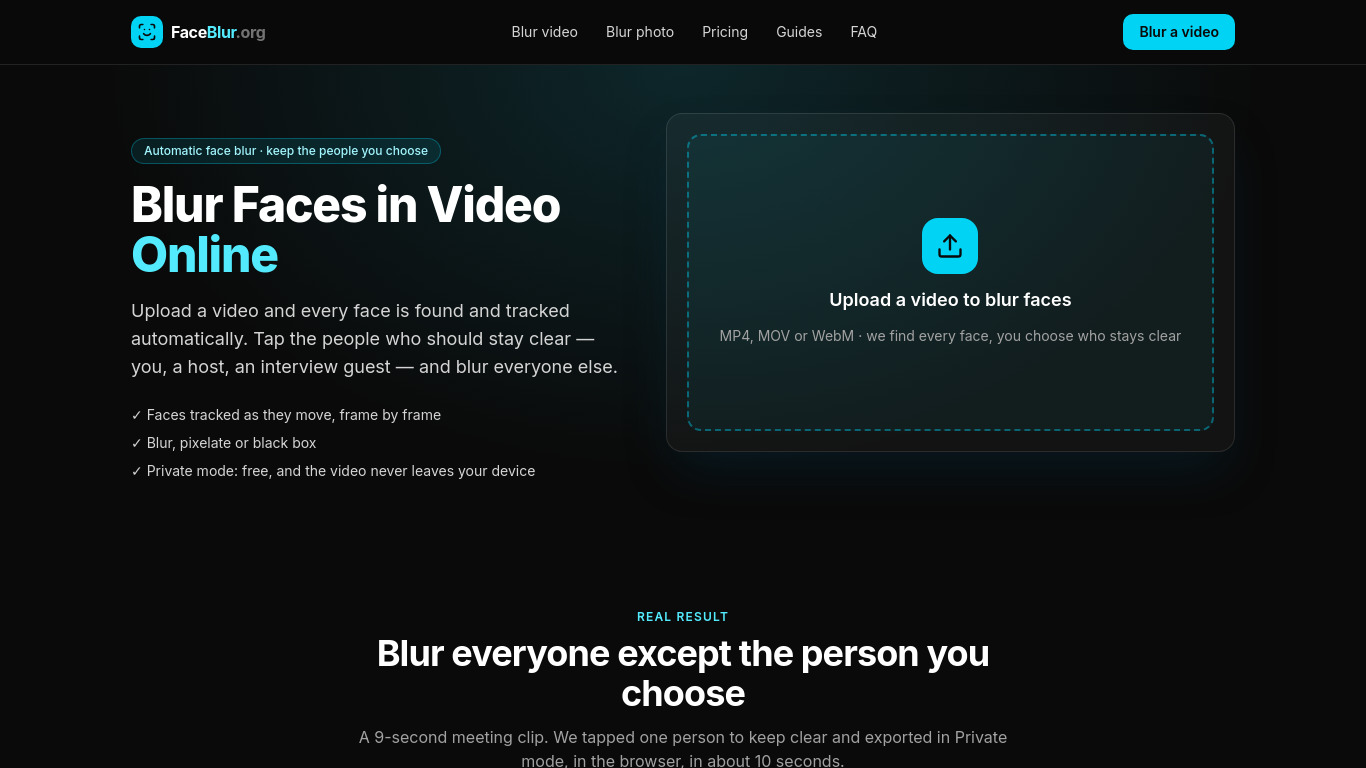
FaceBlur is an online tool for blurring faces in videos and photos.
Upload a video, select the people to keep clear, choose an effect, preview the result and download the MP4.
Blur bystanders in vlogs, interviews, dashcam footage, CCTV recordings and event videos.
Automatic face tracking; blur, pixelation or black box effects; browser-based private mode; MP4, MOV and WebM input; original audio retained.
Q: Is FaceBlur free? A: Photos and Private mode video exports are free. Q: Does it blur license plates? A: Not yet; license plate blurring is planned for Cloud mode.
Tools in the same categories, ranked by shared categories and then total views. Compare their features to find a suitable alternative.
Remove watermark and text from video online. Cleaning TikTok, CapCut and other on-screen marks out of MP4/MOV/WebM clips without cropping th
Free AI clip and caption generator: word-by-word captions and ranked 9:16 clips in your browser. Video never uploaded, no watermark.
Wan3.0, Alibaba Cloud’s new‑gen video model, produces up to 30‑second 1080P videos. It features native audio‑visual sync, multi‑source input
Remove watermarks from videos effortlessly with AI, preserving the original quality. Perfect for content creators and social media managers.
AI-Powered Video Ad Optimization SaaS Boost ROI & CTR
AI-powered app for quick creation of short videos.
More tools to explore, ranked by total views on ToolsBot. Newer listings come first when view counts are equal.
Turn a photo and an idea into a short rap video. Birthday raps, wedding toasts, team shoutouts and short AI rap videos from a photo you can
Pumli is an AI assistant for iPhone and iPad. Download a compatible model for local, offline conversations, or choose supported online servi
TryAnyOutfit is an AI try-on app. Add your photo and any outfit image or store screenshot and it shows the clothes on you. Free on iOS and A
Free fruit drop-and-merge puzzle game in your browser.
Turn food photos into W Chews videos.
Upload a photo and find out if it is AI-generated in seconds.
Product reference: FaceBlur — Product website.
Check the product website for current capabilities, pricing and policies before adopting this tool.
ToolsBot provides directory information for discovery and comparison. A listing is not an endorsement or a guarantee of product claims.