ImageToImageAI
AI image-to-image editor for transforming reference images into new styles and scenes.
Use Image to Image AI when you need Office Fitout Concepts without a heavy desktop install. Upload or prompt, preview, export. The credit cost appears before each generation, and a standard edit uses one credit.
Published and maintained by ToolsBot Editorial Team
| Product website | Image to Image AI |
|---|---|
| Category | |
| Listed on ToolsBot | |
| Listing record updated |
Dates refer to this ToolsBot listing, not the product’s launch date or a new independent review.
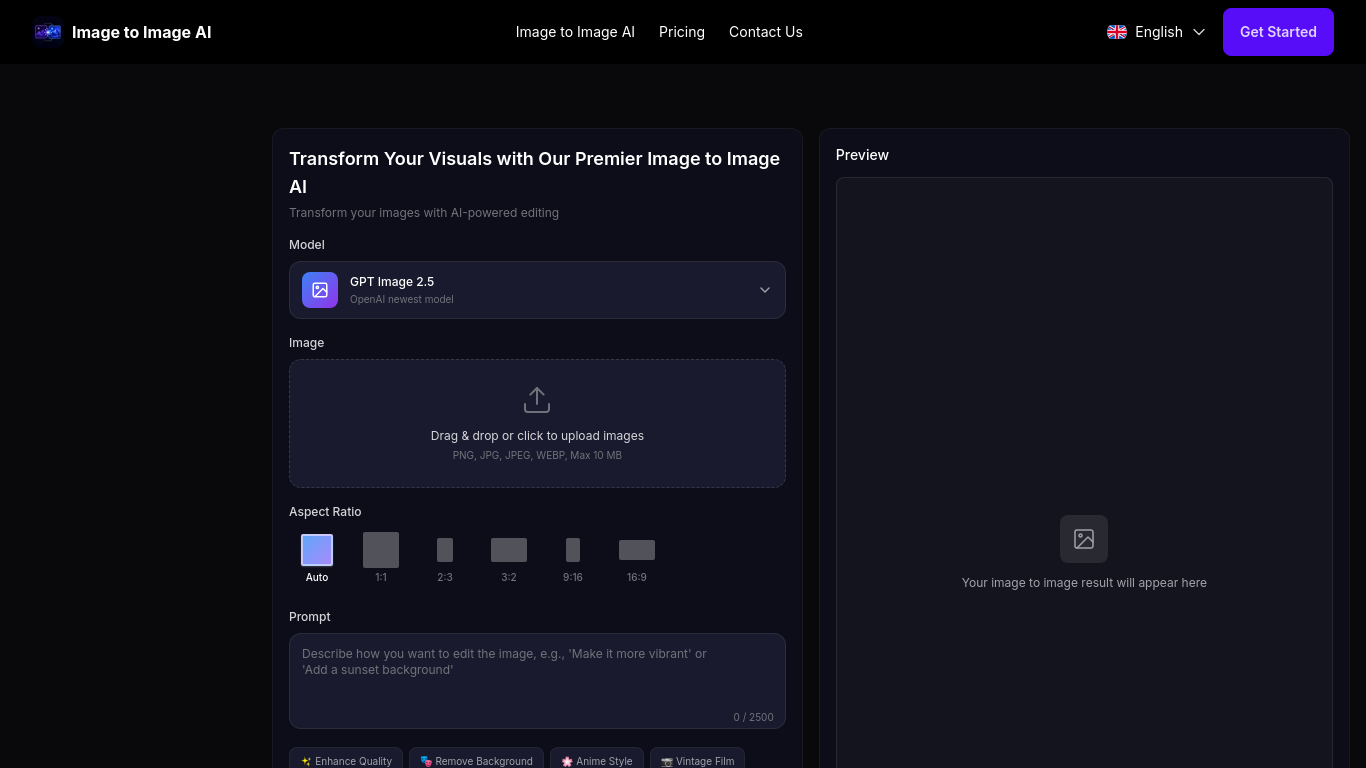
Image to Image AI keeps Office Fitout Concepts simple: upload or prompt, preview, export. The credit cost appears before each generation, and a standard edit uses one credit.
Upload an image, describe the desired changes, generate a result, and download it.
Create product photos, restore old photographs, change backgrounds, or transform image styles.
Background and object removal, photo restoration, style transformations, colorization, and text-to-image generation.
Q: Is there a free plan? A: Yes, the site offers a free plan for its core features. Q: Can generated images be used commercially? A: Images created under paid subscriptions include a commercial license; the free plan is typically for personal use.
Tools in the same categories, ranked by shared categories and then total views. Compare their features to find a suitable alternative.
AI image-to-image editor for transforming reference images into new styles and scenes.
Free Image Converter is a free online tool that allows you to convert images between different formats.You can also compress images to reduc
AI-powered platform enhancing creativity for individuals and brands.
AI clothes changer for virtual fitting and style exploration.
Integrated AI for efficient 3D rendering and workflow enhancement.
Easily create festive Christmas photos from selfies.
More tools to explore, ranked by total views on ToolsBot. Newer listings come first when view counts are equal.
LoraAI Pro is a freemium studio for training and publishing custom LoRAs for AI image generation and LoRA video. Upload a dataset, train you
AI creative studio for ecommerce: upload a product photo and use One-Click Ads, Cinematic Ads and 4K AI Poster templates to create cinematic
TextRemover.video is a browser-based AI tool that removes text, captions and hardcoded subtitles from videos. Upload a clip, choose a remova
Flow Music turns a mood, your lyrics, or a text prompt into songs with vocals or instrumentals. Remix, extend, split stems, download and sha
CMDragon Tools: 1,000+ free, no-signup browser utilities across 16 categories (PDF, image, text, developer, converters, design). Everything
Turn research text into clear explanatory scientific figures. Scientific Figure Generator turns pasted paragraphs or abstracts into explanat
Product reference: Image to Image AI — Product website.
Check the product website for current capabilities, pricing and policies before adopting this tool.
ToolsBot provides directory information for discovery and comparison. A listing is not an endorsement or a guarantee of product claims.