WhisperTranscribe.ai
WhisperTranscribe.ai is a web-based speech-to-text platform for creators and professionals who turn interviews, lectures, and meetings into
AI dictation for macOS and Windows that turns speech into formatted text in any app and adapts tone to context.
Published and maintained by ToolsBot Editorial Team
| Product website | klarvoice |
|---|---|
| Category | |
| Listed on ToolsBot | |
| Listing record updated |
Dates refer to this ToolsBot listing, not the product’s launch date or a new independent review.
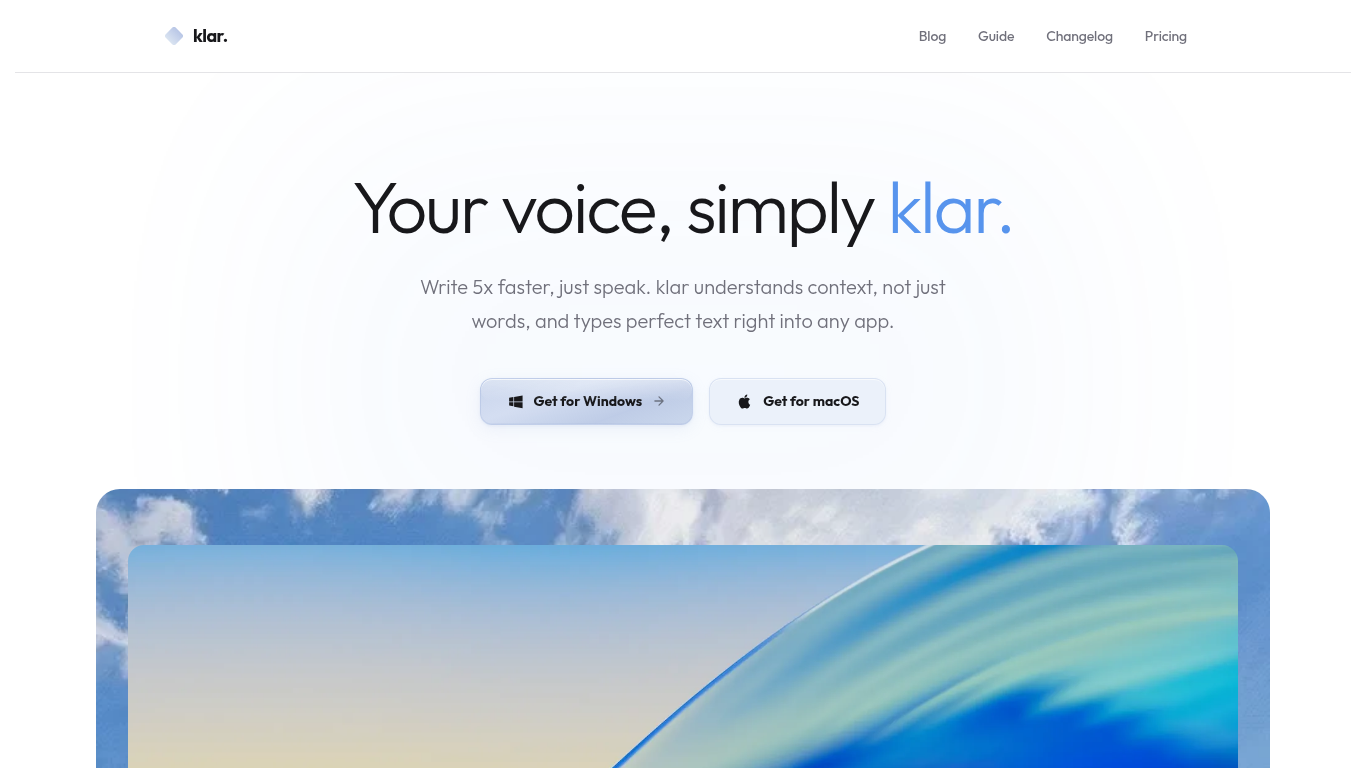
klarvoice is desktop AI dictation software for macOS and Windows. Speak to enter formatted text in the app you are using. The output adapts its tone to context.
Speak where your cursor is placed, and klarvoice formats the text for its context. A shortcut opens Ask Mode for questions and sourced answers.
Dictate emails, meeting notes, technical documentation, reports, and other text.
Speech to formatted text; dictation in any app; context-adaptive tone; macOS and Windows.
Q: Can I use klarvoice in any app? A: The site says it works in all apps. Q: Are recordings and transcripts stored on klarvoice servers? A: The site says they are not stored on its servers.
Tools in the same categories, ranked by shared categories and then total views. Compare their features to find a suitable alternative.
WhisperTranscribe.ai is a web-based speech-to-text platform for creators and professionals who turn interviews, lectures, and meetings into
Lovelace Loom의 iPhone(iOS) 앱으로, 클라우드에서 음성을 텍스트로 변환합니다. 녹음하거나 오디오를 가져오면 전사본과 요약을 받고, 녹음 내용에
Native Swift dictation for Mac that turns speech into clean text in your current app. Includes a correction-learning dictionary and translat
Fast, private Mac dictation that puts spoken words at the cursor, with on-device transcription and fixed-rule cleanup.
A voice-based quick-capture app for thoughts and ideas.
AI-powered transcription service for audio and video data.
More tools to explore, ranked by total views on ToolsBot. Newer listings come first when view counts are equal.
An independent daily puzzle page. Sumbreak is a daily game made by LinkedIn; this site is not affiliated with or endorsed by LinkedIn. The a
Get a quiz hint before you reveal the answer. Try a spoiler-light example, then play Krillion Daily and practise on seven timed prompts.
Unofficial Trollheim: Gnomes wiki. Release status, platforms, how the Steam playtest works, 8-player co-op, Väsen and PC requirements, from
Your Anime Crusaders X field guide: reported codes, searchable unit tiers, a saved team builder and summon probability calculator. Plan your
Your independent Cork7 game guide. Learn the controls, get a snowboard, practise cork tricks and find the official browser, desktop and iOS
Realistic Ragdoll MMA codes checked against official sources. Find the right game for SORRY4UPD, compare rewards and fix common redemption p
Product reference: klarvoice — Product website.
Check the product website for current capabilities, pricing and policies before adopting this tool.
ToolsBot provides directory information for discovery and comparison. A listing is not an endorsement or a guarantee of product claims.