WorkBot
AI platform for automated customer service and actionable data insights.
Notion Chatbot is an AI-powered chatbot that seamlessly turns your Notion into a highly responsive AI assistant. It can be used on your website or as a widget on a Notion page.
Published and maintained by ToolsBot Editorial Team
| Product website | Notion Chatbot |
|---|---|
| Category |
Dates refer to this ToolsBot listing, not the product’s launch date or a new independent review.
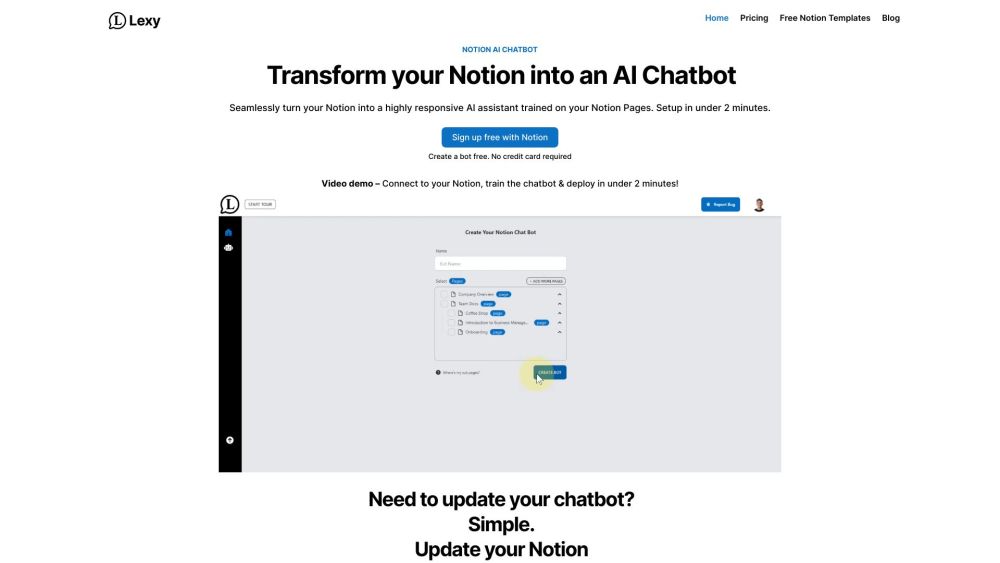
Notion Chatbot is an AI-powered chatbot that seamlessly turns your Notion into a highly responsive AI assistant. It can be used on your website or as a widget on a Notion page.
To use Notion Chatbot, sign up for free and connect your Notion workspace. Choose your knowledge base and add a simple code snippet to your website or Notion page. The chatbot will then be trained on your Notion pages and ready to provide quick and accurate responses to user queries.
#1 Taking Notes: Lexy helps you understand your notes. Ask Lexy to explain your notes on a topic and get quick answers without searching. #2 Customer Support: Store FAQs in Notion and let Lexy become the instant answer guru for your customers, resulting in faster response times and happier customers. #3 Company Docs: New team members can rely on Lexy to provide instant answers, making it easier for them to fit in and understand company manuals. #4 Company Knowledge Base: Lexy can access any page in your Notion workspace and provide up-to-date information on a wide range of topics, making it a valuable resource for your entire organization.
Seamlessly turns Notion into an AI assistant Highly responsive and accurate Setup in under 2 minutes Trained on your Notion Pages Can access any page in your Notion workspace
What is Lexy? Is Lexy free? How does Lexy work with Notion? Can Lexy work with all Notion templates? Can I use Lexy with my existing Notion integrations? Can Lexy interact with all my pages and databases in Notion? How do I start with Lexy?
Tools in the same categories, ranked by shared categories and then total views. Compare their features to find a suitable alternative.
AI platform for automated customer service and actionable data insights.
Cloud-based contact center with AI-powered solutions
An all-in-one tool for product feedback, changelogs, and documentation with community building, SEO optimization, and AI integration feature
Quickchat AI is a platform for building and customizing AI Assistants for businesses with rich settings for perfect responses. It provides M
Launch an automated AI Chat assistant on a realtime knowledge base that knows your website content. Augment your support team with Nexai AI
Conversational Automation for Enterprises Enterprise Bot
More tools to explore, ranked by total views on ToolsBot. Newer listings come first when view counts are equal.
Free online recap video maker: add your photos, pick a template, download a beat-synced MP4. No app, no sign-up. Photos deleted after your v
Transform photos into anime, watercolor, 3D avatars and other creative styles inside Telegram. Make personalized photo greeting cards. New a
Turn product updates into channel-ready marketing copy and visuals.
The LinkedIn MCP for AI agents.
AI product photography for clothing sellers: create on-model, ghost mannequin and flat lay images from garment photos, or remove backgrounds
AI Photo Detector checks photos for AI generation and editing. View classification, confidence and available region analysis. English and Ch
Product reference: Notion Chatbot — Product website.
Check the product website for current capabilities, pricing and policies before adopting this tool.
ToolsBot provides directory information for discovery and comparison. A listing is not an endorsement or a guarantee of product claims.