TextRemover.video
TextRemover.video is a browser-based AI tool that removes text, captions and hardcoded subtitles from videos. Upload a clip, choose a remova
OmniEditor is a free AI video editor: describe the result, add photos or clips, and an agent edits images and videos with you.
Published and maintained by ToolsBot Editorial Team
| Product website | Omni Editor AI |
|---|---|
| Category | |
| Listed on ToolsBot | |
| Listing record updated |
Dates refer to this ToolsBot listing, not the product’s launch date or a new independent review.
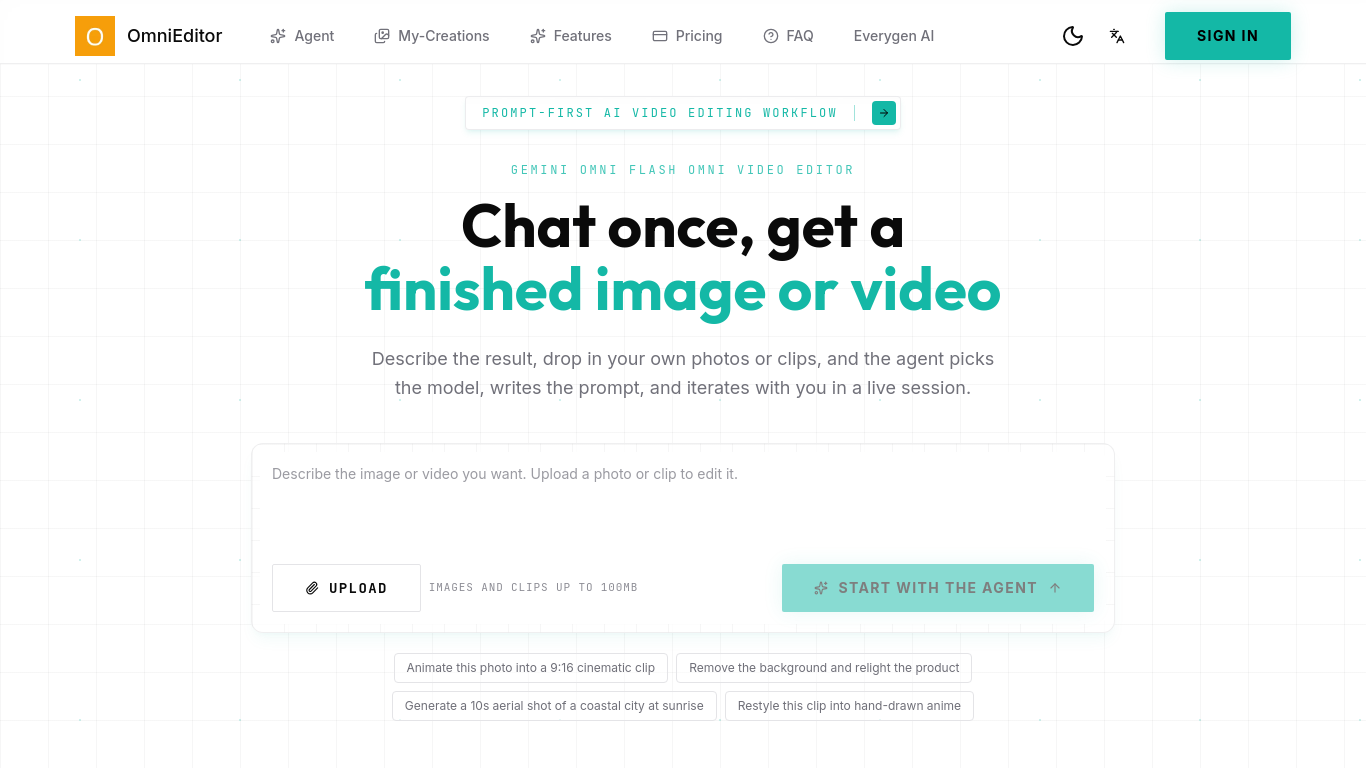
OmniEditor (Omni Editor) is a prompt-first AI video and image editor. Add photos or clips up to 100MB and work with an agent in a live session.
Describe the desired result and optionally upload images or clips up to 100MB. An agent selects a model, writes a prompt, and iterates with you.
Create social videos, product demos, ads, explainers, and campaign variants.
Supports text, image and video-to-video, reference image/video workflows and natural-language edits that preserve camera, lighting and scene continuity using Gemini Omni Flash workflows. Free plan includes 10 credits; paid plans add credits and no-watermark output.
Q: Can I edit videos using prompts? A: Yes, the page describes natural-language video editing. Q: What can I upload? A: Images and clips up to 100MB.
Tools in the same categories, ranked by shared categories and then total views. Compare their features to find a suitable alternative.
TextRemover.video is a browser-based AI tool that removes text, captions and hardcoded subtitles from videos. Upload a clip, choose a remova
Blur faces in video online. Keep the people you choose clear. Blurring strangers in vlogs, interviews, dashcam and event footage while keepi
Remove watermark and text from video online. Cleaning TikTok, CapCut and other on-screen marks out of MP4/MOV/WebM clips without cropping th
Free AI clip and caption generator: word-by-word captions and ranked 9:16 clips in your browser. Video never uploaded, no watermark.
Wan3.0, Alibaba Cloud’s new‑gen video model, produces up to 30‑second 1080P videos. It features native audio‑visual sync, multi‑source input
Remove watermarks from videos effortlessly with AI, preserving the original quality. Perfect for content creators and social media managers.
More tools to explore, ranked by total views on ToolsBot. Newer listings come first when view counts are equal.
LoraAI Pro is a freemium studio for training and publishing custom LoRAs for AI image generation and LoRA video. Upload a dataset, train you
AI creative studio for ecommerce: upload a product photo and use One-Click Ads, Cinematic Ads and 4K AI Poster templates to create cinematic
Flow Music turns a mood, your lyrics, or a text prompt into songs with vocals or instrumentals. Remix, extend, split stems, download and sha
CMDragon Tools: 1,000+ free, no-signup browser utilities across 16 categories (PDF, image, text, developer, converters, design). Everything
Use Image to Image AI when you need Office Fitout Concepts without a heavy desktop install. Upload or prompt, preview, export. The credit co
Turn research text into clear explanatory scientific figures. Scientific Figure Generator turns pasted paragraphs or abstracts into explanat
Product reference: Omni Editor AI — Product website.
Check the product website for current capabilities, pricing and policies before adopting this tool.
ToolsBot provides directory information for discovery and comparison. A listing is not an endorsement or a guarantee of product claims.