Artypa
AI-powered platform enhancing creativity for individuals and brands.
Generate fun images of your pets
Published and maintained by ToolsBot Editorial Team
| Product website | https://puppy-ai.com/ |
|---|---|
| Category |
Dates refer to this ToolsBot listing, not the product’s launch date or a new independent review.
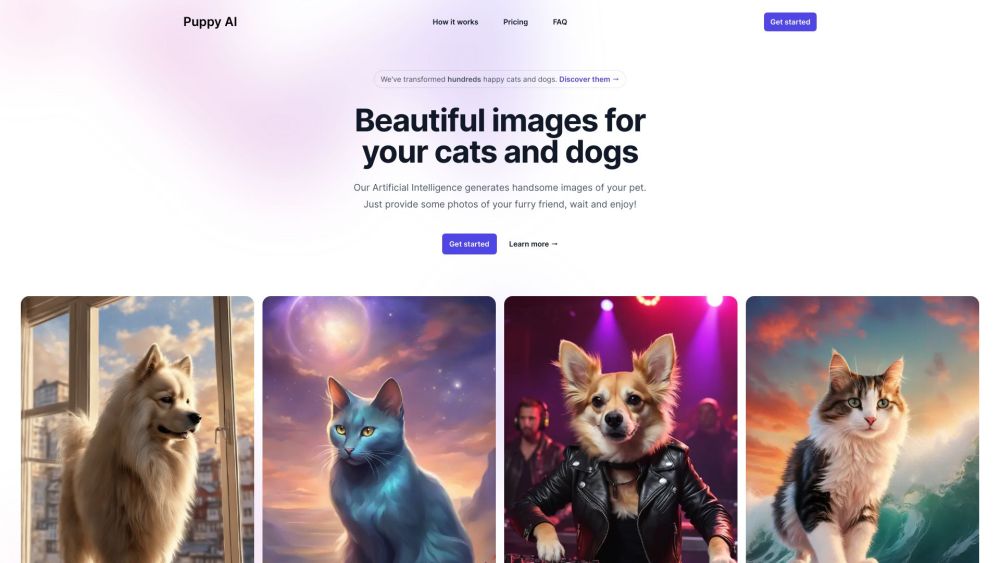
Generate fun images of your pets
1. Upload a set of 10 to 20 photos of your pet. 2. Choose the number and style of images you want to generate. 3. Wait for the images to be generated (10 to 15 minutes). 4. Enjoy your AI-generated pack of pet images!
#1 1. Fun and entertaining images of your pets. 2. Share with your family and friends. 3. Create unique artwork featuring your furry friend.
1. Generates AI photos of your dog or cat. 2. Easy to use with just a few steps. 3. Beautiful and fun images for your pets.
How does Puppy AI work? Will my images be public? What type of photos of my pet should I upload? How long will it take to create my AI character? Will every generated image be of the best quality? What should I consider before using Puppy AI? Can I get a refund? Is the payment service secure? What if I have a technical issue?
Tools in the same categories, ranked by shared categories and then total views. Compare their features to find a suitable alternative.
AI-powered platform enhancing creativity for individuals and brands.
Integrated AI for efficient 3D rendering and workflow enhancement.
Easily create festive Christmas photos from selfies.
Community platform for sharing MidJourney prompts and SREF codes.
AI tool for generating realistic images quickly and easily.
AI creative platform for collaborative media projects
More tools to explore, ranked by total views on ToolsBot. Newer listings come first when view counts are equal.
RapVideo AI turns one or two photos into an AI rap video, including the viral Hotel Lobby trend. It writes the lyrics, makes the beat, gener
AI video generation turning text and images into videos and animations for creators.
Online AI face swap for videos and photos, fast and free to try.
All-in-one AI image and video generator using many top models in one place.
输入一段文字描述或上传草图,即可在几分钟内生成符合制图规范的专业平面图,无需 CAD 基础。
Capafy AI is a browser-based AI video generator. Add up to 9 photos or write a prompt, pick one of 5 models (Seedance 2.5, Seedance 2.0, Kli
Product reference: Puppy AI — Product website.
Check the product website for current capabilities, pricing and policies before adopting this tool.
ToolsBot provides directory information for discovery and comparison. A listing is not an endorsement or a guarantee of product claims.