Octopra
AI voice generation for content creation in multiple languages.
Supercharge chat engagement on your stream with Tangia
Published and maintained by ToolsBot Editorial Team
| Product website | Tangia |
|---|---|
| Category |
Dates refer to this ToolsBot listing, not the product’s launch date or a new independent review.
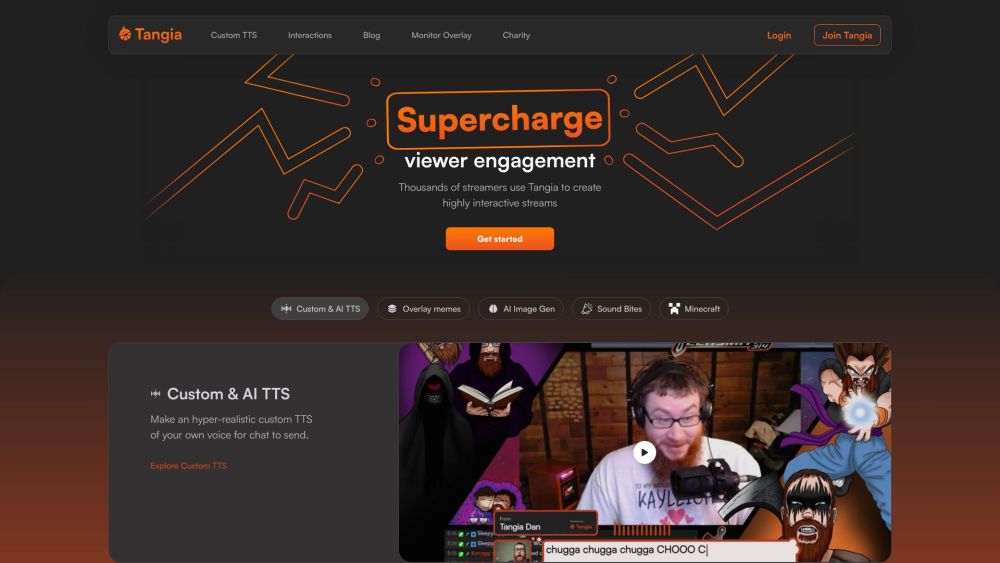
Supercharge chat engagement on your stream with Tangia
Create your account, login with your Twitch or Youtube account, connect Tangia to your stream, and start engaging with your viewers.
#1 Create hyper-realistic custom TTS of your own voice for chat to send #2 Overlay memes on stream #3 Use AI image generation model for chat to use on stream #4 Let viewers replay sound bites from your Twitch clips as sound alerts #5 Give viewers control in Minecraft game
Custom TTS Interactions Monitor Overlay Charity integration
What is Tangia? How does Tangia work? What are the core features of Tangia? Can Tangia be used with any streaming software? What are some use cases of Tangia?
Tools in the same categories, ranked by shared categories and then total views. Compare their features to find a suitable alternative.
AI voice generation for content creation in multiple languages.
Voice cloning tool that generates speech from audio samples.
AI platform for generating voice, images, and videos seamlessly.
AI voiceover tool for videos with scripts and music.
Transform PDFs or any text into engaging audio content with our AI-powered podcast generator. Whether you need a dynamic two-person dialogue
Cutting-edge voice cloning, TTS & speech recognition
More tools to explore, ranked by total views on ToolsBot. Newer listings come first when view counts are equal.
Free online recap video maker: add your photos, pick a template, download a beat-synced MP4. No app, no sign-up. Photos deleted after your v
Transform photos into anime, watercolor, 3D avatars and other creative styles inside Telegram. Make personalized photo greeting cards. New a
Turn product updates into channel-ready marketing copy and visuals.
The LinkedIn MCP for AI agents.
AI product photography for clothing sellers: create on-model, ghost mannequin and flat lay images from garment photos, or remove backgrounds
AI Photo Detector checks photos for AI generation and editing. View classification, confidence and available region analysis. English and Ch
Product reference: Tangia — Product website.
Check the product website for current capabilities, pricing and policies before adopting this tool.
ToolsBot provides directory information for discovery and comparison. A listing is not an endorsement or a guarantee of product claims.