FounderOmni
FounderOmni connects nine marketing and operations apps for founders, including AI-assisted search recommendations and controlled agent work
Wovo turns your AI into a multi-computer agent, letting you work on your computers from one place with file transfer, coding tools, browser testing, and macOS computer use.
Published and maintained by ToolsBot Editorial Team
| Product website | Wovo |
|---|---|
| Category | |
| Listed on ToolsBot | |
| Listing record updated |
Dates refer to this ToolsBot listing, not the product’s launch date or a new independent review.
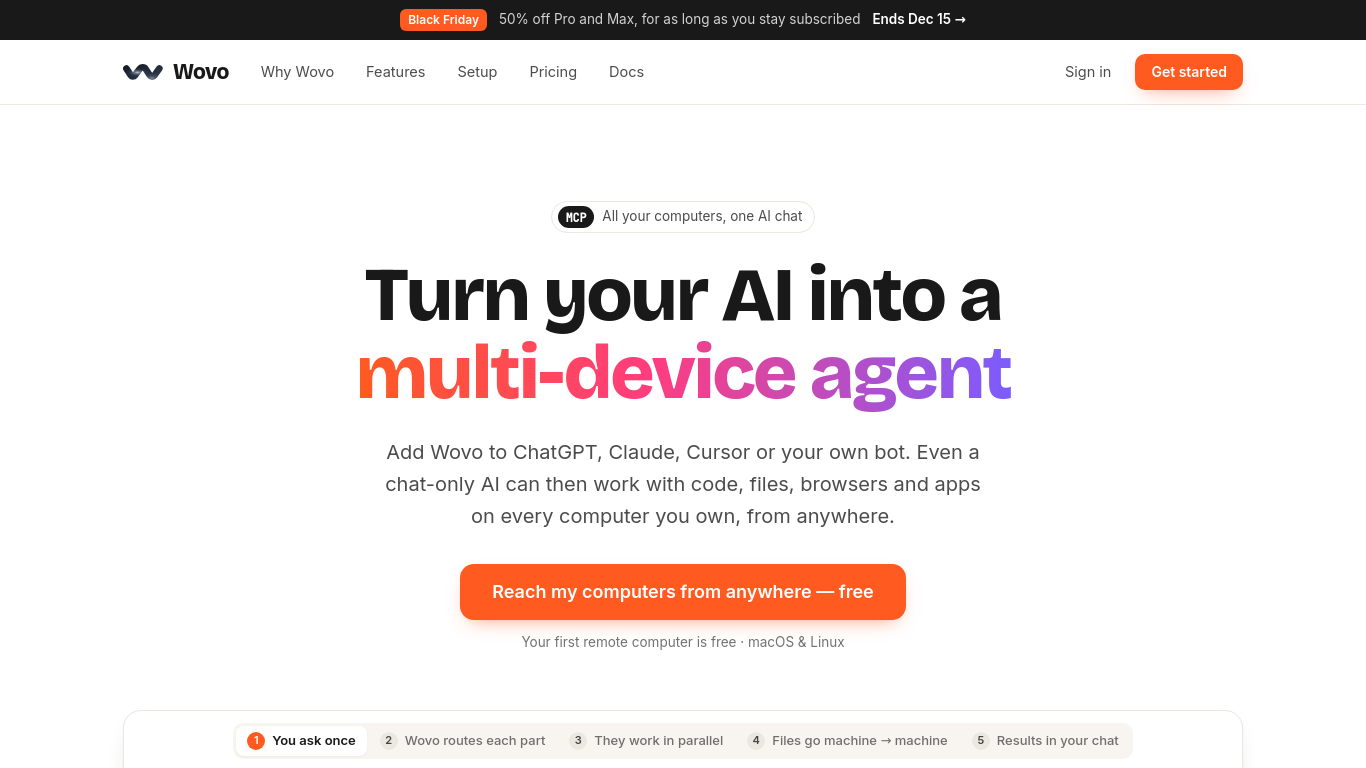
Wovo is a remote MCP server that lets compatible AI apps and agents work across a user's computers.
Install Wovo, sign in, and add its remote MCP server to a compatible AI app. Requests are routed through Wovo Cloud to the selected computer.
Use an AI app to fix and test code on a remote computer without moving the project.
Coding tools, direct file transfer, browser testing, secure tunnels, long-running jobs, and permission-based macOS computer use.
Q: Does Wovo require a separate AI subscription? A: No. Users can connect an AI app they already use. Q: How many computers can the free plan reach? A: One remote computer.
Tools in the same categories, ranked by shared categories and then total views. Compare their features to find a suitable alternative.
FounderOmni connects nine marketing and operations apps for founders, including AI-assisted search recommendations and controlled agent work
GPT-IMG is a ChatGPT image generator for production-ready visuals. New accounts
Free work hours and timesheet calculator — no signup.
Turn a goal and selected project files into research, writing, documents or creative drafts with Orkas. Commander coordinates specialist age
Invisible Character is a free web tool for copying invisible Unicode characters, blank text and empty spaces in one click. Use it for blank
A Mac menu bar app: type what you want in plain English and your own AI (ChatGPT or Claude) builds a live widget, like a currency rate, a co
More tools to explore, ranked by total views on ToolsBot. Newer listings come first when view counts are equal.
An independent daily puzzle page. Sumbreak is a daily game made by LinkedIn; this site is not affiliated with or endorsed by LinkedIn. The a
Get a quiz hint before you reveal the answer. Try a spoiler-light example, then play Krillion Daily and practise on seven timed prompts.
Unofficial Trollheim: Gnomes wiki. Release status, platforms, how the Steam playtest works, 8-player co-op, Väsen and PC requirements, from
Your Anime Crusaders X field guide: reported codes, searchable unit tiers, a saved team builder and summon probability calculator. Plan your
Your independent Cork7 game guide. Learn the controls, get a snowboard, practise cork tricks and find the official browser, desktop and iOS
Realistic Ragdoll MMA codes checked against official sources. Find the right game for SORRY4UPD, compare rewards and fix common redemption p
Product reference: Wovo — Product website.
Check the product website for current capabilities, pricing and policies before adopting this tool.
ToolsBot provides directory information for discovery and comparison. A listing is not an endorsement or a guarantee of product claims.