PicYep
PicYep is a browser-based AI image and video generator with 20+ flagship models, face-consistent group edits, GIF and SVG output. New accoun
Blender AI is an AI assistant for Blender that turns plain-English prompts and reference images into editable 3D geometry, materials, cameras, lighting, renders, Python scripts and animation directly inside the user's Blender scene. Generated work remains ordinary Blender data that can be retopologi
Publié et maintenu par Équipe éditoriale ToolsBot
| Site du produit | Blender AI |
|---|---|
| Catégorie | |
| Ajout sur ToolsBot | |
| Fiche mise à jour |
Les dates concernent la fiche ToolsBot, et non le lancement du produit ou une nouvelle évaluation indépendante.
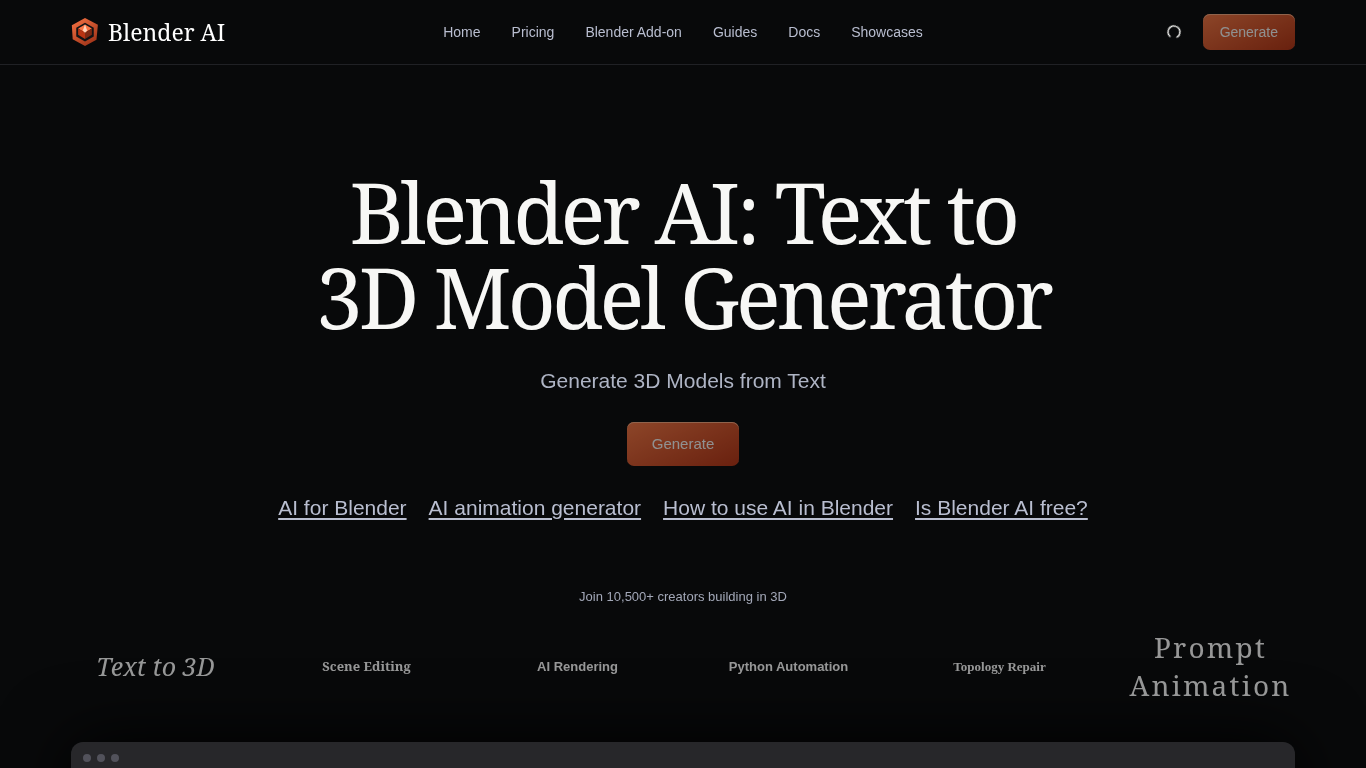
Blender AI is an AI assistant for Blender that turns plain-English prompts and reference images into editable 3D geometry, materials, cameras, lighting, renders, Python scripts and animation directly inside the user's Blender scene. Generated work remains ordinary Blender data that can be retopologized, rigged and exported in formats such as OBJ, FBX, GLB, USDZ and STL.
Describe a model or scene in plain English. Blender AI generates or updates it in Blender, where you can refine it with follow-up prompts and export it.
Create game assets, prototype architectural concepts, stage interior renders, and automate repetitive Blender tasks.
Generate editable 3D models from text prompts or reference images; Retopologize AI-generated meshes and reduce vertices; Create materials, cameras, lighting and Blender renders; Generate reviewable Blender Python scripts; Animate scenes and characters inside Blender; Export OBJ, FBX, GLB, USDZ, STL and other Blender-supported formats
Q: Do I need Blender? A: Yes, Blender must be installed to edit, render, animate, and export assets. Q: Is Blender AI free? A: No, generation requires a paid plan starting at $9 per month. Q: Can I use generated models commercially? A: Paid plans include a commercial license, subject to the rights of source material you provide.
Outils des mêmes catégories, classés par catégories communes puis par nombre total de visites. Comparez leurs fonctions pour trouver une alternative adaptée.
PicYep is a browser-based AI image and video generator with 20+ flagship models, face-consistent group edits, GIF and SVG output. New accoun
Générateur gratuit d’images et de vidéos par IA : génération d’images à partir de texte, retouche d’images, génération de vidéos à partir de
Calques, masques, calques de réglage, styles de calque, texte, vecteurs et pinceaux dans une application native entièrement écrite en Rust.
Transformez une instruction textuelle ou une seule image en une scène 3D explorable en quelques secondes. Aucune expérience en 3D n’est requ
J’ai soumis à PawPortrait Lab une photo prise en milieu de matinée d’un épagneul Boykin debout parmi les pneumatophores de cyprès, et le por
Gera Imagem est un générateur d’images par IA pour les photos de produits et les créations visuelles. Importez une photo de produit et génér
Autres outils classés par nombre total de visites sur ToolsBot. À égalité, les fiches les plus récentes apparaissent en premier.
Cutroom is an AI video editor that turns plain-language directions into reviewable edit plans. Upload footage, refine cuts and captions, the
Free curated library of 559 Japanese kaomoji you can copy and paste.
AI LinkedIn posts and carousels in your own voice
Free browser-based prompt builder and curated examples for image-to-video work: compose image-to-video prompts, dance and motion prompt guid
ToolWorthy is an AI tools directory with category listings, product profiles, alternatives, published rankings and editorial guides. Browsin
Transformez des photos de biens immobiliers en six Reels verticaux modifiables, avec des animations 3D et 2D, de la musique, une identité de
Référence du produit : Blender AI — Site du produit.
Consultez le site du produit pour vérifier ses fonctionnalités, tarifs et politiques actuels avant de l’adopter.
ToolsBot facilite la découverte et la comparaison. Une fiche ne constitue ni une approbation ni une garantie des affirmations du produit.