AIVideoFree
AIVideoFree is a free AI video generator for text and photos. Start with free credits, choose Veo, Kling or Seedance, and download without w
Create short AI clips and still images with a model choice and visible unit costs.
Publié et maintenu par Équipe éditoriale ToolsBot
| Site du produit | Muse Video.TV |
|---|---|
| Catégorie | |
| Ajout sur ToolsBot | |
| Fiche mise à jour |
Les dates concernent la fiche ToolsBot, et non le lancement du produit ou une nouvelle évaluation indépendante.
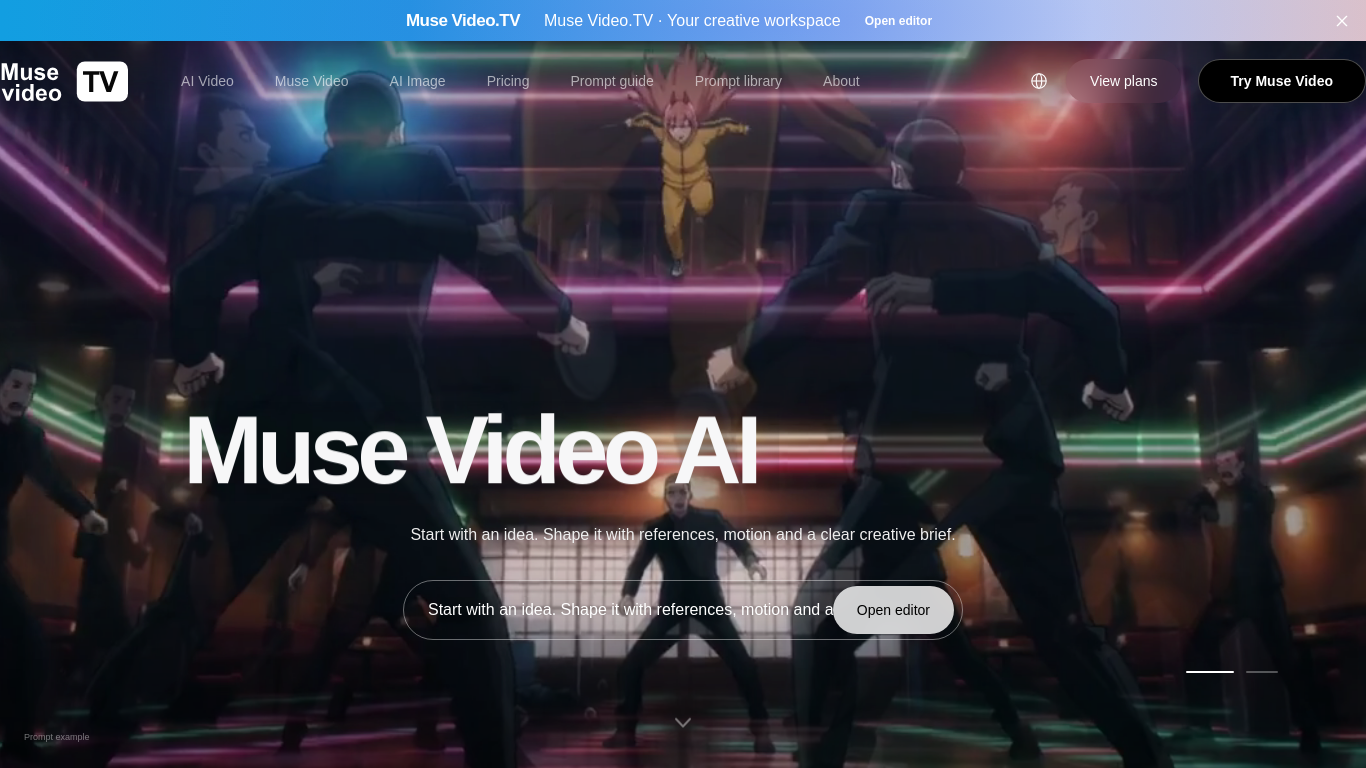
Muse Video.TV brings video and image generation into one web workspace. Users can prepare a prompt, choose the aspect ratio, add references where supported and track a submitted task. The Muse workflows accept up to nine authorized reference images totaling 11 MiB. Other model limits are shown separately. Access is through a browser; there is no native app download.
Choose an image or video workspace, write a prompt, add supported references and submit a generation request. Video generation requires Google sign-in and a paid allowance.
Create concepts for marketing, educational visuals, social media, storyboards and creative storytelling.
Text-to-video and supported image references Separate video and image editors Model selection and visible generation units Prompt libraries and creative-brief starters Mobile browser access
Q: How many reference images can I use? A: Muse Video and Muse Image accept up to nine PNG or JPEG images totaling no more than 11 MiB. Other models have different limits. Q: Can I try the site for free? A: You can browse prompts and try the image workspace without purchasing a plan; video generation requires a paid allowance.
Outils des mêmes catégories, classés par catégories communes puis par nombre total de visites. Comparez leurs fonctions pour trouver une alternative adaptée.
AIVideoFree is a free AI video generator for text and photos. Start with free credits, choose Veo, Kling or Seedance, and download without w
Fan-made Bulin 47 / Dame Hombro browser tool: upload one clear, front-facing photo (JPG, PNG or WebP) for a short freestyle-style video with
Turn two photos (photo 1 drummer, photo 2 singer) into a roughly 13-second pink-studio duo video. Locked template; no prompt. Choose 16:9 or
Create short videos from text prompts or images. Compare Seedance, Veo and Hailuo, and review model settings and credit costs before generat
Free AI Rap Video is a web app that turns two photos into a short AI rap video. Upload faces, pick a style or a meme template, and get a sha
Online AI video and image studio powered by Seedance 2.5: turn text or image references into cinematic scenes, dance clips and fluid charact
Autres outils classés par nombre total de visites sur ToolsBot. À égalité, les fiches les plus récentes apparaissent en premier.
Generate four-direction RPG walk-pack candidates from a character reference, or build, split, and export sprite sheets right in your browser
PixRoom is a native macOS app for browsing, organizing, tagging, rating and searching local photo and video libraries. Core features are fre
Installable design skills for Claude Code, Codex and Cursor. Four free starters need an account; paid packages available. Bring your own age
AI-related cost calculators — LLM API cost, prompt caching savings, AI ROI, VRAM, RAG token budget, AI video cost, and more. Free to use.
AI RAP VIDEO is a paid web tool that turns photos into personalized rap videos for entertainment and social sharing. Choose a creative scena
Composey is a browser-based AI audio workspace for generating music, preset-voice narration and sound effects. It also includes a free mixer
Référence du produit : Muse Video.TV — Site du produit.
Consultez le site du produit pour vérifier ses fonctionnalités, tarifs et politiques actuels avant de l’adopter.
ToolsBot facilite la découverte et la comparaison. Une fiche ne constitue ni une approbation ni une garantie des affirmations du produit.