SparkPix
Free online AI photo editor: describe the edit in plain text, no Photoshop needed.
DeleteText is a free AI image text remover. Upload a JPG, PNG or WebP (up to 20MB), brush over unwanted lettering, and AI rebuilds the background. New accounts get 5 free credits. Remove watermarks, price tags, captions, date stamps and logos without editing the rest of the photo.
公開・管理: ToolsBot 編集チーム
| 製品サイト | DeleteText |
|---|---|
| カテゴリー | |
| ToolsBot 掲載日 | |
| 掲載情報の更新日 |
日付は ToolsBot の掲載記録を示し、製品の公開日や新たな独立評価の実施日ではありません。
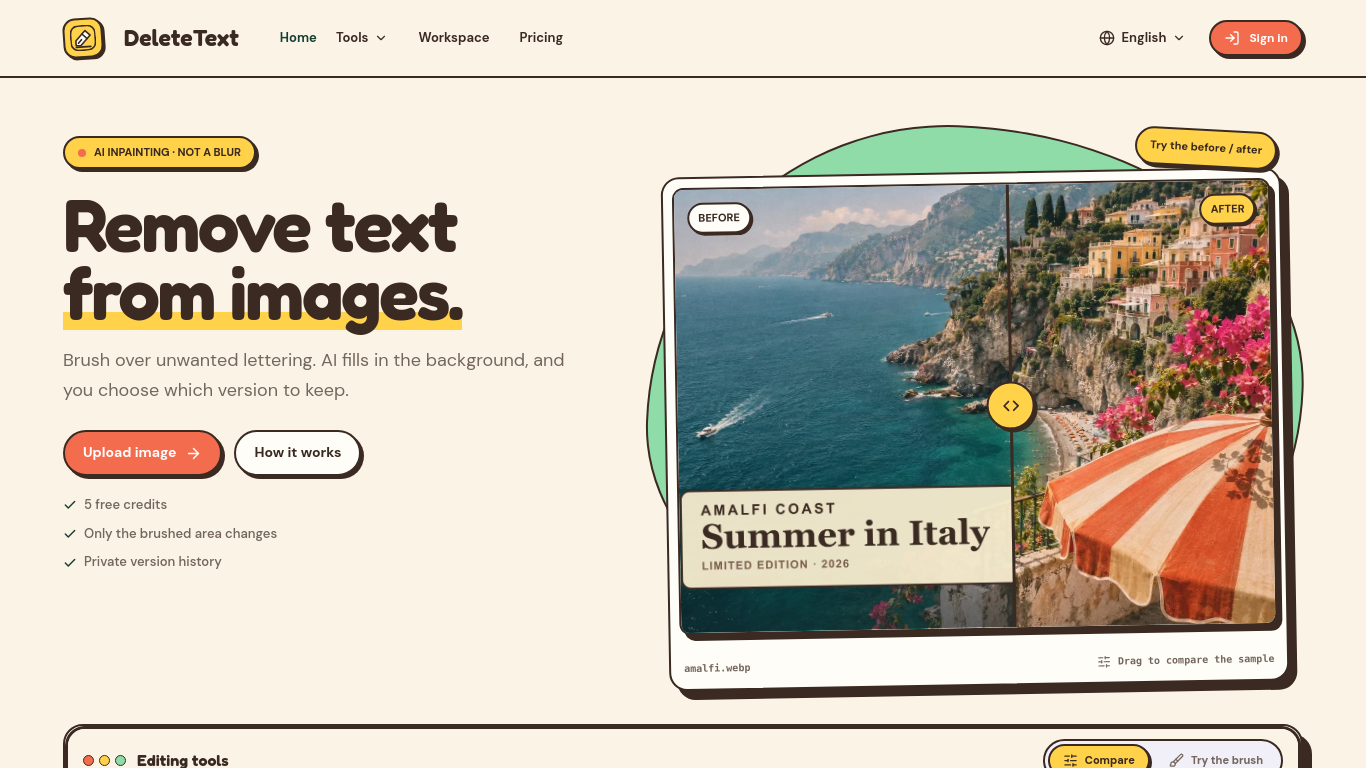
DeleteText is an AI image text remover that reconstructs the background behind unwanted lettering.
Sign in, upload an image, brush over the text, and erase it. Compare versions and download the result.
Clean product photos, remove captions from screenshots, tidy scans, and remove date stamps from photos.
Supports JPG, PNG and WebP files up to 20 MB. Offers private workspaces, version history, before-and-after comparison, and five free credits for new accounts.
Q: Is it free? A: New accounts receive five free credits; each successful erase uses one credit. Q: Do I need to sign up? A: Yes, sign-in is required before uploading. Q: How long does an erase take? A: Usually 10–60 seconds.
同じカテゴリのツールを、共通カテゴリ数、累計閲覧数の順に表示します。機能を比較して適切な代替ツールを探しましょう。
Free online AI photo editor: describe the edit in plain text, no Photoshop needed.
Free AI object remover that erases people, objects, text or watermarks from photos.
Edit text inside images online while keeping the original font, color and perspective.
AI Pose Changer is a free web tool that changes the pose of a person in a photo using a reference image or a sketch. Upload your photo, prov
OutlineDraw converts photos into clean line art and outline drawings in the browser. Upload an image, adjust outline strength, and download
SynthIDXは、目に見えるAIウォーターマークを除去し、C2PA認証情報やAIメタデータを削除して、公開前にファイルに何が含まれているかを知らせます。
ToolsBot の累計閲覧数順で表示するその他のツールです。同数の場合は新しく掲載されたツールを優先します。
Glasshand is a visible, reviewable workspace for AI agents doing screen-based work. Hand over the task, watch the next move, and keep the fi
An LLM frontend for power users who want deep control over characters, prompts and local models.
HappyShrimp is an all-in-one AI music platform. Turn one line into a full song - lyrics, vocals and production included.
AI直充 提供 GPT 5.6 订阅代充服务,支持微信支付、订单查询和失败退款。
Capafy AI is a marketplace for expert AI agent Skills. Users can find agents for research, video, image, finance, commerce, marketing, writi
Google AI Plus 提供 Gemini Pro 一年自助开通(Pixel 开通包绑卡)与美区 12 个月成品号,Stripe 银行卡付款、自动发货、订单实时可查。
製品の参照先: DeleteText — 製品サイト.
導入前に製品サイトで最新の機能、料金、ポリシーを確認してください。
ToolsBot は製品の発見と比較のための情報を提供します。掲載は推奨や製品の主張の保証を意味しません。