GTA5Goodbye
GTA5Goodbye is an independent fan-made AI video maker for nostalgic 2013-versus-2026 split-screen memories. Upload a selfie and optionally a
Start with a photo and choose an effect. Explore pet performances, playful portrait memes and more ways to create with AI. No prompt writing needed.
公開・管理: ToolsBot 編集チーム
| 製品サイト | WandFX |
|---|---|
| カテゴリー | |
| ToolsBot 掲載日 | |
| 掲載情報の更新日 |
日付は ToolsBot の掲載記録を示し、製品の公開日や新たな独立評価の実施日ではありません。
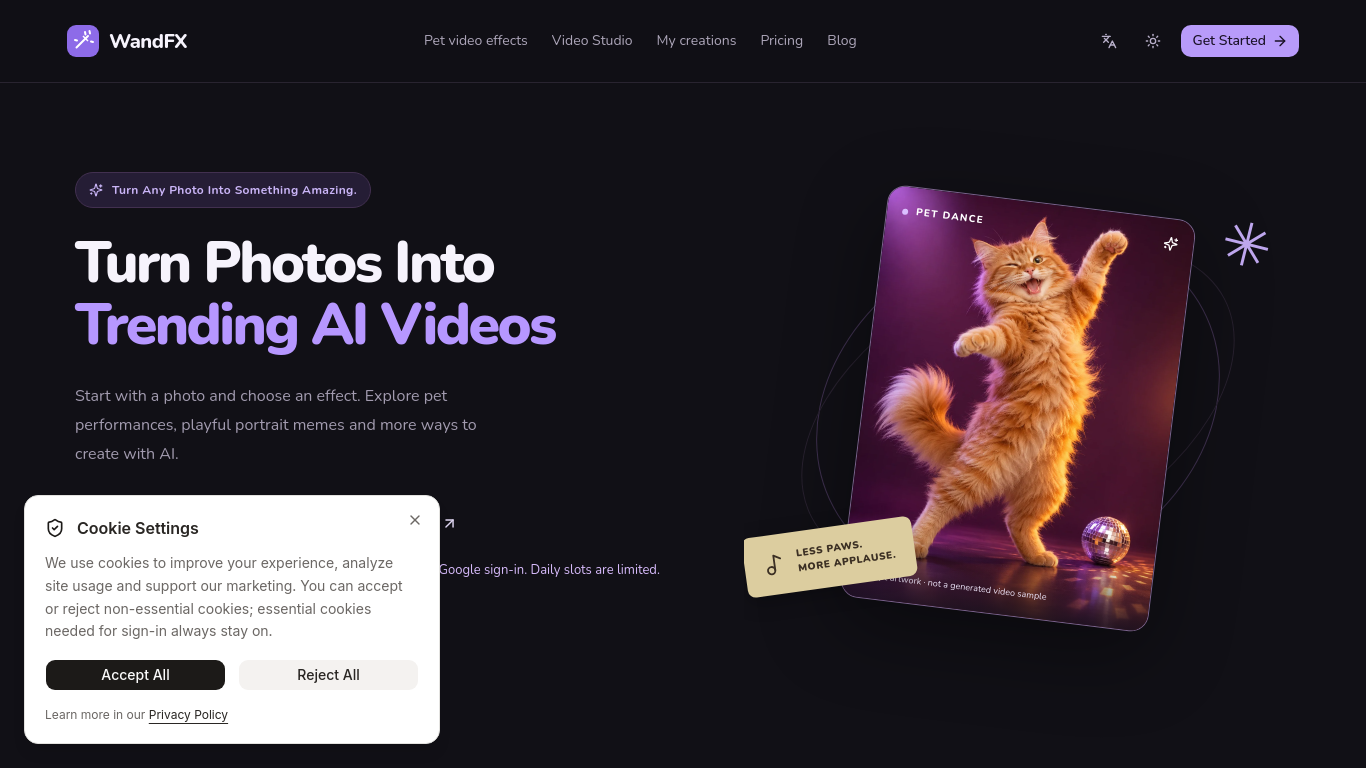
WandFX turns a photo into a short trending AI video. Choose a ready-made effect — pet dance and other pet performances, portrait memes, Christmas photobooth and more — with no prompt writing. Videos are typically 4–8 seconds (some effects up to 10 seconds) and are powered by MiniMax H3, H3 Highspeed, and H3 Lite.
Upload a suitable photo, choose an effect and review its cost, then generate and download the video. Video Studio also accepts a custom motion description.
Create a pet dance or performance, turn a portrait into a reaction video, or make a Christmas photo strip from two adult portraits.
Photo-to-video with ready-made AI effects and no prompt writing Pet performances and consenting-adult portrait meme effects Typical length 4–8 seconds (some effects up to 10 seconds) Powered by MiniMax H3, H3 Highspeed, and H3 Lite One free 4-second pet video for eligible new users (Google sign-in; daily slots limited) Pay-as-you-go credits, no subscription; paid credits never expire
Q: Do I need to write a prompt? A: No. Effects include instructions, though Video Studio supports custom prompts. Q: Do I need a subscription? A: No. Paid credits do not expire. Q: What photos are supported? A: JPG, PNG and WebP files up to 5 MB; portrait effects require a consenting adult. Q: What happens if generation fails? A: Confirmed failures automatically return the credits.
同じカテゴリのツールを、共通カテゴリ数、累計閲覧数の順に表示します。機能を比較して適切な代替ツールを探しましょう。
GTA5Goodbye is an independent fan-made AI video maker for nostalgic 2013-versus-2026 split-screen memories. Upload a selfie and optionally a
Turn one or two photos into a short AI trend video with original audio. Pick a template, upload, generate, download the MP4 for TikTok, Reel
Your all-in-one AI video generator for text and image to video with sound, plus AI images. Start free today.
Seedance Now turns text prompts and photos into AI video clips. Independent video studio; not affiliated with ByteDance.
AI video studio — from storyboard to narrated short film in one workspace Paid from $6.67/month billed annually, no free plan.
Real-time AI face swap for streaming, calls, OBS, and webcam creators.
ToolsBot の累計閲覧数順で表示するその他のツールです。同数の場合は新しく掲載されたツールを優先します。
独立したデイリーパズルのページです。SumbreakはLinkedInが提供するデイリーゲームです。このサイトはLinkedInとは提携しておらず、LinkedInの承認も
答えを見る前にクイズのヒントをチェック。ネタバレを抑えた例題を試してから、Krillion Dailyで制限時間付きの7問に挑戦しましょう。
非公式のTrollheim: Gnomes wiki。公式情報に基づき、リリース状況、対応プラットフォーム、Steamプレイテストの仕組み、8人協力プレイ、Väsen、PCの
Anime Crusaders Xのフィールドガイド:報告されたコード、検索可能なユニットのティア、保存できるチーム編成ツール、召喚確率計算ツールを掲載。次
独立したCork7のゲームガイドです。操作を覚え、スノーボードを入手し、コークトリックを練習して、公式のブラウザ版、デスクトップ版、iOS版を見つけ
Realistic Ragdoll MMAのコードを公式情報源と照合。SORRY4UPDに対応するゲームを確認し、報酬を比較して、よくあるコード引き換えの問題を解決します
製品の参照先: WandFX — 製品サイト.
導入前に製品サイトで最新の機能、料金、ポリシーを確認してください。
ToolsBot は製品の発見と比較のための情報を提供します。掲載は推奨や製品の主張の保証を意味しません。