Yinzi AI
Yinzi AI is a free online vocal remover. Upload a song to separate vocals and accompaniment with AI, make karaoke backing tracks, or split d
Free Vocal Remover separates vocals and instrumentals from any track with AI. Upload audio, get clean stems for karaoke, remixes, or production. Fast browser-based processing with no install.
게시 및 관리: ToolsBot 편집팀
| 제품 웹사이트 | Free Vocal Remover |
|---|---|
| 범주 | |
| ToolsBot 등록일 | |
| 등록 정보 수정일 |
날짜는 ToolsBot 등록 기록에 관한 것으로, 제품 출시일이나 새로운 독립 평가일을 의미하지 않습니다.
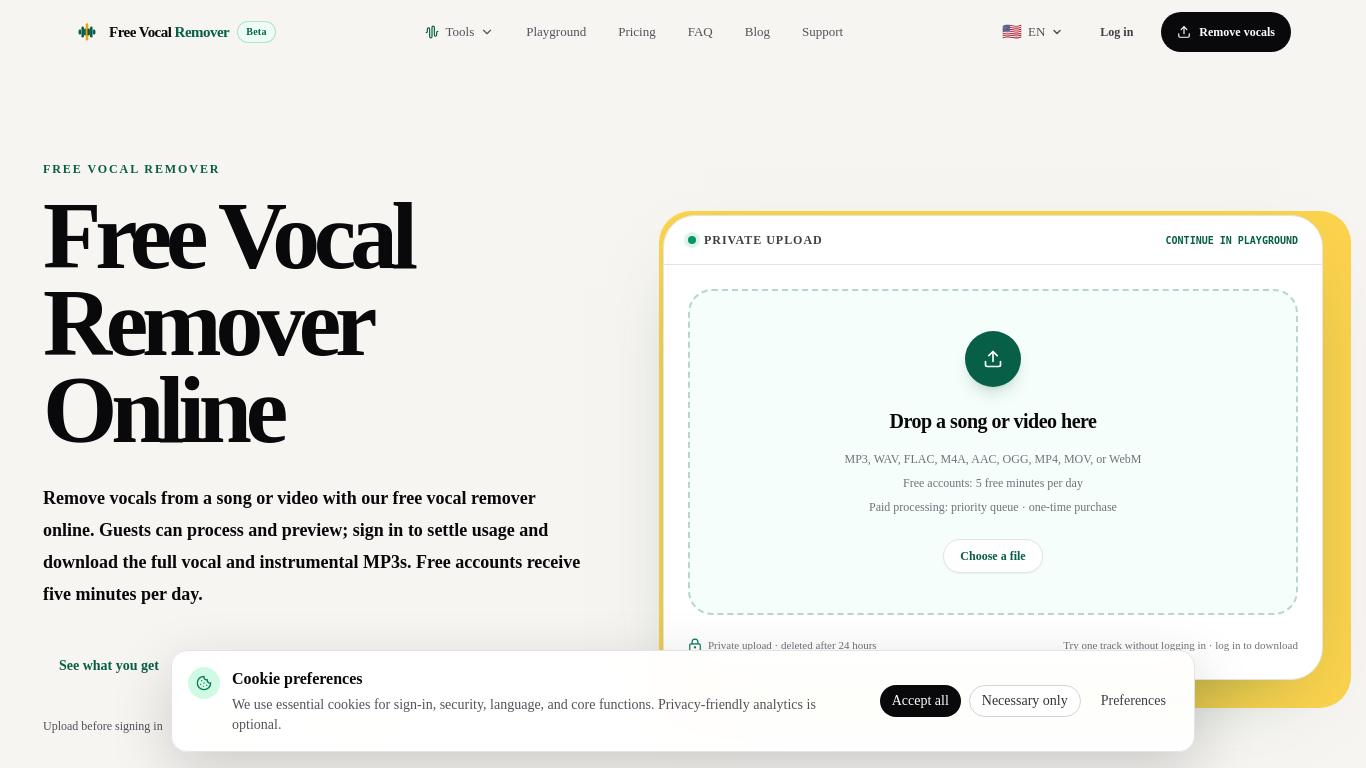
An online tool that separates songs or videos into vocal and instrumental MP3 tracks.
Upload a supported audio or video file, process it in the Playground, and preview the tracks. Sign in to download the full results.
Create karaoke and practice backing tracks, study song arrangements, or obtain stems for editing when permitted.
Supports common audio and video formats; offers separate MP3 outputs, private previews, five free processing minutes per day, and optional paid priority processing. Inputs expire after 24 hours and results after 48 hours.
Q: Do I need an account? A: Guests can process and preview tracks, but must sign in to download the full results. Q: What files can I upload? A: MP3, WAV, FLAC, M4A, AAC, OGG, MP4, MOV, and WebM. Q: Are downloads watermarked? A: No, the service does not add a watermark to the audio.
같은 카테고리의 도구를 공통 카테고리 수, 누적 조회수 순으로 표시합니다. 기능을 비교하여 적합한 대안을 찾아보세요.
Yinzi AI is a free online vocal remover. Upload a song to separate vocals and accompaniment with AI, make karaoke backing tracks, or split d
UVR Vocal Remover brings Ultimate Vocal Remover style AI separation to the browser. Isolate vocals, drums, and instruments from music tracks
Split any song into up to 12 studio stems, WAV, and MIDI in your browser.
Online Vocal Remover separates audio into vocal and instrumental tracks, with online previews for karaoke, cover practice, and remix prepara
사용 권리가 있는 오디오에서 보컬이나 악기 스템을 분리한 다음, 수동 수정이 필요한 MIDI 또는 MusicXML 초안을 생성합니다.
BPM Finder는 브라우저에서 오디오의 템포와 조성을 추정합니다. 기본 BPM 분석은 무료이며, 선택적으로 이용할 수 있는 Studio 기능에는 계정 크레딧
ToolsBot 누적 조회수순으로 정렬한 다른 도구입니다. 조회수가 같으면 최근 등록된 도구를 먼저 표시합니다.
TaxBowl gives startups and small businesses one responsive team for bookkeeping, accounting, payroll support, tax planning, filing coordinat
Generate short 1080p videos with synchronized audio from prompts, images, or reference media. Sign up to open the studio immediately.
Glasshand is a visible, reviewable workspace for AI agents doing screen-based work. Hand over the task, watch the next move, and keep the fi
An LLM frontend for power users who want deep control over characters, prompts and local models.
HappyShrimp is an all-in-one AI music platform. Turn one line into a full song - lyrics, vocals and production included.
AI直充 提供 GPT 5.6 订阅代充服务,支持微信支付、订单查询和失败退款。
제품 참고 링크: Free Vocal Remover — 제품 웹사이트.
도입 전에 제품 웹사이트에서 최신 기능, 가격 및 정책을 확인하세요.
ToolsBot은 제품 탐색과 비교를 위한 정보를 제공합니다. 등록이 제품에 대한 보증이나 주장의 정확성을 보장하지는 않습니다.