Anxinzhuan
Offline speech-to-text for Windows, macOS, Linux and Android. Batch-transcribe audio and video locally with timestamps and speaker labels; f
Transcribe audio and video locally with speaker labels, timestamps, editing and export. Available for Windows, macOS, Linux and Android.
게시 및 관리: ToolsBot 편집팀
| 제품 웹사이트 | Quiet Typist |
|---|---|
| 범주 | |
| ToolsBot 등록일 | |
| 등록 정보 수정일 |
날짜는 ToolsBot 등록 기록에 관한 것으로, 제품 출시일이나 새로운 독립 평가일을 의미하지 않습니다.
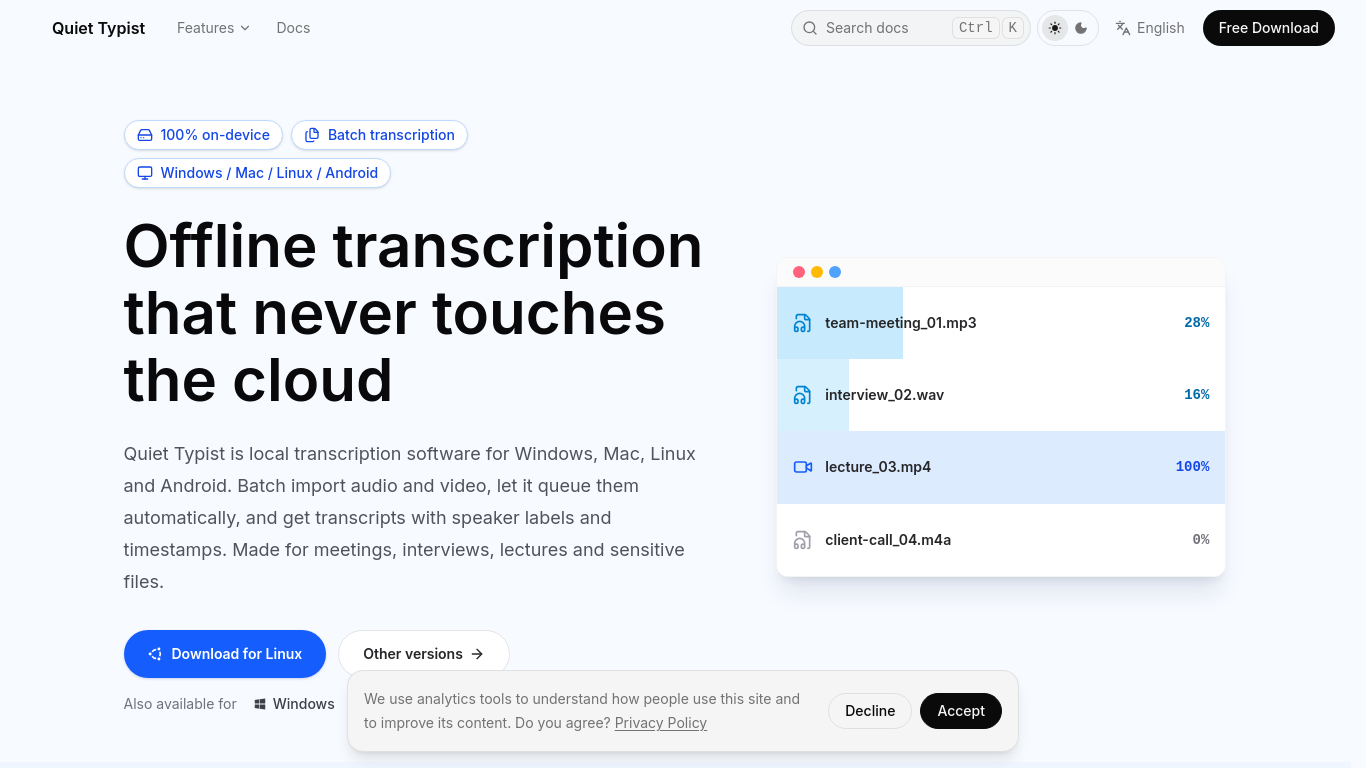
Quiet Typist transcribes audio and video locally on Windows, macOS, Linux and Android, with timestamps, speaker labels, editing and TXT/SRT/Word export. Desktop features include batch processing, live transcription and MCP. Download models once for offline recognition. Optional external AI organization sends text to the chosen service. Features vary by platform. Currently a limited-time free trial; future pricing is unannounced.
Import audio and video files individually or in batches. A local model processes them into transcripts without uploading them to an online service.
Transcribe meetings, interviews, lectures and course videos, or create first drafts of subtitles.
On-device speech recognition; speaker labels; timestamps and playback; editable transcripts; TXT, SRT and Word export; desktop batch processing, live transcription and local MCP server. Features vary by platform.
Q: Can Quiet Typist transcribe without internet access? A: Yes, it can process recordings and videos locally without uploading them to an online service.
같은 카테고리의 도구를 공통 카테고리 수, 누적 조회수 순으로 표시합니다. 기능을 비교하여 적합한 대안을 찾아보세요.
Offline speech-to-text for Windows, macOS, Linux and Android. Batch-transcribe audio and video locally with timestamps and speaker labels; f
AITranscribe turns video and audio files into text transcripts and TXT, SRT or VTT subtitle files. Transcription runs with Whisper in your b
A voice-based quick-capture app for thoughts and ideas.
AI-powered transcription service for audio and video data.
Voice note-taking app with real-time transcription and AI summaries.
AI-powered transcription service for audio and video files.
ToolsBot 누적 조회수순으로 정렬한 다른 도구입니다. 조회수가 같으면 최근 등록된 도구를 먼저 표시합니다.
Turn one or two photos into a short AI trend video with original audio. Pick a template, upload, generate, download the MP4 for TikTok, Reel
AI Picture Checker is a free browser tool that analyzes an uploaded image to estimate whether it was generated by AI. It can flag likely AI
Image to 3D Model turns a photo or illustration into a 3D model in the browser. Sign in for 20 welcome credits (one Trellis model). Export G
Score your college essay and get line-by-line feedback on structure, argument, language and grammar.
Wishora turns a recipient’s name, one memory, and an inside joke into a personalized gift song. Free 30-second preview; unlock the full song
AI role-play practice for customer-facing teams, with live video conversations and feedback. Three free owner practice challenges; team subs
제품 참고 링크: Quiet Typist — 제품 웹사이트.
도입 전에 제품 웹사이트에서 최신 기능, 가격 및 정책을 확인하세요.
ToolsBot은 제품 탐색과 비교를 위한 정보를 제공합니다. 등록이 제품에 대한 보증이나 주장의 정확성을 보장하지는 않습니다.