SyncStudy
SyncStudy helps students turn public YouTube playlists into structured courses. Organize video lessons, track your progress, take timestampe
Wisecraft allows you to apply mental models on highlighted text in Google Chrome. You can choose from 6 different mental models that offer different perspectives and enable further thinking and reflection.
게시 및 관리: ToolsBot 편집팀
| 제품 웹사이트 | https://wisecraft.ai/ |
|---|---|
| 범주 |
날짜는 ToolsBot 등록 기록에 관한 것으로, 제품 출시일이나 새로운 독립 평가일을 의미하지 않습니다.
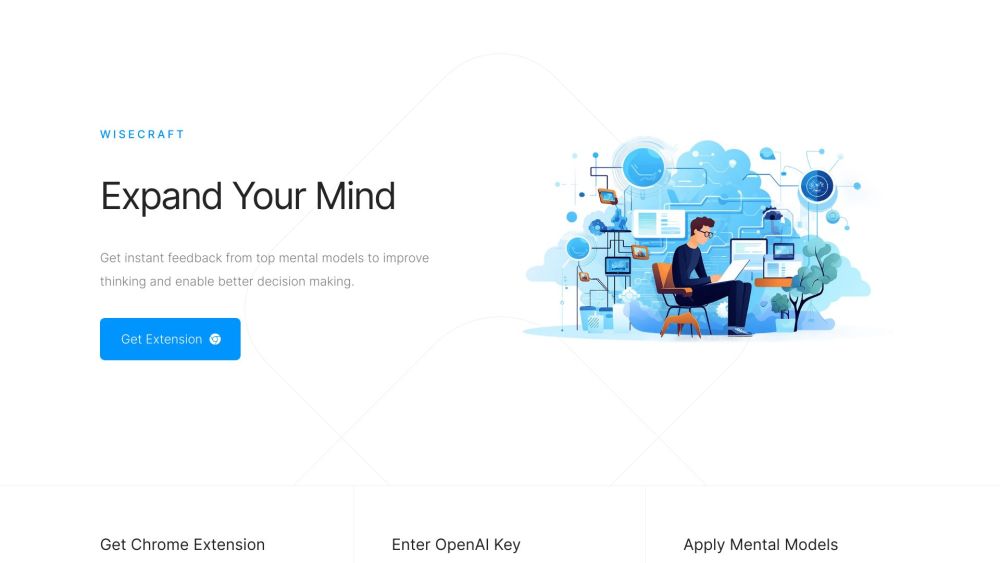
Wisecraft allows you to apply mental models on highlighted text in Google Chrome. You can choose from 6 different mental models that offer different perspectives and enable further thinking and reflection.
To use Wisecraft, you need to install our Google Chrome extension. Then, when you come across highlighted text, simply right-click on it and choose one of the 6 mental models to apply.
#1 Improve thinking and decision making #2 Generate great ideas #3 Reflect on content and analyze it from different perspectives
Instant critical feedback Apply mental models to improve writing, thinking, and reflecting Google Chrome extension 6 top mental models to choose from
What is Wisecraft? How do I use Wisecraft? What are the core features of Wisecraft? What can I achieve with Wisecraft? Does Wisecraft have pricing plans?
같은 카테고리의 도구를 공통 카테고리 수, 누적 조회수 순으로 표시합니다. 기능을 비교하여 적합한 대안을 찾아보세요.
SyncStudy helps students turn public YouTube playlists into structured courses. Organize video lessons, track your progress, take timestampe
산업용 X선 검사 시스템, AXI, PCB 및 전자 품질 관리용 산업용 CT 및 NDT 장비 제조업체.중국 심천에 본사를 두고 있습니다.
Rasterbator는 무료 온라인 하프토인 포스터 생성기입니다.모든 사진을 큰 벽 포스터로 변경하고 다중 페이지 PDF로 다운로드하고 집에서 인쇄하고 조
타임라인 비주얼라이저는 무료 개인 구글 지도 타임라인 비주얼라이저입니다.위치 역사 JSON 내보내기를 열고, 지도에서 경로를 재생하고, 여행 비디
Valorant, CS2, Apex Legends, Overwatch 2 및 Fortnite를 포함한 50 FPS 이상의 게임을 위한 무료 마우스 감도 변환기.AI 도구가 아닙니다.
Teleprompter Online는 무료 브라우저 teleprompter입니다.스크립트를 스스스크롤 속도와 글스스크기를 설정하고 거울 모드를 사용하고 풀스크린으로
ToolsBot 누적 조회수순으로 정렬한 다른 도구입니다. 조회수가 같으면 최근 등록된 도구를 먼저 표시합니다.
Free online AI video generator: create cinematic text-to-video and image-to-video clips with native audio and lip sync using Seedance 2.5, K
一站开通 ChatGPT Plus / Pro、Grok、Cursor、Gemini 会员,支付宝付款,充到你自己的账号,服务费公开,30 天质保。
ChatGPT Plus、Pro 5x、Pro 20x 会员充值,支付宝付款,充到你自己的账号,没有美金卡也能开通,30 天质保。
Create fictional desk-concert videos with original audio from authorized adult portraits. Choose a lead and up to four optional bandmates, t
FaceTiers is a free attractiveness test. An on-device face landmark model places 478 points on your photo inside the browser, so the image n
AI book cover generator for indie authors: turn your title, genre, and story summary into two distinct directions. Refine your favorite and
제품 참고 링크: Wisecraft — 제품 웹사이트.
도입 전에 제품 웹사이트에서 최신 기능, 가격 및 정책을 확인하세요.
ToolsBot은 제품 탐색과 비교를 위한 정보를 제공합니다. 등록이 제품에 대한 보증이나 주장의 정확성을 보장하지는 않습니다.