Sulphur 3
Sulphur 3 AI Video Generator turns text or images into short AI videos in the browser, no ComfyUI or GPU required.
Animate your logo in the browser. Preview eight motion styles and export a watermarked 720p MP4 for free. Paid credits unlock cinematic AI reveals and additional export options.
Published and maintained by ToolsBot Editorial Team
| Product website | Animated Logo AI |
|---|---|
| Category | |
| Listed on ToolsBot | |
| Listing record updated |
Dates refer to this ToolsBot listing, not the product’s launch date or a new independent review.
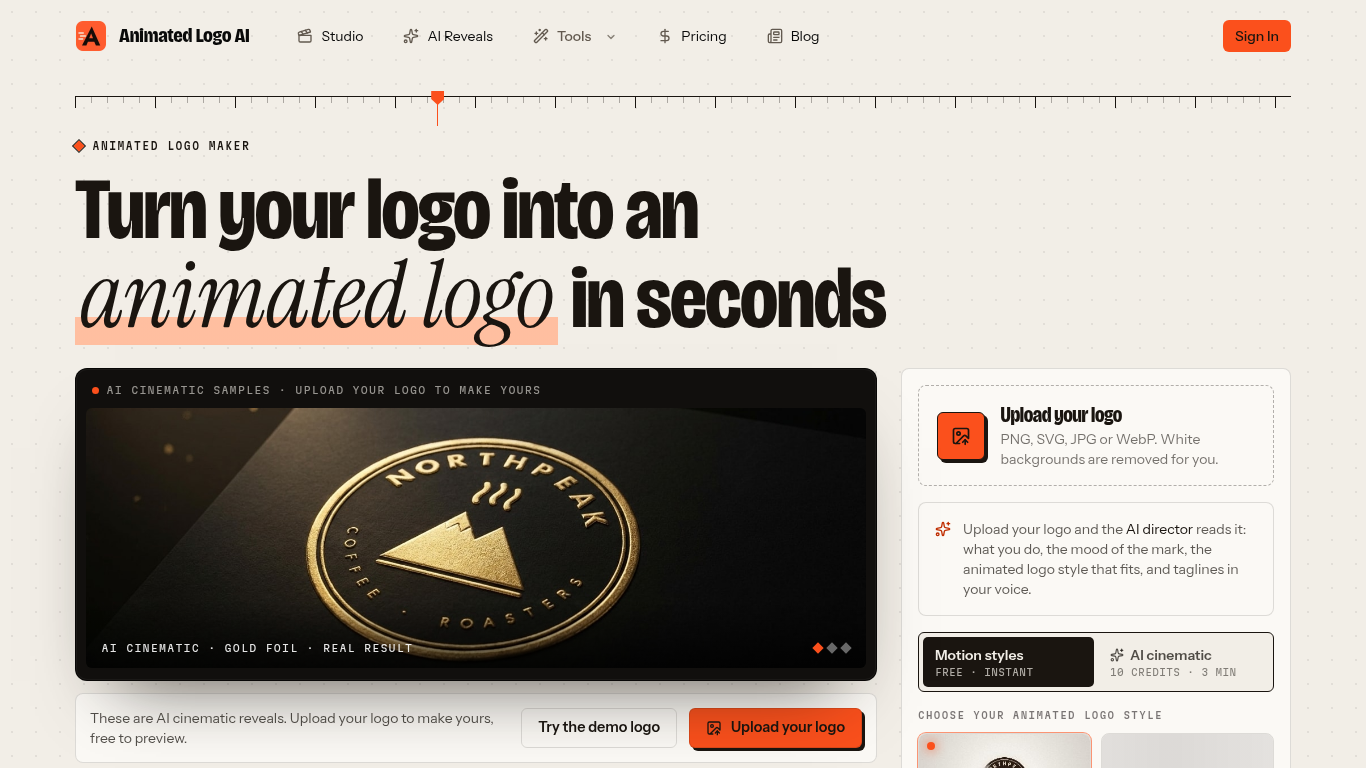
A browser-based tool for turning logos into animated videos and GIFs.
Upload a logo, preview a studio style or choose an AI cinematic preset, adjust the settings, and export the animation.
Create logo intros and outros for videos, social posts, websites, presentations and events.
Eight studio motion styles; AI cinematic reveals; logo-based style and tagline suggestions; sound design; multiple aspect ratios; MP4, GIF and transparent video exports.
Q: Can I make an animated logo for free? A: Yes. Studio previews and a watermarked 720p MP4 download are free without an account. Q: Which logo files are supported? A: PNG, SVG, JPG and WebP. Q: How long does it take? A: Studio previews are instant; AI reveals take about two to three minutes.
Tools in the same categories, ranked by shared categories and then total views. Compare their features to find a suitable alternative.
Sulphur 3 AI Video Generator turns text or images into short AI videos in the browser, no ComfyUI or GPU required.
AI animation generator for one-person studios: save characters, places and voices once so every animated video keeps the same characters.
Video to GIF is a free online browser converter that turns MP4, MOV, WebM, and other video formats into crisp GIF, WebP, or APNG animations
Type a concept and Fogsight generates a cinematic teaching animation with bilingual narration, useful for classes and self-study.
Create 2D character animations and PNG sprite sheets. Start from a prompt or character image, then extract, clean, align and preview frames
Free image to video AI with no daily cap: start with no sign-up, keep going on a free account. Every video comes with sound and no watermark
More tools to explore, ranked by total views on ToolsBot. Newer listings come first when view counts are equal.
Turn property photos into six editable vertical Reels with 3D and 2D motion, music, branding and white-label client delivery. Built for real
Compare AI coding assistants, IDEs, and app builders, get a shortlist with the guided tool finder, and explore practical guides, prompts, an
Create heartfelt custom song & keepsake video gifts on Dearlume Gifts—no subscription, custom cover art, MP3 download, and easy unlisted gif
把抖音等支持平台的公开视频口播提取成可编辑文字。粘贴分享链接即可提交,也可批量处理多条作品。需要登录,新账号有10分钟试用,之后按用量购买。
Turn one photo into a Huss Huss Huss AI video clip for TikTok, Reels, and Shorts.
Turn your lyrics into complete AI-generated songs with vocals. Start with 90 free credits — pick a style, generate multiple candidates, and
Product reference: Animated Logo AI — Product website.
Check the product website for current capabilities, pricing and policies before adopting this tool.
ToolsBot provides directory information for discovery and comparison. A listing is not an endorsement or a guarantee of product claims.