Background Noise Remover
Remove background noise from audio and video online. Hear the first 30 seconds cleaned free with no signup, then download the full file. You
Clean Voice uses AI to remove background noise from audio and video, reducing traffic, wind, hiss and hum for podcasts, interviews and voiceovers.
Published and maintained by ToolsBot Editorial Team
| Product website | Clean Voice |
|---|---|
| Category | |
| Listed on ToolsBot | |
| Listing record updated |
Dates refer to this ToolsBot listing, not the product’s launch date or a new independent review.
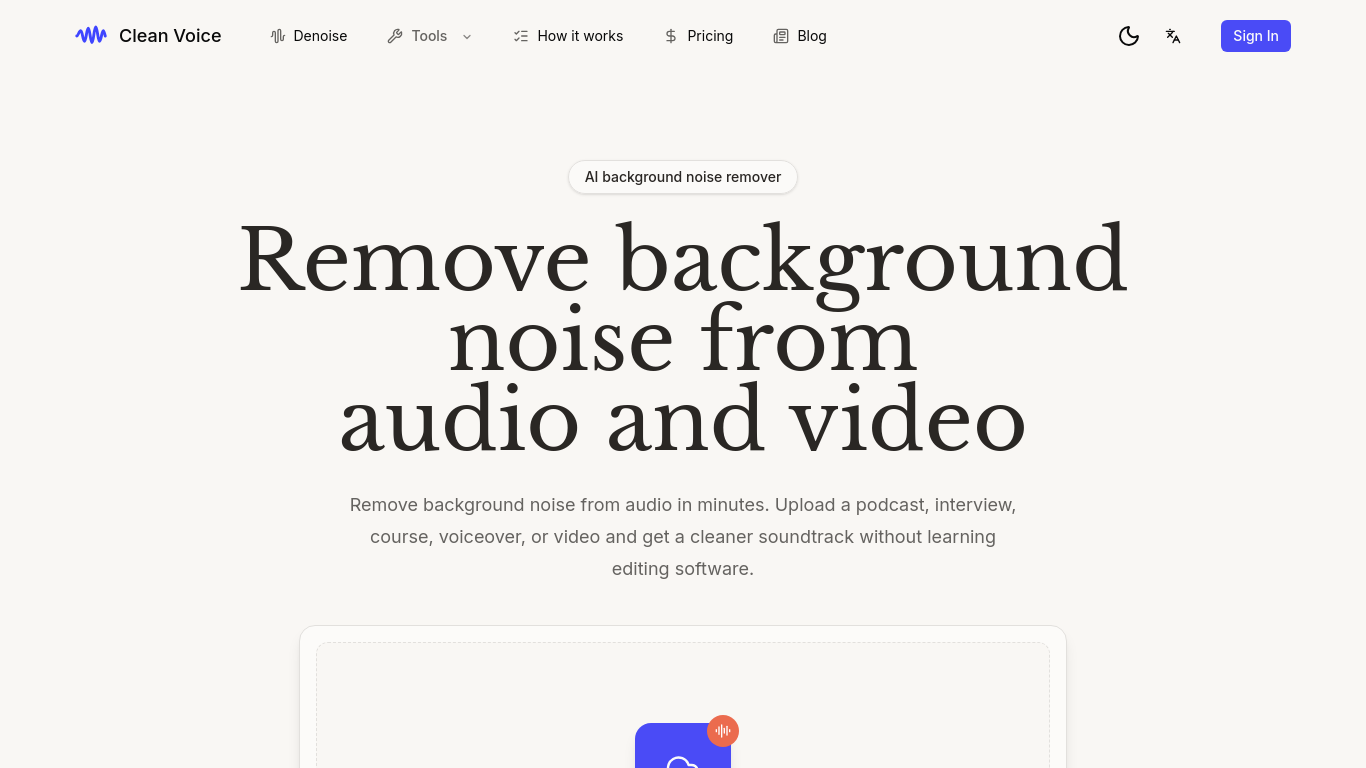
Clean Voice removes background noise from audio and video recordings.
Upload a supported file, sign in, and start processing. Listen to and download the cleaned result.
Clean up podcasts, interviews, online courses, voiceovers, video calls, and social videos.
Reduces traffic, wind, HVAC, hiss, hum, room tone, and microphone noise. Supports audio and video files up to 30 minutes and 1 GB; video retains its original picture.
Q: Is Clean Voice free to try? A: New accounts receive 10 credits, covering up to 10 minutes, with no credit card required. Q: Which formats are supported? A: MP3, M4A, WAV, AAC, MP4, MOV, and WebM. Q: Do failed tasks use credits? A: No, credits are consumed only when a valid output is ready.
Tools in the same categories, ranked by shared categories and then total views. Compare their features to find a suitable alternative.
Remove background noise from audio and video online. Hear the first 30 seconds cleaned free with no signup, then download the full file. You
AI tool for transcribing and summarizing audio and video content.
AI-driven accent translation and noise cancellation for better communication.
Splitter is a Swedish research company that researches and develops advanced audio processing technologies with a focus on AI-driven audio t
HitPaw Video Enhancer is a video quality enhancer that uses AI-powered tools to upscale and enhance video resolution and quality.
Free AI video editor with text to video, avatars, auto-subtitles, voice translations and more. Record, edit and share your videos online wit
More tools to explore, ranked by total views on ToolsBot. Newer listings come first when view counts are equal.
TaxBowl gives startups and small businesses one responsive team for bookkeeping, accounting, payroll support, tax planning, filing coordinat
Generate short 1080p videos with synchronized audio from prompts, images, or reference media. Sign up to open the studio immediately.
Glasshand is a visible, reviewable workspace for AI agents doing screen-based work. Hand over the task, watch the next move, and keep the fi
An LLM frontend for power users who want deep control over characters, prompts and local models.
HappyShrimp is an all-in-one AI music platform. Turn one line into a full song - lyrics, vocals and production included.
AI直充 提供 GPT 5.6 订阅代充服务,支持微信支付、订单查询和失败退款。
Product reference: Clean Voice — Product website.
Check the product website for current capabilities, pricing and policies before adopting this tool.
ToolsBot provides directory information for discovery and comparison. A listing is not an endorsement or a guarantee of product claims.