LuckPanda Chatbot
AI chatbot for your website that answers visitors from your own pages and documents, asks two or three qualifying questions and sends you le
EaseMate AI combines an AI chat assistant with text-to-image and text-to-video generation in one place. It uses GPT Image 2.5 for images and Seedance 2.5 for cinematic video, runs in the browser, and is free to start. Good for writing help, quick visuals, social posts and short video clips.
Published and maintained by ToolsBot Editorial Team
| Product website | EaseMate AI |
|---|---|
| Category | |
| Listed on ToolsBot | |
| Listing record updated |
Dates refer to this ToolsBot listing, not the product’s launch date or a new independent review.
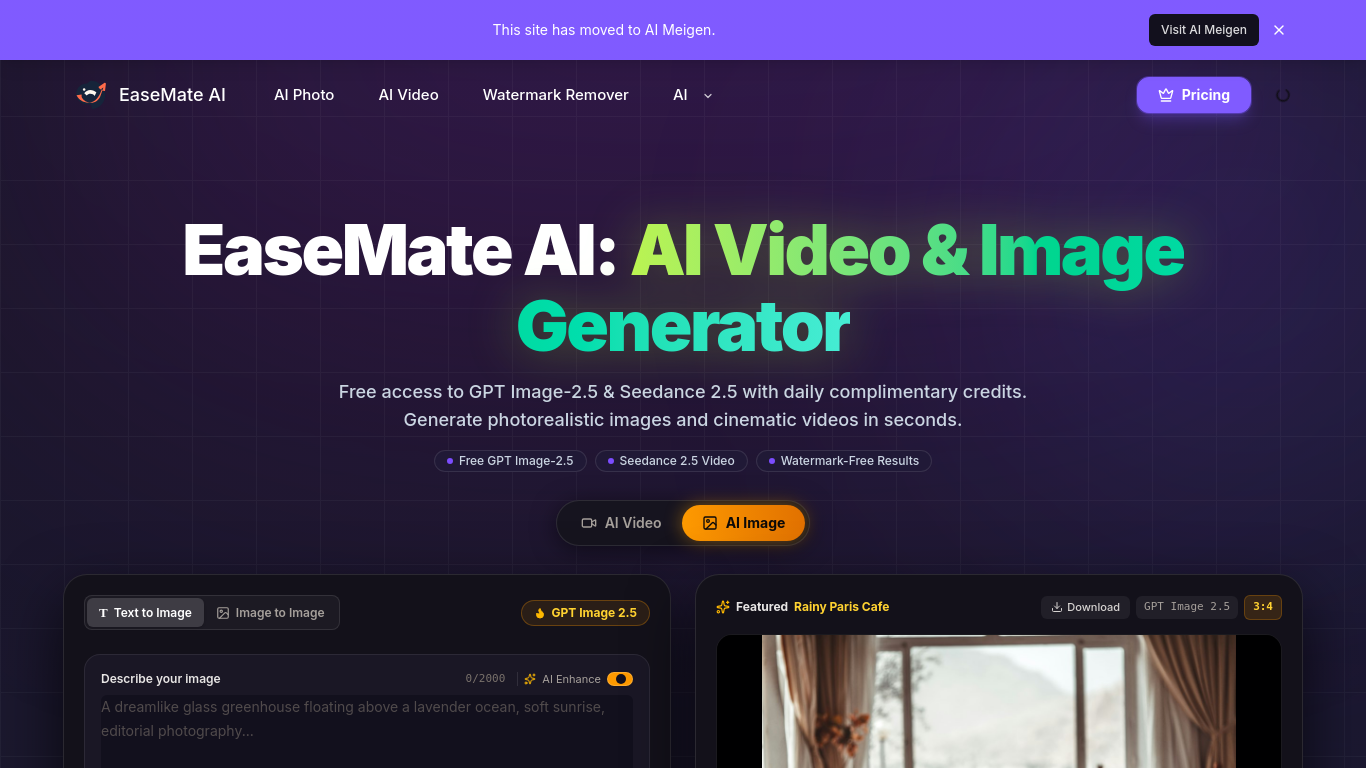
A free AI assistant plus video and image generator.
Create an account, choose a tool, enter a prompt or upload supported material, and review or download the result.
Create images and short videos, transform photos, summarize documents, and get help with research and writing.
AI chat assistant, text-to-image, text-to-video, GPT Image 2.5, Seedance 2.5, browser-based, free to start.
Q: Can I use EaseMate AI for free? A: The site says it is free to start and provides registered users with daily complimentary credits.
Tools in the same categories, ranked by shared categories and then total views. Compare their features to find a suitable alternative.
AI chatbot for your website that answers visitors from your own pages and documents, asks two or three qualifying questions and sends you le
Tôi là Nathan Cheng, nhà phát triển Anvil, trợ lý AI riêng tư trên iPhone. Trò chuyện ngoại tuyến, dịch ảnh, tóm tắt PDF, ghi âm họp, tạo ản
Private AI-guided reflection with Sahi for adults. A free plan is available. Sahi is not therapy, diagnosis or emergency care.
PayForGPT is an independent ChatGPT Plus/Pro top-up store for users in China, selling Plus, 5x and 20x monthly plans with Alipay payment. Af
Pumli is an AI assistant for iPhone and iPad. Download a compatible model for local, offline conversations, or choose supported online servi
ChatGPT Plus、Pro 5x、Pro 20x 会员充值,支付宝付款,充到你自己的账号,没有美金卡也能开通,30 天质保。
More tools to explore, ranked by total views on ToolsBot. Newer listings come first when view counts are equal.
An independent daily puzzle page. Sumbreak is a daily game made by LinkedIn; this site is not affiliated with or endorsed by LinkedIn. The a
Get a quiz hint before you reveal the answer. Try a spoiler-light example, then play Krillion Daily and practise on seven timed prompts.
Unofficial Trollheim: Gnomes wiki. Release status, platforms, how the Steam playtest works, 8-player co-op, Väsen and PC requirements, from
Your Anime Crusaders X field guide: reported codes, searchable unit tiers, a saved team builder and summon probability calculator. Plan your
Your independent Cork7 game guide. Learn the controls, get a snowboard, practise cork tricks and find the official browser, desktop and iOS
Realistic Ragdoll MMA codes checked against official sources. Find the right game for SORRY4UPD, compare rewards and fix common redemption p
Product reference: EaseMate AI — Product website.
Check the product website for current capabilities, pricing and policies before adopting this tool.
ToolsBot provides directory information for discovery and comparison. A listing is not an endorsement or a guarantee of product claims.