TailorTask
Automate tasks using AI agents to save time and reduce repetitive work.
ImageToExcel converts images, screenshots and PDFs into editable Excel spreadsheets. AI OCR detects tables and keeps rows and columns intact, so you can stop retyping data from scans, receipts, bank statements and photos of printed tables. Upload a file, check the detected table, and download an
Published and maintained by ToolsBot Editorial Team
| Product website | ImageToExcel |
|---|---|
| Category | |
| Listed on ToolsBot | |
| Listing record updated |
Dates refer to this ToolsBot listing, not the product’s launch date or a new independent review.
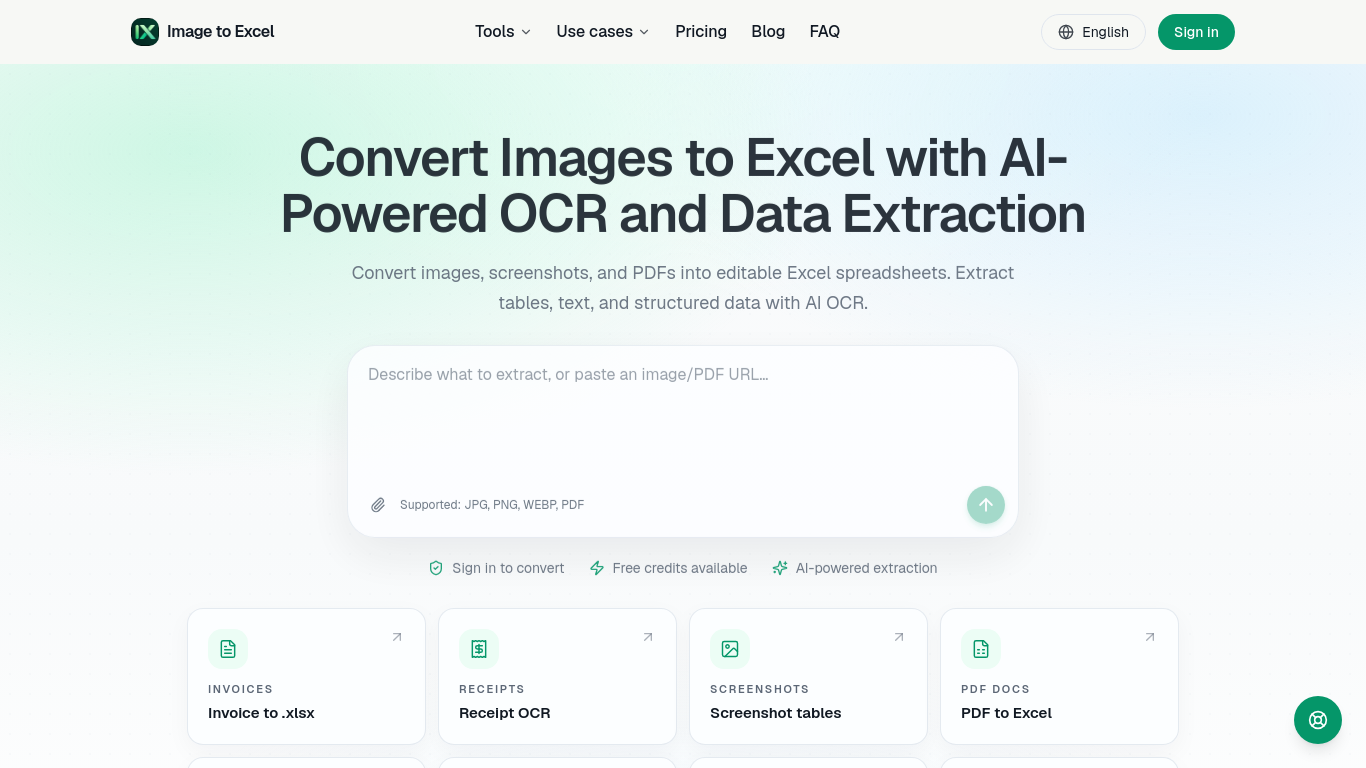
ImageToExcel converts images, screenshots and PDFs into editable Excel spreadsheets. AI OCR detects tables and keeps rows and columns intact.
Upload an image or PDF, let the tool extract tables and text, then download the data as an Excel file.
Extract tables from invoices, receipts, bank statements, screenshots, and scanned documents.
image to excel, OCR, PDF to Excel, table extraction, data extraction, spreadsheet
Q: What files are supported? A: JPG, PNG, WEBP, and PDF. Q: Are free credits available? A: Yes, the page says free conversion credits are available.
Tools in the same categories, ranked by shared categories and then total views. Compare their features to find a suitable alternative.
Automate tasks using AI agents to save time and reduce repetitive work.
AI tool for easy data visualization and insights extraction.
Create AI SMS agents to automate customer interactions.
AI assistant for Android streamlining tasks and productivity.
No-code platform for fine-tuning AI models easily.
AI tool for browsing, extracting, and syncing data efficiently.
More tools to explore, ranked by total views on ToolsBot. Newer listings come first when view counts are equal.
AI landscape design concepts from your yard photo.
Screen recordings that become instant shareable links.
Resize and convert images to exact print dimensions.
Star in the Bulin 47 freestyle trend from one photo. Makes a short 9:16 trend video for TikTok, Reels and Shorts creators.
Uptown Funk AI Video puts you and your friends into the viral AI CEO dance. Upload one lead photo plus up to four crew photos and get a 15-s
Ozil Goal AI recreates Mesut Özil's viral 2016 Ludogorets goal with you on the ball. Upload one photo and get a 14-second vertical video wit
Product reference: ImageToExcel — Product website.
Check the product website for current capabilities, pricing and policies before adopting this tool.
ToolsBot provides directory information for discovery and comparison. A listing is not an endorsement or a guarantee of product claims.