TailoredRead
AI service creating personalized nonfiction books for learning.
Linger is a local-first Mac app for collecting and comparing design references. Save images with their source links and notes, find references by text or color, and compare them on a project canvas. Its optional local stdio MCP lets desktop AI assistants search authorized references and inspect imag
Published and maintained by ToolsBot Editorial Team
| Product website | Linger |
|---|---|
| Category | |
| Listed on ToolsBot | |
| Listing record updated |
Dates refer to this ToolsBot listing, not the product’s launch date or a new independent review.
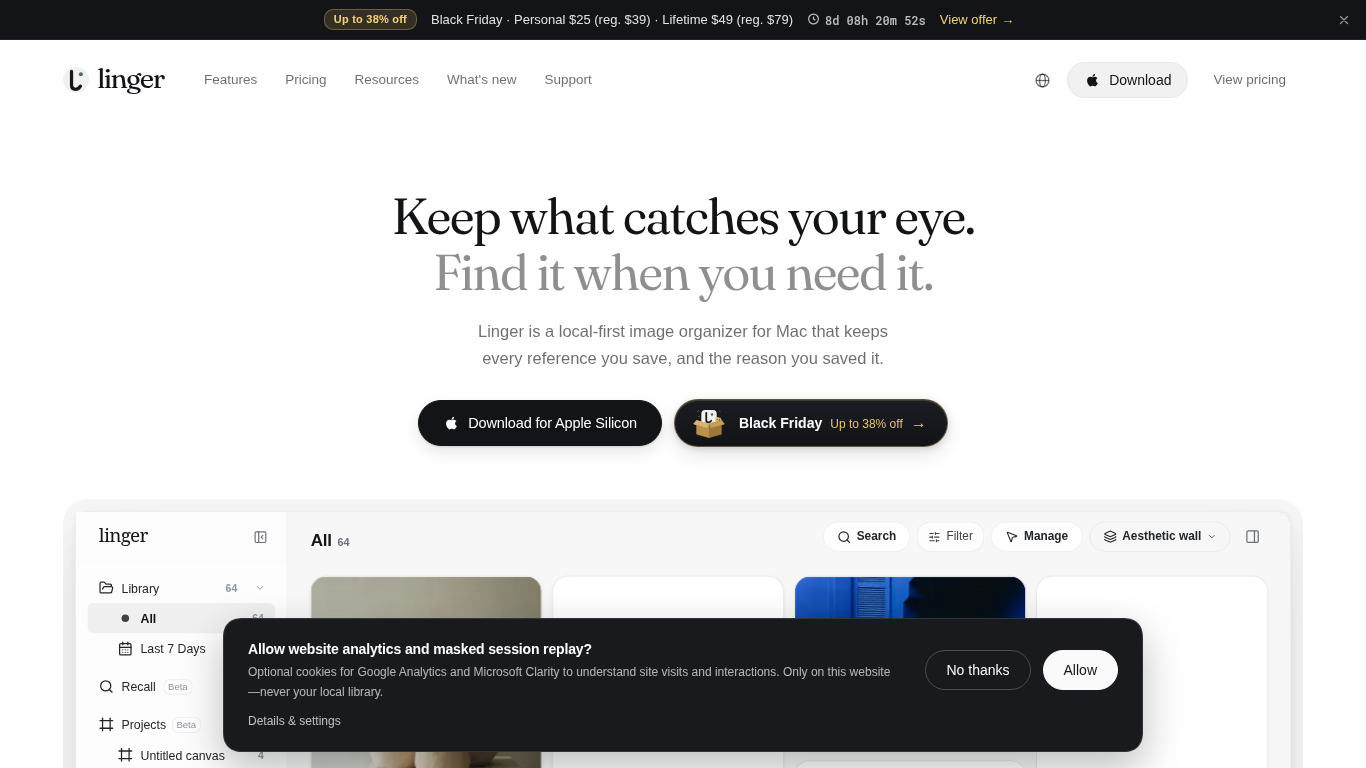
Linger is a local-first Mac app for saving and organizing visual design references.
Save images, screenshots, and links with their sources, add notes, then find references by text or color and arrange them on a canvas.
Collect and compare visual references for a design project while keeping source links and notes.
Local library, automatic color palettes, notes, tags, search, canvas, OCR, and an optional read-only local MCP connection for AI assistants.
Does Linger require AI? No. AI connections are optional and off by default. Which Macs can run it? Apple Silicon Macs with macOS 14 or later. Does it sync between devices? No; each Mac has a separate local library.
Tools in the same categories, ranked by shared categories and then total views. Compare their features to find a suitable alternative.
AI service creating personalized nonfiction books for learning.
Enhances Terminal and Markdown workflows with personal AI.
AI extension for web summarization and insights.
AI note-taking app with interactive knowledge mapping.
AI tool for extracting and organizing information from multiple sources.
AI knowledge system for building and automating businesses.
More tools to explore, ranked by total views on ToolsBot. Newer listings come first when view counts are equal.
Record your screen in the browser, cut video by editing the transcript, and share a link viewers can open without an account. Turn recording
Convert photos, scans and screenshots into editable text without uploading your images or signing up.
Upload a photo, poster or sign, type what the words should say, and get the same image back with the new text matched to the original font s
Press Start and talk: each sentence lands in your document about a second after you say it, with punctuation, in English, Chinese or both mi
FindLeadEmails finds work emails from a person's name and a company domain. It checks each address against the mail server before returning
Emailwish is an AI-powered, done-for-you (DFY) email marketing platform for Shopify and WooCommerce, built on a customer data platform (CDP)
Product reference: Linger — Product website.
Check the product website for current capabilities, pricing and policies before adopting this tool.
ToolsBot provides directory information for discovery and comparison. A listing is not an endorsement or a guarantee of product claims.