NewbornPhotos
NewbornPhotos lets a parent create a studio-style newborn portrait from one photo they have permission to use. Pick from 12 styles and get a
An independent MOSS-Image browser studio for text-to-image work, Chinese and English lettering, and structured JSON image layouts. Not affiliated with OpenMOSS or fal.ai.
Published and maintained by ToolsBot Editorial Team
| Product website | MossImage |
|---|---|
| Category | |
| Listed on ToolsBot | |
| Listing record updated |
Dates refer to this ToolsBot listing, not the product’s launch date or a new independent review.
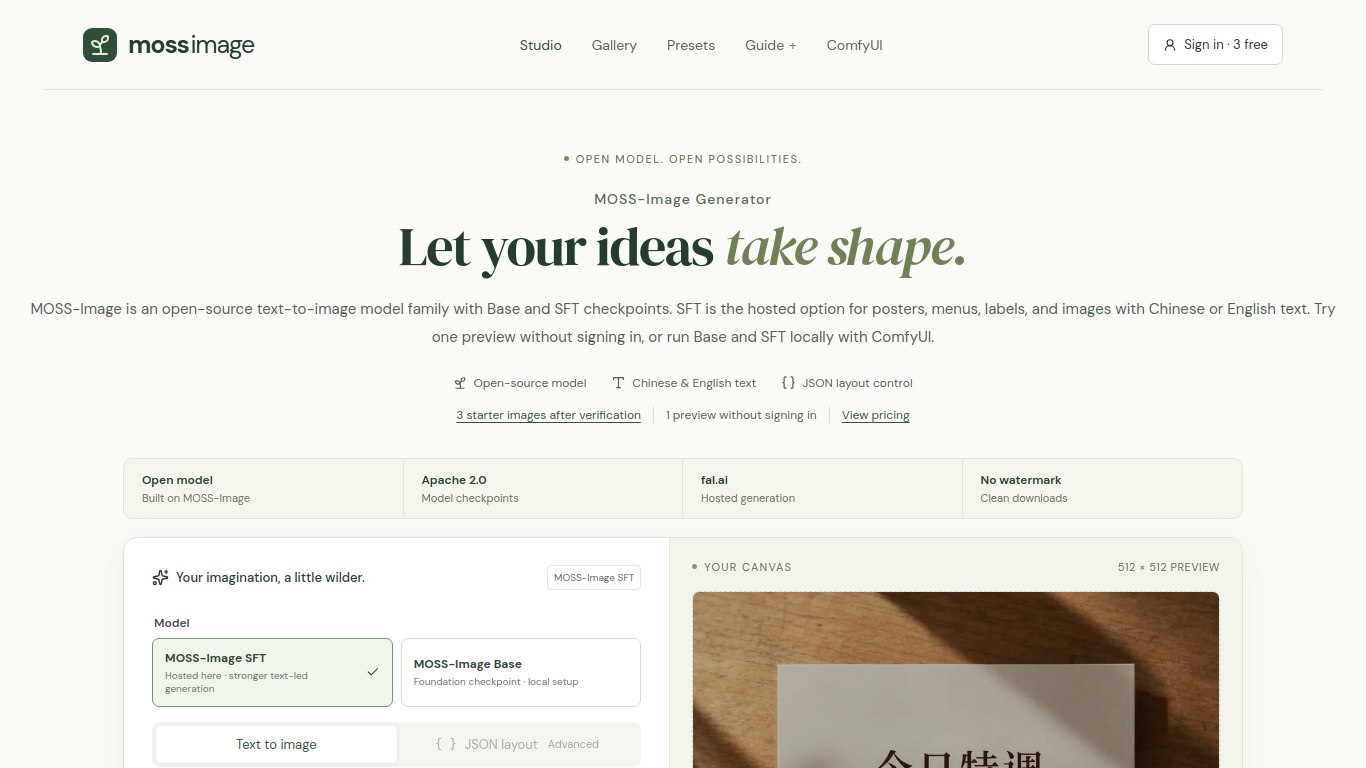
For designers exploring bilingual posters and layout-driven image concepts. Start with a prompt or structured JSON layout, then review generated text and composition before publication. The studio also points users to ComfyUI workflow resources.
Enter a text prompt or structured JSON layout, choose a canvas shape, then generate, review, and download the image.
Create bilingual posters, café menus, labels, and layout-driven image concepts.
Text prompts; Chinese and English lettering; structured JSON layouts; MOSS-Image workflow resources. Available generation credits and plans should be checked on the product website.
Q: Can I try it for free? A: One preview is available without signing in, and verified accounts receive three starter images. Q: Can I control the layout? A: JSON layout mode accepts scene descriptions and bounding boxes for text and objects.
Tools in the same categories, ranked by shared categories and then total views. Compare their features to find a suitable alternative.
NewbornPhotos lets a parent create a studio-style newborn portrait from one photo they have permission to use. Pick from 12 styles and get a
AI Photo Tools for Art, Portraits, and Editing. MediaAI turns a real photo into art, a polished headshot, or a restored picture with guided
AuraShot is an AI dating profile photo generator. Upload recent selfies, pick everyday scenes, and generate profile-ready photos for apps li
Turn pet photos into personalized AI portraits. Up to three total watermarked previews per email and device; HD downloads cost $3.99.
Online AI image generator and editor built on Nano Banana 2 and other models. Make headshots, product photos and styled portraits up to 4K.
Makify AI helps creators and teams make campaign images, product visuals, social graphics, and video concepts. Image models: GPT Image 2.5,
More tools to explore, ranked by total views on ToolsBot. Newer listings come first when view counts are equal.
An independent daily puzzle page. Sumbreak is a daily game made by LinkedIn; this site is not affiliated with or endorsed by LinkedIn. The a
Get a quiz hint before you reveal the answer. Try a spoiler-light example, then play Krillion Daily and practise on seven timed prompts.
Unofficial Trollheim: Gnomes wiki. Release status, platforms, how the Steam playtest works, 8-player co-op, Väsen and PC requirements, from
Your Anime Crusaders X field guide: reported codes, searchable unit tiers, a saved team builder and summon probability calculator. Plan your
Your independent Cork7 game guide. Learn the controls, get a snowboard, practise cork tricks and find the official browser, desktop and iOS
Realistic Ragdoll MMA codes checked against official sources. Find the right game for SORRY4UPD, compare rewards and fix common redemption p
Product reference: MossImage — Product website.
Check the product website for current capabilities, pricing and policies before adopting this tool.
ToolsBot provides directory information for discovery and comparison. A listing is not an endorsement or a guarantee of product claims.