SparkPix
Free online AI photo editor: describe the edit in plain text, no Photoshop needed.
OutlineDraw converts photos into clean line art and outline drawings in the browser. Upload an image, adjust outline strength, and download line-art results for sketching, coloring pages, or design work. Fast, free, and no install required.
Published and maintained by ToolsBot Editorial Team
| Product website | OutlineDraw |
|---|---|
| Category | |
| Listed on ToolsBot | |
| Listing record updated |
Dates refer to this ToolsBot listing, not the product’s launch date or a new independent review.
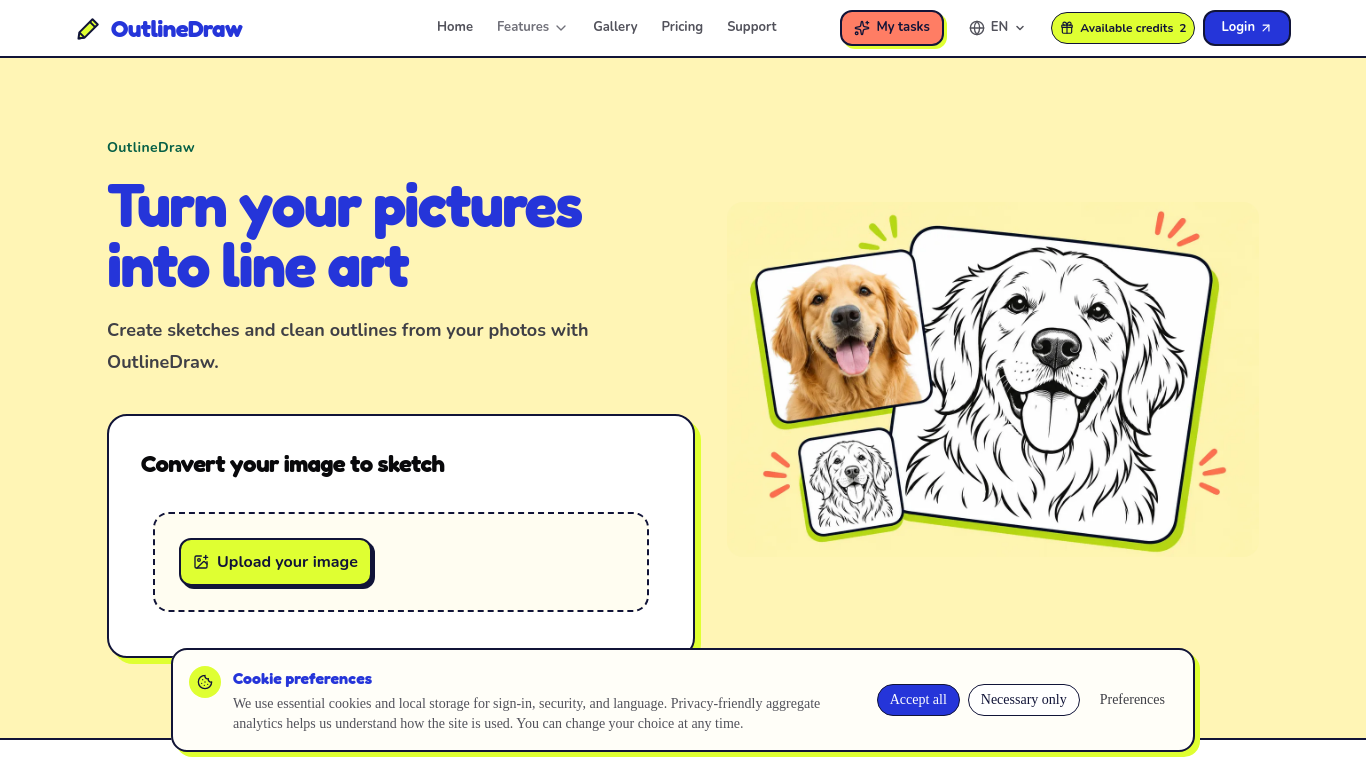
OutlineDraw converts photos into line drawings, sketches, outlines, stencils, and coloring pages.
Upload a photo, choose a style, adjust the detail and line weight, then generate and download the result.
Create portrait sketches, product outlines, coloring pages, design references, or cutting templates.
Adjustable styles, detail levels, and line weights; downloadable images; trial and paid credits.
Q: What images work best? A: Clear, well-lit photos with defined subjects produce the cleanest results. Q: Is generation free? A: Users start with 2 trial credits and receive 4 more after signing in. Generation uses trial or paid credits.
Tools in the same categories, ranked by shared categories and then total views. Compare their features to find a suitable alternative.
Free online AI photo editor: describe the edit in plain text, no Photoshop needed.
Free AI object remover that erases people, objects, text or watermarks from photos.
Edit text inside images online while keeping the original font, color and perspective.
AI Pose Changer is a free web tool that changes the pose of a person in a photo using a reference image or a sketch. Upload your photo, prov
DeleteText is a free AI image text remover. Upload a JPG, PNG or WebP (up to 20MB), brush over unwanted lettering, and AI rebuilds the backg
SynthIDX removes visible AI watermarks, strips C2PA credentials and AI metadata, and tells you what a file carries before you publish it.
More tools to explore, ranked by total views on ToolsBot. Newer listings come first when view counts are equal.
Glasshand is a visible, reviewable workspace for AI agents doing screen-based work. Hand over the task, watch the next move, and keep the fi
An LLM frontend for power users who want deep control over characters, prompts and local models.
HappyShrimp is an all-in-one AI music platform. Turn one line into a full song - lyrics, vocals and production included.
AI直充 提供 GPT 5.6 订阅代充服务,支持微信支付、订单查询和失败退款。
Capafy AI is a marketplace for expert AI agent Skills. Users can find agents for research, video, image, finance, commerce, marketing, writi
Google AI Plus 提供 Gemini Pro 一年自助开通(Pixel 开通包绑卡)与美区 12 个月成品号,Stripe 银行卡付款、自动发货、订单实时可查。
Product reference: OutlineDraw — Product website.
Check the product website for current capabilities, pricing and policies before adopting this tool.
ToolsBot provides directory information for discovery and comparison. A listing is not an endorsement or a guarantee of product claims.