PicYep
PicYep is a browser-based AI image and video generator with 20+ flagship models, face-consistent group edits, GIF and SVG output. New accoun
Layers, masks, adjustment layers, layer styles, type, vectors and brushes in a native app written entirely in Rust. Open source, offline, and yours.
Published and maintained by ToolsBot Editorial Team
| Product website | PhotoCraft |
|---|---|
| Category | |
| Listed on ToolsBot | |
| Listing record updated |
Dates refer to this ToolsBot listing, not the product’s launch date or a new independent review.
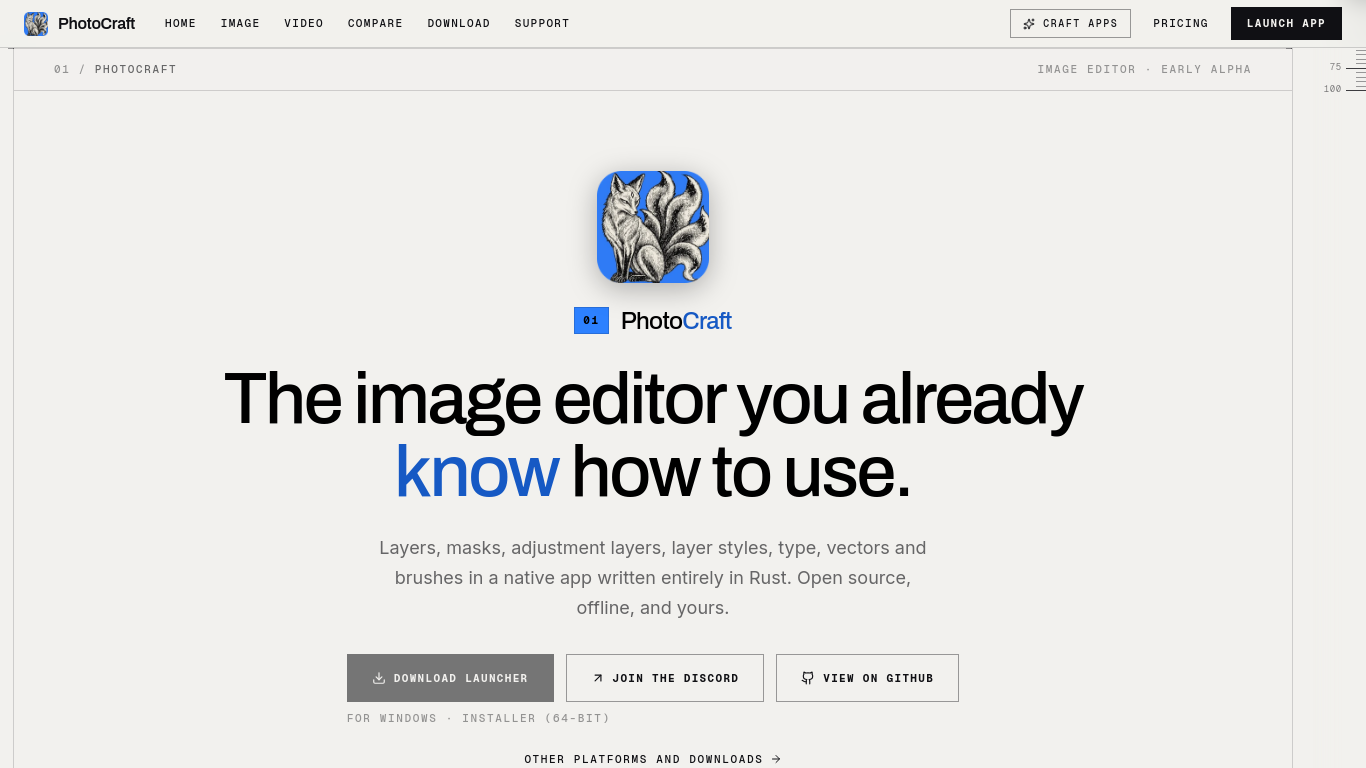
Layers, masks, adjustment layers, layer styles, type, vectors and brushes in a native app written entirely in Rust. Open source, offline, and yours.
Download it as a standalone app or through the ArtCraft Launcher, or build it from source. Selection tools run on the user's device.
Edit layered image files, refine selections and masks, and apply non-destructive adjustments and filters.
Layers, masks, adjustment layers, layer styles, type, vectors, brushes, PSD and PSB support, live-preview filters, smart objects and color management.
Q: Is PhotoCraft free? A: Yes, it is free and open source. Q: Which platforms are supported? A: Downloads are listed for macOS, Windows, Linux and FreeBSD, with a self-hosted web build also available.
Tools in the same categories, ranked by shared categories and then total views. Compare their features to find a suitable alternative.
PicYep is a browser-based AI image and video generator with 20+ flagship models, face-consistent group edits, GIF and SVG output. New accoun
Free AI image and video generator: text-to-image, image editing, Wan text-to-video and image-to-video, plus language models.
Turn a text prompt or a single image into an explorable 3D scene in seconds. No 3D experience needed, and every new account includes free we
I ran a mid-morning shot of a Boykin spaniel standing among the cypress knees through PawPortrait Lab, and the portrait came out warmer and
Gera Imagem is an AI image generator for product photos and creatives. Upload a product photo and generate clean backgrounds and lifestyle s
Blender AI is an AI assistant for Blender that turns plain-English prompts and reference images into editable 3D geometry, materials, camera
More tools to explore, ranked by total views on ToolsBot. Newer listings come first when view counts are equal.
Cutroom is an AI video editor that turns plain-language directions into reviewable edit plans. Upload footage, refine cuts and captions, the
Free curated library of 559 Japanese kaomoji you can copy and paste.
AI LinkedIn posts and carousels in your own voice
Free browser-based prompt builder and curated examples for image-to-video work: compose image-to-video prompts, dance and motion prompt guid
ToolWorthy is an AI tools directory with category listings, product profiles, alternatives, published rankings and editorial guides. Browsin
Turn property photos into six editable vertical Reels with 3D and 2D motion, music, branding and white-label client delivery. Built for real
Product reference: PhotoCraft — Product website.
Check the product website for current capabilities, pricing and policies before adopting this tool.
ToolsBot provides directory information for discovery and comparison. A listing is not an endorsement or a guarantee of product claims.