Tidykit
Prepare photos, logos and PDFs in one place. Five standard tools currently offer complete downloads free without an account; optional AI res
RemoveBG removes photo backgrounds, refines edges and exports transparent PNGs. Preview and low-resolution downloads are free up to 3 guest or 5 signed-in images daily. The first full-size download is free after signup; later full-size downloads cost credits.
Published and maintained by ToolsBot Editorial Team
| Product website | RemoveBG |
|---|---|
| Category | |
| Listed on ToolsBot | |
| Listing record updated |
Dates refer to this ToolsBot listing, not the product’s launch date or a new independent review.
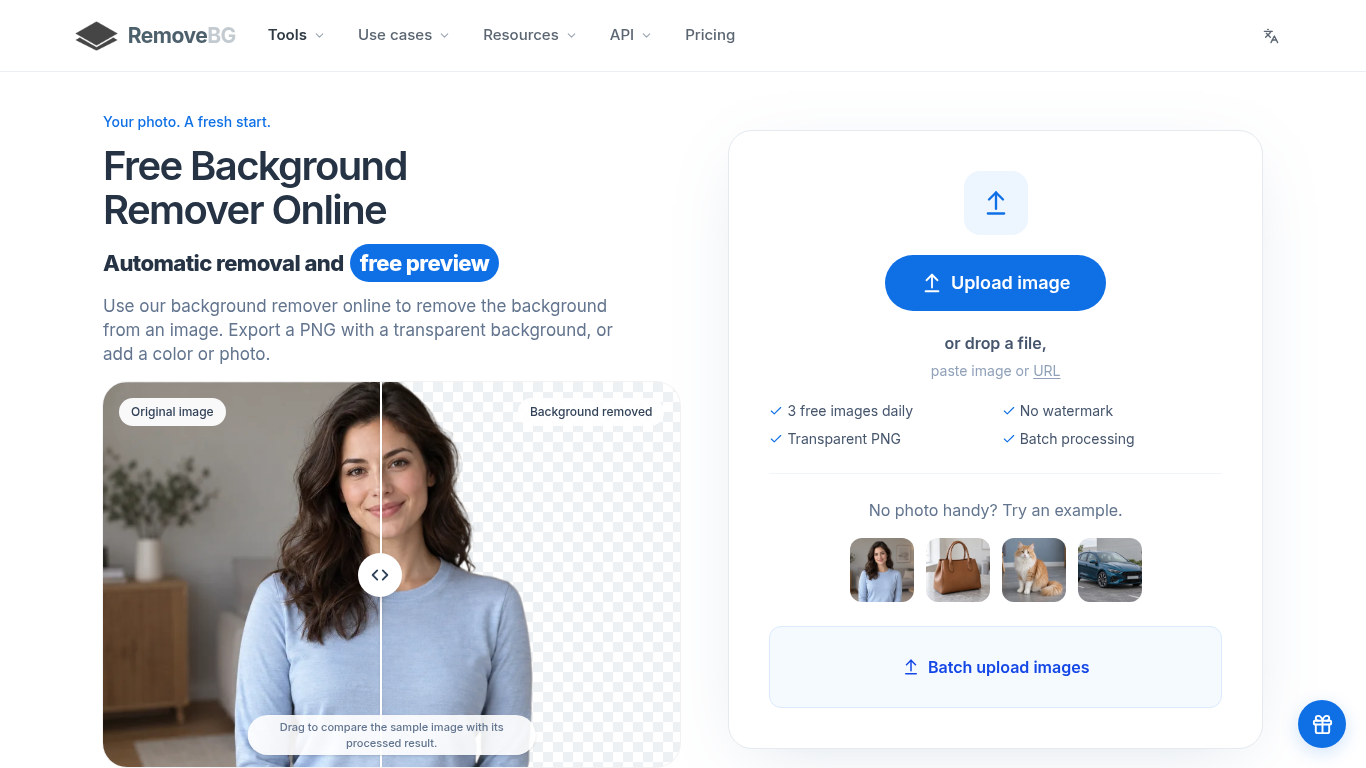
RemoveBG automatically removes image backgrounds and exports PNGs.
Upload a JPG, PNG, WebP or BMP image, refine the cutout with erase and restore brushes, and download the result.
Remove backgrounds from images of people, products, pets, and cars.
Transparent PNG exports, replacement backgrounds, editing brushes, paid batch processing, and a background removal API.
Q: Is RemoveBG free? A: Guests can process three images daily and signed-in users can process five, with free low-resolution downloads. The first full-size download after signup is free; later full-size images cost one credit each.
Tools in the same categories, ranked by shared categories and then total views. Compare their features to find a suitable alternative.
Prepare photos, logos and PDFs in one place. Five standard tools currently offer complete downloads free without an account; optional AI res
Turn any product photo into an Amazon-compliant main image on pure RGB(255,255,255) white, with automated outer-edge pixel validation and a
Quitar Fondo is a Spanish-language online background remover. Upload a JPG, PNG or WebP, and the AI model cuts out the subject so you can do
Free AI tool for background removal and image enhancement.
VideoTube is free AI video generator that turns text and images into videos within minutes.
AI tool for easy watermark removal from images and videos
More tools to explore, ranked by total views on ToolsBot. Newer listings come first when view counts are equal.
An independent daily puzzle page. Sumbreak is a daily game made by LinkedIn; this site is not affiliated with or endorsed by LinkedIn. The a
Get a quiz hint before you reveal the answer. Try a spoiler-light example, then play Krillion Daily and practise on seven timed prompts.
Unofficial Trollheim: Gnomes wiki. Release status, platforms, how the Steam playtest works, 8-player co-op, Väsen and PC requirements, from
Your Anime Crusaders X field guide: reported codes, searchable unit tiers, a saved team builder and summon probability calculator. Plan your
Your independent Cork7 game guide. Learn the controls, get a snowboard, practise cork tricks and find the official browser, desktop and iOS
Realistic Ragdoll MMA codes checked against official sources. Find the right game for SORRY4UPD, compare rewards and fix common redemption p
Product reference: RemoveBG — Product website.
Check the product website for current capabilities, pricing and policies before adopting this tool.
ToolsBot provides directory information for discovery and comparison. A listing is not an endorsement or a guarantee of product claims.