MAGI-2 AI Studio
Generate short 1080p videos with synchronized audio from prompts, images, or reference media. Sign up to open the studio immediately.
Create videos with Wan 2.6, Veo 3.1, Grok Imagine, Seedance, Kling, MiniMax and Gemini Omni from prompts or authorized images.
Published and maintained by ToolsBot Editorial Team
| Product website | SnapGen AI |
|---|---|
| Category | |
| Listed on ToolsBot | |
| Listing record updated |
Dates refer to this ToolsBot listing, not the product’s launch date or a new independent review.
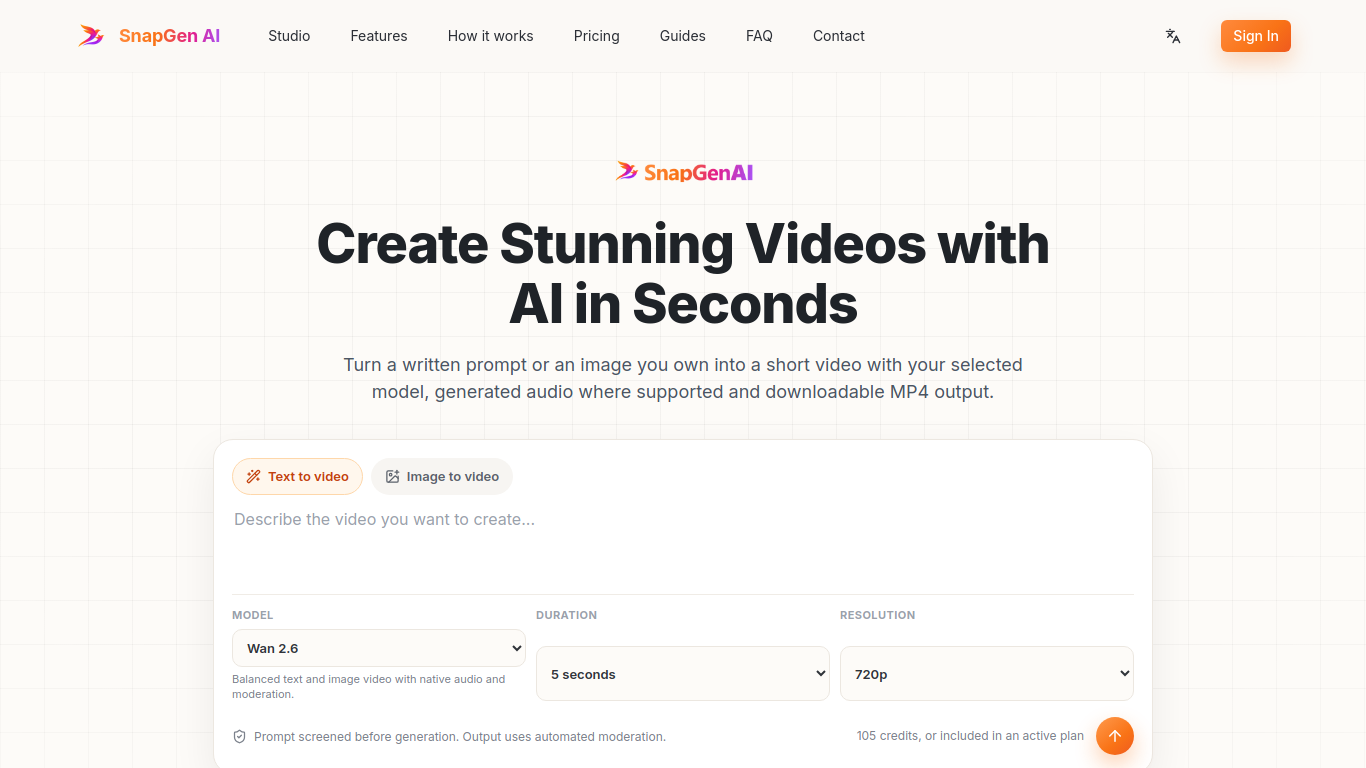
Create videos with Wan 2.6, Veo 3.1, Grok Imagine, Seedance, Kling, MiniMax and Gemini Omni from prompts or authorized images.
Choose text-to-video or image-to-video, enter a prompt, select a model and output settings, and generate a downloadable MP4.
Create short videos for ads, social media, real estate, education, product showcases and other creative projects.
Multiple video models; JPEG, PNG and WebP image input; selectable durations and resolutions; audio where supported; prompt and output screening; visible credit costs; refunds for failed renders.
Q: Do I need programming knowledge? A: No. Choose an input mode, add a prompt, and select the duration and resolution. Q: What languages can I use for prompts? A: English or Chinese; the interface is English-only. Q: Can I use videos commercially? A: The service supports commercial use subject to its terms.
Tools in the same categories, ranked by shared categories and then total views. Compare their features to find a suitable alternative.
Generate short 1080p videos with synchronized audio from prompts, images, or reference media. Sign up to open the studio immediately.
DaVinci Resolve online studio: multi track editing, node based colour grading, Fusion visual effects, Fairlight audio and one click delivery
Everygen AI, formerly Viewmax, is the AI video and image generator for creators. Veo, Kling, Seedance and more in one studio for Shorts, UGC
Free AI Video turns a text prompt or a reference photo into a short video in your browser. When the daily trial is available, you can try el
Fancy Cafe AI: 15s 9:16 cafe POV from at least one photo; empty side played by the AI. Two scenes; no watermark; adults only. 100 credits at
Wan 3.0 AI Video Generator turns text prompts, images, and reference media into videos up to 30 seconds in 1080p for creators, marketers, an
More tools to explore, ranked by total views on ToolsBot. Newer listings come first when view counts are equal.
TaxBowl gives startups and small businesses one responsive team for bookkeeping, accounting, payroll support, tax planning, filing coordinat
Glasshand is a visible, reviewable workspace for AI agents doing screen-based work. Hand over the task, watch the next move, and keep the fi
An LLM frontend for power users who want deep control over characters, prompts and local models.
HappyShrimp is an all-in-one AI music platform. Turn one line into a full song - lyrics, vocals and production included.
AI直充 提供 GPT 5.6 订阅代充服务,支持微信支付、订单查询和失败退款。
Capafy AI is a marketplace for expert AI agent Skills. Users can find agents for research, video, image, finance, commerce, marketing, writi
Product reference: SnapGen AI — Product website.
Check the product website for current capabilities, pricing and policies before adopting this tool.
ToolsBot provides directory information for discovery and comparison. A listing is not an endorsement or a guarantee of product claims.