OrdoGrid
OrdoGrid Business proposes parties, date, amount and reference from readable supplier PDFs with AI, for human review before bank association
Waiver.com creates an editable waiver draft from a description of an activity. Venue staff review the form, collect guest signatures and retrieve a signed waiver at check-in.
Published and maintained by ToolsBot Editorial Team
| Product website | Waiver.com |
|---|---|
| Category | |
| Listed on ToolsBot | |
| Listing record updated |
Dates refer to this ToolsBot listing, not the product’s launch date or a new independent review.
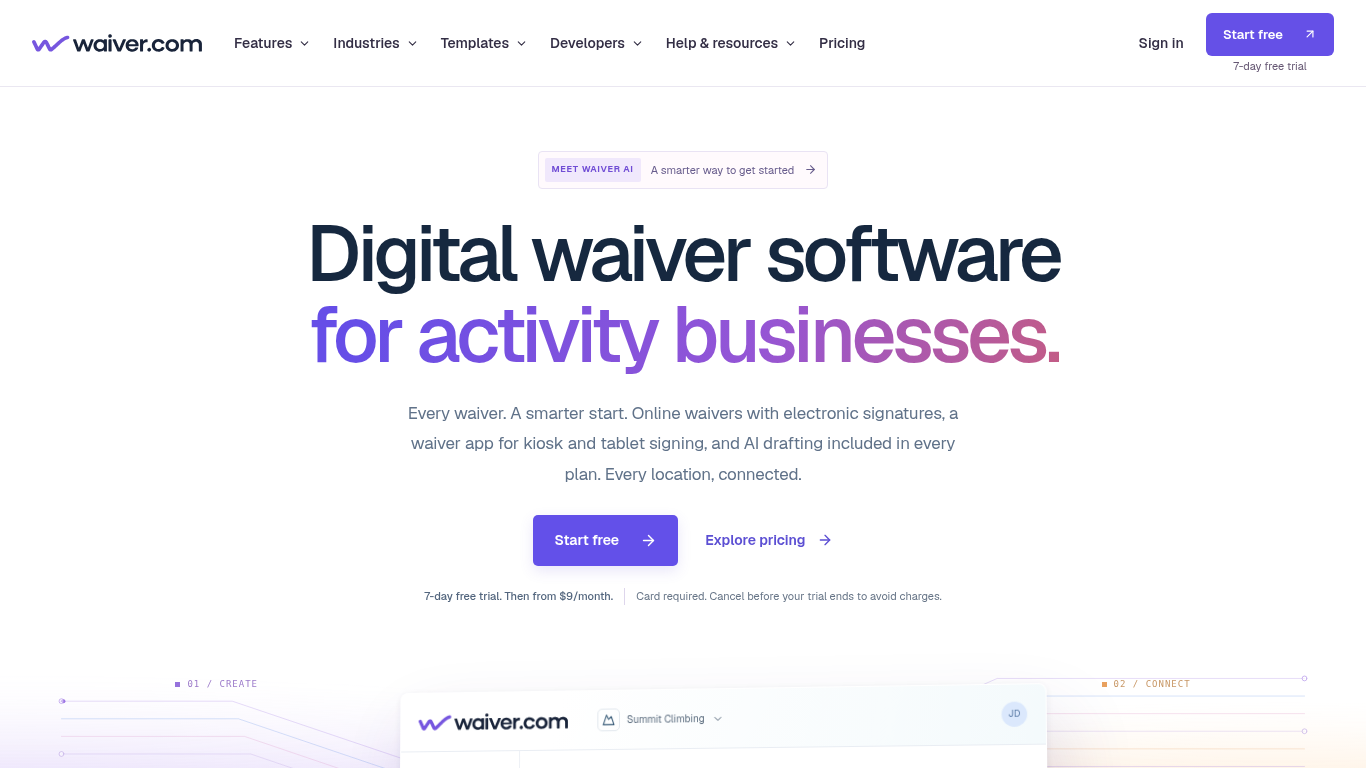
Digital waiver setup for gyms, camps and tour operators.
Describe the activity and participants to create an editable draft, review the wording, and share the form for signing.
Climbing gyms, fitness studios, camps, adventure parks, and guided experiences can collect and manage participant waivers.
Editable AI drafts, guest signing by link or QR code, and a searchable record of signed releases.
Q: Is AI drafting included in every plan? A: Yes, Starter, Growth, and Enterprise include it. Q: Can I use an existing waiver? A: Yes, upload a PDF or DOCX or paste the text into the builder.
Tools in the same categories, ranked by shared categories and then total views. Compare their features to find a suitable alternative.
OrdoGrid Business proposes parties, date, amount and reference from readable supplier PDFs with AI, for human review before bank association
Project Brain: Upload & Ask, created by R.A. Johnson, brings project documents, photos and notes together so users can ask questions about u
Transform your ideas into stunning presentations with PPT AI. Save 95% time using smart automation and premium templates. Try PPT.AI today f
Turn you notes into AI videos
AI tool for creating personalized study quizzes from documents.
TerraPrime is a broker-free platform revolutionizing commercial real estate by directly connecting developers with investors globally. Its T
More tools to explore, ranked by total views on ToolsBot. Newer listings come first when view counts are equal.
All-in-one AI creative studio for generating images, videos, music, and voiceovers.
Magi2AI is an independent web application powered by Sand.ai MAGI-2 for generating cinematic 1080p AI videos with native synchronized audio
Connect ChatGPT, Claude and developer clients to real-time and historical market data for US stocks, Forex, commodities and crypto through S
AI faceless video generator: turn any topic into a voiced, captioned short for YouTube Shorts, TikTok and Reels in minutes. No camera. Try o
Explore planting ideas from yard photos: named areas, plant suggestions, area refinements and a shareable brief. Public Beta includes six on
AI book cover design for independent authors. Generate genre-guided artwork, edit typography, and prepare ebook covers and paperback wraps.
Product reference: Waiver.com — Product website.
Check the product website for current capabilities, pricing and policies before adopting this tool.
ToolsBot provides directory information for discovery and comparison. A listing is not an endorsement or a guarantee of product claims.