Voice Inbox
A voice-based quick-capture app for thoughts and ideas.
Yotei is a Windows and Mac app that turns an event on your screen (chat, email, PDF or web page) into a calendar entry. You select the area, check what it read, and confirm; it goes to Google Calendar, Outlook or iCloud.
Published and maintained by ToolsBot Editorial Team
| Product website | Yotei |
|---|---|
| Category | |
| Listed on ToolsBot | |
| Listing record updated |
Dates refer to this ToolsBot listing, not the product’s launch date or a new independent review.
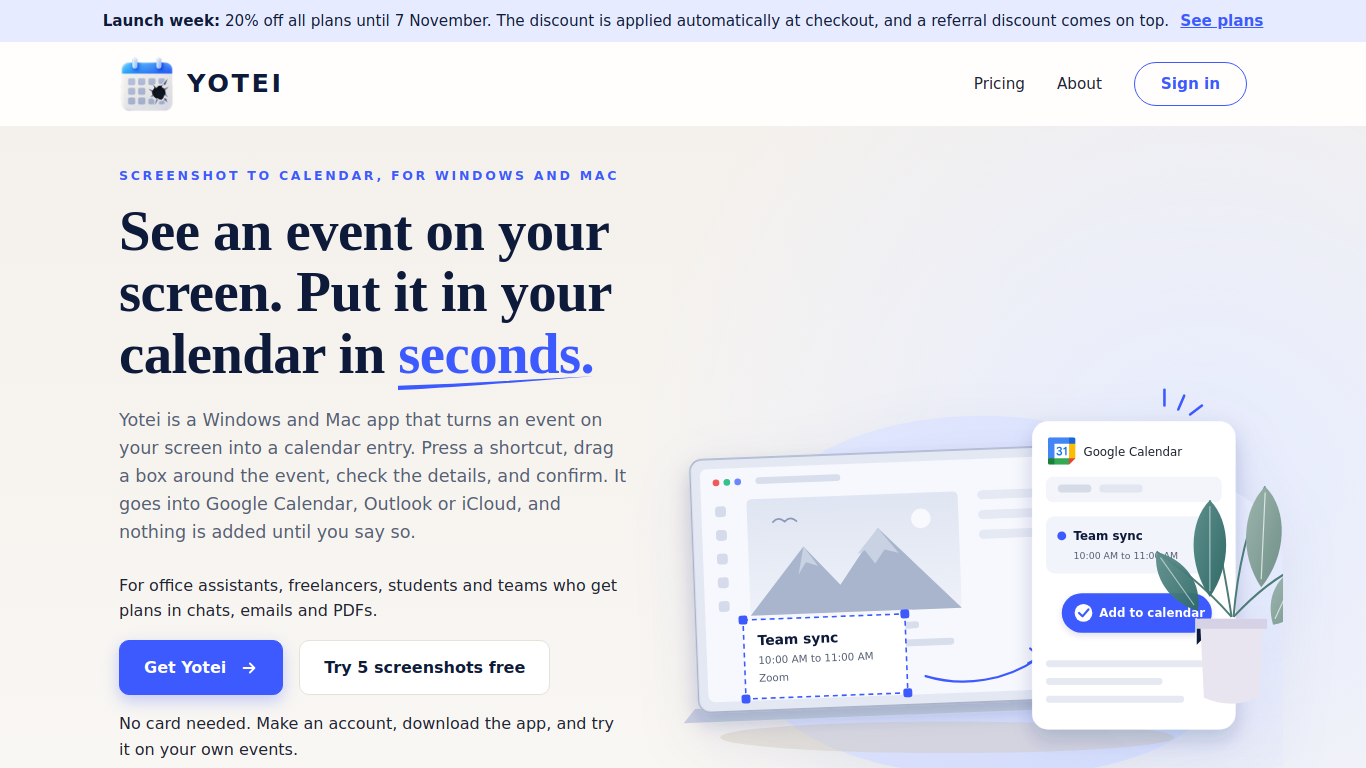
Yotei reads the title, date, time, place and people from the part of your screen you select, shows them for you to edit, and adds the event to your calendar only after you confirm.
Press a shortcut, select an area of the screen, review the detected details and confirm to add the event.
Capture events from chats, emails, PDFs, travel bookings, class schedules and invitations.
Works in any program on Windows and Mac. Review and edit before saving. Google Calendar, Outlook and iCloud. Screenshots deleted after you confirm or within 48 hours. Team plans. Free trial on request.
Q: Is an event added automatically? A: No, you review the details and confirm before it is added. Q: Can I try Yotei for free? A: The page offers five free screenshots with no card required.
Tools in the same categories, ranked by shared categories and then total views. Compare their features to find a suitable alternative.
A voice-based quick-capture app for thoughts and ideas.
Comprehensive project management system for teams.
All-in-one CRM to build, market, and scale your business.
AI-powered platform for managing Threads content and community engagement.
Launch your virtual scheduling assistant easily with BuddyBrain.
AI social media automation to grow brand effortlessly.
More tools to explore, ranked by total views on ToolsBot. Newer listings come first when view counts are equal.
Explore GetRender's AI architectural rendering tools for buildings, interiors, and landscapes, from sketch-to-render to design presentations
Create songs from text or lyrics with FloatSong's AI music generator. Choose Suno or Flow Music, write lyrics, and make your next song in on
AI sprite animation generator and sprite sheet maker for games. Create production-ready sprite sheets, walking cycles, and JSON atlases with
MemoTune is a web-based AI song generator. Turn ideas, lyrics, stories, and images into complete songs with vocals or instrumentals. No musi
Upload an MP3 or paste a song link and let SongScene turn it into a smart AI music video with beat-synced cuts, lyric captions, and 9:16, 16
Create images, video clips, and music in one AI creative studio. Choose a model, start with text or an image, and review credit costs before
Product reference: Yotei — Product website.
Check the product website for current capabilities, pricing and policies before adopting this tool.
ToolsBot provides directory information for discovery and comparison. A listing is not an endorsement or a guarantee of product claims.