Bolts
Thuê nhân viên AI làm việc 24/7 trên máy tính đám mây riêng. Họ nghiên cứu thị trường, tìm khách hàng tiềm năng, theo dõi đối thủ và soạn nộ
The LinkedIn MCP for AI agents.
Đăng và duy trì bởi Nhóm biên tập ToolsBot
| Trang web sản phẩm | SalesTouch |
|---|---|
| Danh mục | |
| Ngày đăng trên ToolsBot | |
| Ngày cập nhật hồ sơ |
Các ngày này thuộc hồ sơ ToolsBot, không phải ngày ra mắt sản phẩm hoặc ngày đánh giá độc lập mới.
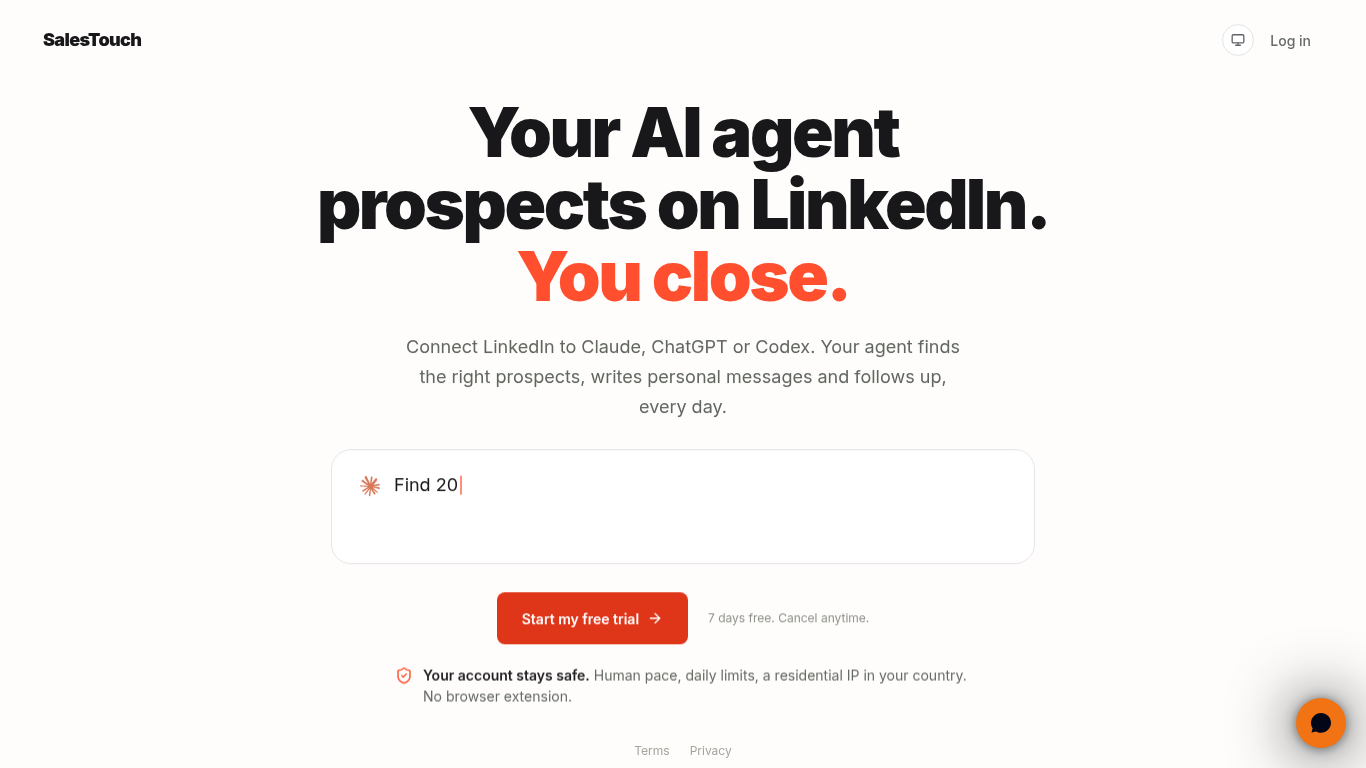
Stop losing hours to list building, tab switching, copy-paste research, and forgotten follow-ups. SalesTouch is the LinkedIn MCP that gives Claude, Codex, and other MCP-compatible AI agents the tools to find relevant prospects, research profiles and companies, start contextual conversations, and keep replies and follow-ups moving. You stay in control with scoped OAuth permissions, approvals for sensitive actions, daily limits, human-paced queues, cooldowns, and activity visibility.
Connect a LinkedIn account, add the SalesTouch MCP address to a compatible AI client, and ask the agent to perform tasks in plain language. SalesTouch applies permissions, limits, and pacing and returns results to the agent.
Founders, sales teams, and agencies can use SalesTouch to find prospects, manage LinkedIn conversations, and coordinate outreach across accounts.
LinkedIn prospect discovery; Sales Navigator audience building; Profile and company research; Post and conversation analysis; Contextual invitations and messages; Reply and follow-up management; Post engagement and publishing; Scoped OAuth permissions; Approval controls for write actions; Daily limits and human-paced queues; Activity logs
Q: Does SalesTouch work with Claude and Codex? A: Yes, it works with these and other MCP-compatible clients. Q: Is Sales Navigator required? A: No, but it enables additional search and targeting workflows. Q: What does the trial include? A: Seven days of full access, including one connected LinkedIn account and core prospecting workflows. Q: Is LinkedIn automation risk-free? A: No. SalesTouch provides safeguards, but its FAQ notes that no automation should be treated as risk-free.
Công cụ cùng danh mục, xếp theo số danh mục chung rồi đến tổng lượt xem. So sánh tính năng để tìm lựa chọn thay thế phù hợp.
Thuê nhân viên AI làm việc 24/7 trên máy tính đám mây riêng. Họ nghiên cứu thị trường, tìm khách hàng tiềm năng, theo dõi đối thủ và soạn nộ
superagnt is a marketing plugin for Claude and ChatGPT that helps businesses find customers through outbound, SEO and ads. superagnt is not
AI tool for automating lead generation on Upwork.
AI-driven B2B prospecting and sales efficiency tool.
AI platform for B2B sales that automates and streamlines workflows.
All-in-one CRM to build, market, and scale your business.
Các công cụ khác xếp theo tổng lượt xem trên ToolsBot. Khi lượt xem bằng nhau, công cụ được đăng gần đây hơn sẽ xuất hiện trước.
Free online recap video maker: add your photos, pick a template, download a beat-synced MP4. No app, no sign-up. Photos deleted after your v
Transform photos into anime, watercolor, 3D avatars and other creative styles inside Telegram. Make personalized photo greeting cards. New a
Turn product updates into channel-ready marketing copy and visuals.
AI product photography for clothing sellers: create on-model, ghost mannequin and flat lay images from garment photos, or remove backgrounds
AI Photo Detector checks photos for AI generation and editing. View classification, confidence and available region analysis. English and Ch
AI Pose Gallery là trang web cung cấp tư liệu tham khảo về tư thế cho các nghệ sĩ. Duyệt và tải xuống thư viện miễn phí các mẫu nghiên cứu t
Tham khảo sản phẩm: SalesTouch — Trang web sản phẩm.
Kiểm tra tính năng, giá và chính sách hiện tại trên trang web sản phẩm trước khi sử dụng.
ToolsBot cung cấp thông tin để khám phá và so sánh. Việc đăng trong danh mục không phải là sự chứng thực hay bảo đảm cho tuyên bố của sản phẩm.