Taste Stack
Installable design skills for Claude Code, Codex and Cursor. Four free starters need an account; paid packages available. Bring your own age
VSCode Bridge lets you plan and build inside VS Code with your existing ChatGPT or Claude Projects. Paid product, with access available on request.
Đăng và duy trì bởi Nhóm biên tập ToolsBot
| Trang web sản phẩm | VSCode Bridge |
|---|---|
| Danh mục | |
| Ngày đăng trên ToolsBot | |
| Ngày cập nhật hồ sơ |
Các ngày này thuộc hồ sơ ToolsBot, không phải ngày ra mắt sản phẩm hoặc ngày đánh giá độc lập mới.
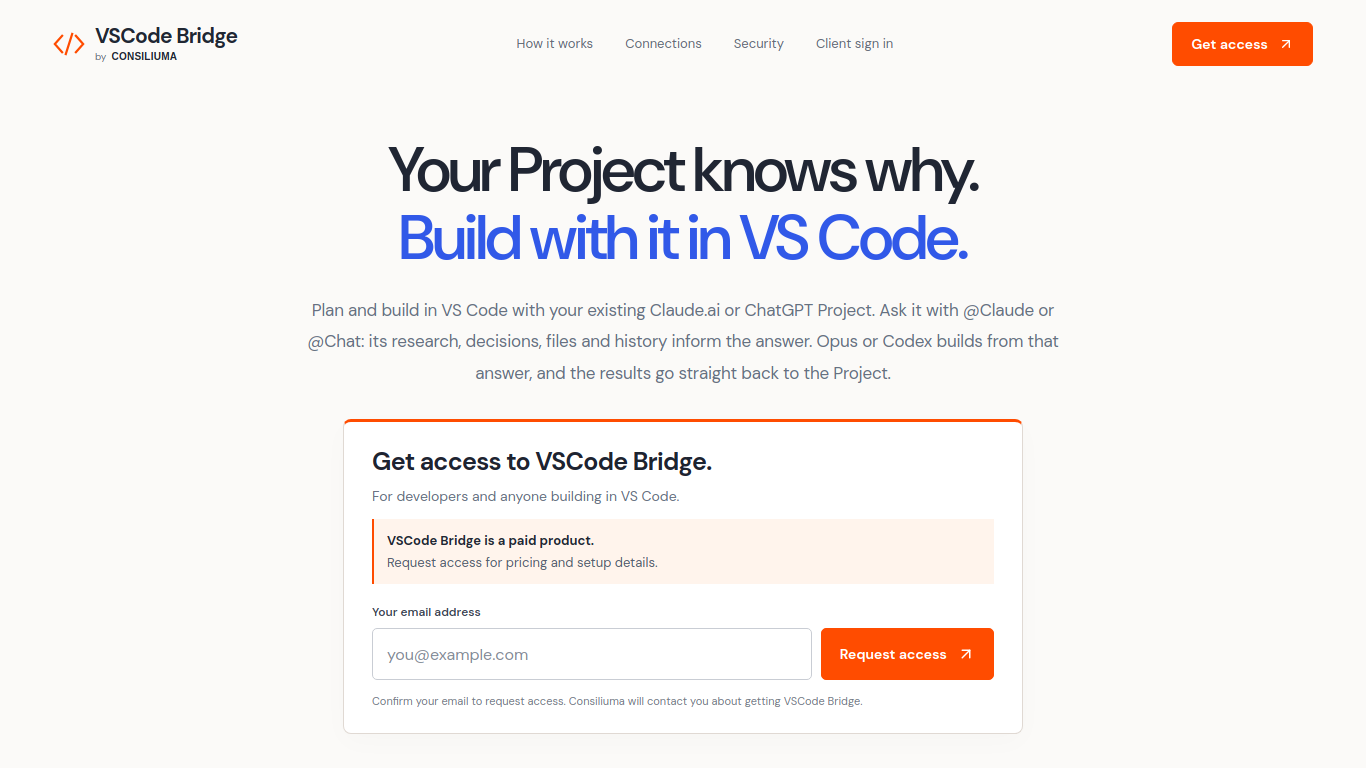
VSCode Bridge connects existing ChatGPT or Claude Projects with a VS Code development workflow.
Connect a browser profile and provider account, select a Project, and ask it questions from VS Code. Opus or Codex builds from its answers, and results return to the Project for review.
Developers can use prior project decisions and requirements while implementing and reviewing changes in VS Code.
Project selection, workspace organization, account management, and connection status.
Q: Is VSCode Bridge free? A: It is a paid product; request access for pricing and setup details. Q: Which providers are supported? A: Claude Projects and ChatGPT Projects.
Công cụ cùng danh mục, xếp theo số danh mục chung rồi đến tổng lượt xem. So sánh tính năng để tìm lựa chọn thay thế phù hợp.
Installable design skills for Claude Code, Codex and Cursor. Four free starters need an account; paid packages available. Bring your own age
An independent Codex reset tracker that organizes public announcements, confirmed reset history and source links, with clearly labelled AI-a
Reqode helps software teams define whole features, give AI coding agents connected product and architecture context, and verify implementati
One API for video, image, and audio models. Pay-as-you-go credits, clear model IDs and rates, docs with examples. Affordable pricing; same b
Hosted Jev judgment tools for yes/no decisions, choices, scoring and comparison, plus essay and resume grading through REST and MCP.
MIT-licensed public-beta text memory plugin for DeepSeek Harness, with source-linked entries, project scope and revision history. Requires D
Các công cụ khác xếp theo tổng lượt xem trên ToolsBot. Khi lượt xem bằng nhau, công cụ được đăng gần đây hơn sẽ xuất hiện trước.
Generate four-direction RPG walk-pack candidates from a character reference, or build, split, and export sprite sheets right in your browser
PixRoom is a native macOS app for browsing, organizing, tagging, rating and searching local photo and video libraries. Core features are fre
AI-related cost calculators — LLM API cost, prompt caching savings, AI ROI, VRAM, RAG token budget, AI video cost, and more. Free to use.
AI RAP VIDEO is a paid web tool that turns photos into personalized rap videos for entertainment and social sharing. Choose a creative scena
Composey is a browser-based AI audio workspace for generating music, preset-voice narration and sound effects. It also includes a free mixer
AI Rap Video Forge turns two photos and a creative prompt into short, vertical 9:16 AI rap performance videos for social media. It is a paid
Tham khảo sản phẩm: VSCode Bridge — Trang web sản phẩm.
Kiểm tra tính năng, giá và chính sách hiện tại trên trang web sản phẩm trước khi sử dụng.
ToolsBot cung cấp thông tin để khám phá và so sánh. Việc đăng trong danh mục không phải là sự chứng thực hay bảo đảm cho tuyên bố của sản phẩm.