Free AI Rap Video
Free AI Rap Video is a web app that turns two photos into a short AI rap video. Upload faces, pick a style or a meme template, and get a sha
Create short videos from text prompts or images. Compare Seedance, Veo and Hailuo, and review model settings and credit costs before generating.
Veröffentlicht und gepflegt von ToolsBot-Redaktion
| Produktwebsite | EveryGen AI |
|---|---|
| Kategorie | |
| Auf ToolsBot gelistet | |
| Eintrag aktualisiert |
Die Daten beziehen sich auf den ToolsBot-Eintrag, nicht auf den Produktstart oder eine neue unabhängige Prüfung.
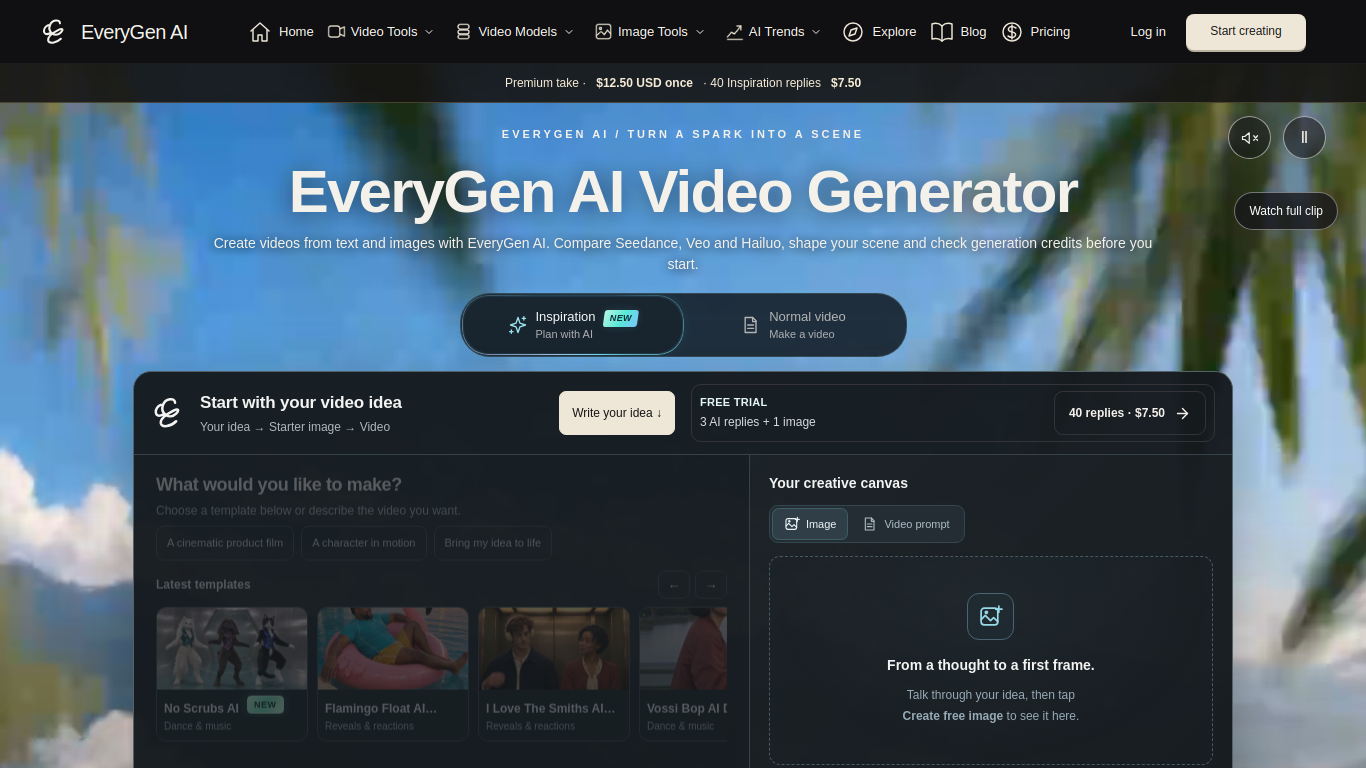
EveryGen AI is a video generation workspace for creating videos from text prompts and images.
Write a scene prompt or upload an image, choose a model and settings, review the credit estimate, and submit the task. Completed videos can be previewed and downloaded.
Create animated scenes, product videos, social clips, or videos based on reference images.
Text-to-video and image-to-video generation; multiple video models; editable templates; reference inputs; supported frame and audio controls; credit estimates and task history.
Q: Is video generation free? A: The page offers a free sample and says full video generation is paid separately. Q: How long are completed videos available to download? A: The page says to download them within 24 hours, before the stored file expires.
Tools aus denselben Kategorien, sortiert nach gemeinsamen Kategorien und dann nach Gesamtaufrufen. Vergleiche die Funktionen, um eine passende Alternative zu finden.
Free AI Rap Video is a web app that turns two photos into a short AI rap video. Upload faces, pick a style or a meme template, and get a sha
Online AI video and image studio powered by Seedance 2.5: turn text or image references into cinematic scenes, dance clips and fluid charact
Get AI Rap Video is a browser-based AI rap video generator. Upload one photo, tw
Opus 55 Video turns a product URL or prompt into a short Sketch or Motion MP4. AI writes animation as code; the browser renders the video.
Create AI videos with Kling 4.0 AI on kling4.pro. Turn text prompts and photos into cinematic clips fast. kling4.pro is an independent produ
Upload a photo of yourself, a friend or your pet and get a 12-second AI video of the viral tip toeing in my Jordans dance in the straw barn.
Weitere Tools nach Gesamtaufrufen auf ToolsBot. Bei gleicher Aufrufzahl erscheinen neuere Einträge zuerst.
Free in-browser Remove AI Label tool that strips EXIF, XMP, IPTC, C2PA and PNG text, plus an optional paid SynthID watermark remover.
Raydo runs AI agents on your desktop across your browser, local files and tools, then hands back reviewable deliverables instead of just ans
SJolt is a unified API for generation models (image, video, editing) with playground-to-production flow and usage-based billing.
A free daily helper for NYT Connections, with hints, answers, and spoiler-safe notes for the day's puzzle.
A free Minecraft enchantment calculator that finds the cheapest anvil combine order so you can apply books without hitting Too Expensive.
Create a 15-second vertical 480p rap clip from photos of consenting adults. Pick one of eight scenes and keep its original soundtrack. Templ
Produktreferenz: EveryGen AI — Produktwebsite.
Prüfe aktuelle Funktionen, Preise und Richtlinien auf der Produktwebsite, bevor du das Tool einsetzt.
ToolsBot hilft bei der Suche und beim Vergleich. Ein Eintrag ist keine Empfehlung oder Garantie für Produktangaben.