Username Generator
Username Generator helps you create cool, unique usernames for social and gaming platforms. Free, no sign-up, platform-aware length rules.
Free curated library of 559 Japanese kaomoji you can copy and paste.
Veröffentlicht und gepflegt von ToolsBot-Redaktion
| Produktwebsite | KaomojiBox |
|---|---|
| Kategorie | |
| Auf ToolsBot gelistet | |
| Eintrag aktualisiert |
Die Daten beziehen sich auf den ToolsBot-Eintrag, nicht auf den Produktstart oder eine neue unabhängige Prüfung.
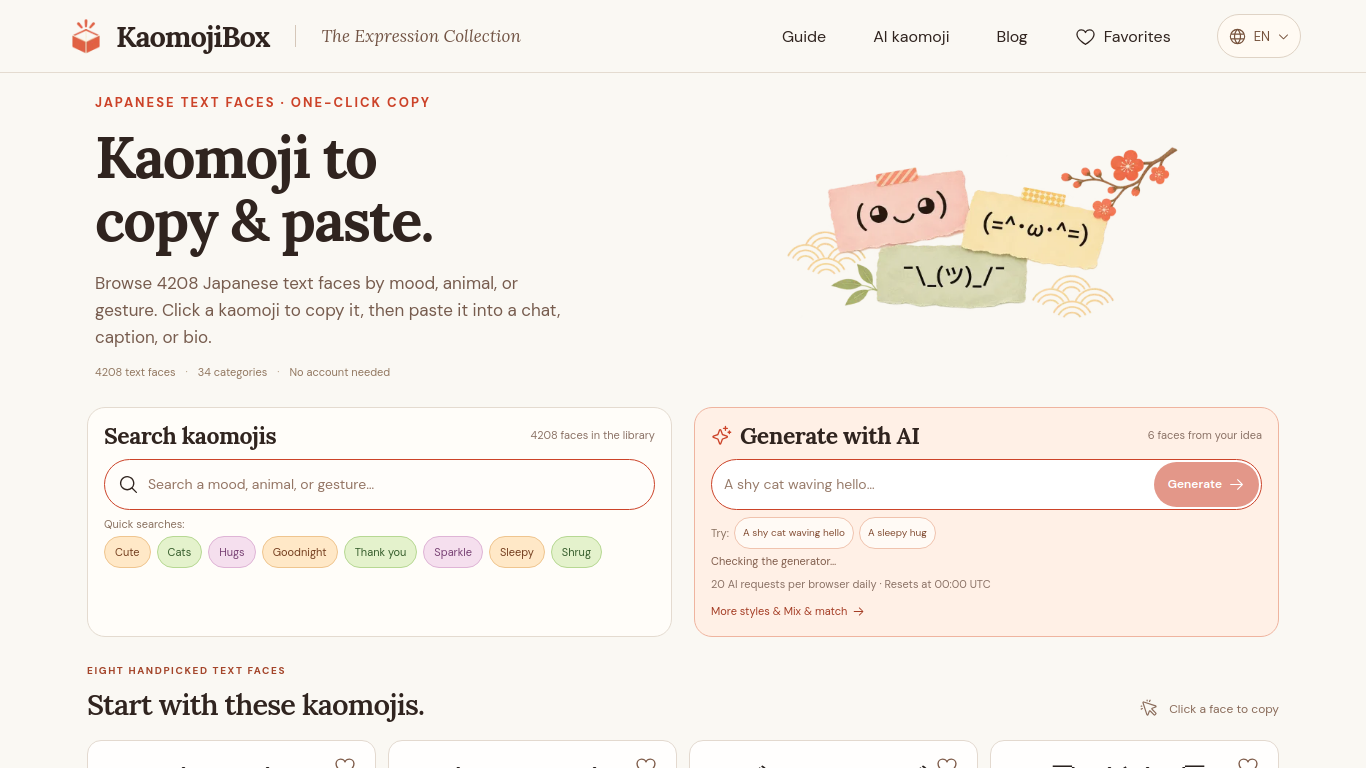
KaomojiBox is a free curated library of 559 Japanese kaomoji (text faces) you can copy and paste, organized into 13 categories. It is for anyone who wants a text face in a message or post.
Search or browse the library and click a face to copy it. Users can also describe an idea to the AI generator or assemble a face manually.
Add text faces to chats, social media captions, bios, greetings, and check-in messages.
Browse 559 curated Japanese kaomoji in 13 categories and copy any face in one click. The library is free to use.
Q: Is an account required? A: No account is needed. Q: Where are favorites saved? A: In the current browser; clearing browser data removes them. Q: How many faces does the AI generator return? A: Six per successful request, with 20 requests per browser daily.
Tools aus denselben Kategorien, sortiert nach gemeinsamen Kategorien und dann nach Gesamtaufrufen. Vergleiche die Funktionen, um eine passende Alternative zu finden.
Username Generator helps you create cool, unique usernames for social and gaming platforms. Free, no sign-up, platform-aware length rules.
MemePepper makes image or video memes for work, coding, and campus. After Google sign-in you get eight starter credits. Optional face-in-tre
Know Yourself bietet KI-gestützte BaZi- und I-Ging-Deutungen zur Selbstreflexion. Erkunde wiederkehrende Muster, Beziehungen und alltägliche
Tarotlegungen, gedeutet von acht KI-Orakeln, jedes mit eigenem Charakter.
Peanutize Me ist ein kostenloser, browserbasierter Charakterschaffer für Avataren im Peanuts-Stil. Wählen Sie Frisuren, Ausdrücke, Outfits u
Kostenlose AI BaZi (Vier Säulen) Diagramm, tägliches Vermögen, Kompatibilität, Liu Yao und Qi Men Lesungen - chinesische Astrologie erklärt
Weitere Tools nach Gesamtaufrufen auf ToolsBot. Bei gleicher Aufrufzahl erscheinen neuere Einträge zuerst.
Cutroom is an AI video editor that turns plain-language directions into reviewable edit plans. Upload footage, refine cuts and captions, the
PicYep is a browser-based AI image and video generator with 20+ flagship models, face-consistent group edits, GIF and SVG output. New accoun
AI LinkedIn posts and carousels in your own voice
Free browser-based prompt builder and curated examples for image-to-video work: compose image-to-video prompts, dance and motion prompt guid
ToolWorthy is an AI tools directory with category listings, product profiles, alternatives, published rankings and editorial guides. Browsin
Verwandle Immobilienfotos in sechs bearbeitbare vertikale Reels mit 3D- und 2D-Bewegung, Musik, Branding und White-Label-Bereitstellung für
Produktreferenz: KaomojiBox — Produktwebsite.
Prüfe aktuelle Funktionen, Preise und Richtlinien auf der Produktwebsite, bevor du das Tool einsetzt.
ToolsBot hilft bei der Suche und beim Vergleich. Ein Eintrag ist keine Empfehlung oder Garantie für Produktangaben.