Flow Music
Flow Music turns a mood, your lyrics, or a text prompt into songs with vocals or instrumentals. Remix, extend, split stems, download and sha
Describe a song, paste lyrics, sing a hook or hum a melody: Kuv Music turns it into original songs, beats, DJ mixes and music videos. Free tier.
Veröffentlicht und gepflegt von ToolsBot-Redaktion
| Produktwebsite | Kuv Music |
|---|---|
| Kategorie | |
| Auf ToolsBot gelistet | |
| Eintrag aktualisiert |
Die Daten beziehen sich auf den ToolsBot-Eintrag, nicht auf den Produktstart oder eine neue unabhängige Prüfung.
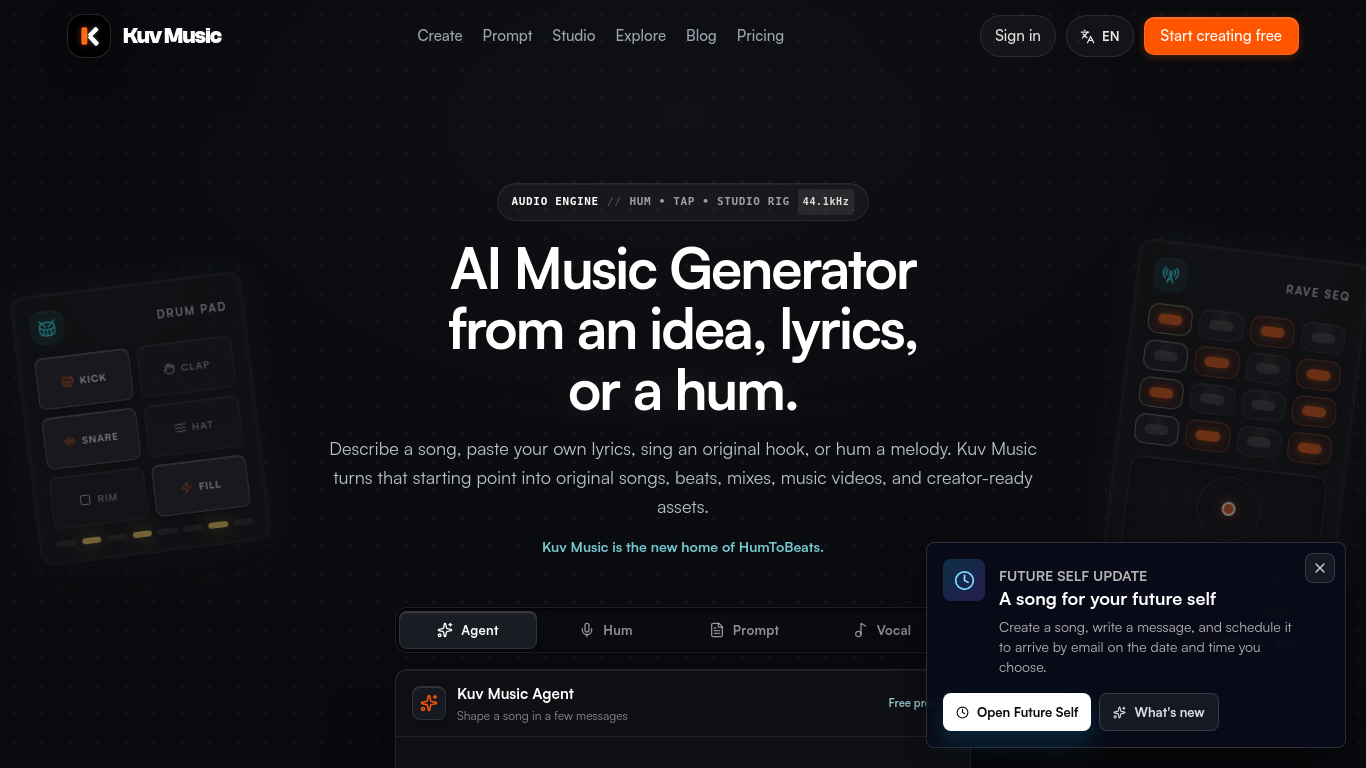
Kuv Music (formerly HumToBeats) is an AI music generator for creators. Describe a song, paste your own lyrics, record a sung hook in Vocal mode, or hum a melody, and it generates original songs and beats you can remix, publish as public beat pages, turn into AI music videos or export as WAV, MP3 and MIDI.
Users start with a text prompt, original lyrics, a sung hook, or a hummed melody, then generate and refine music.
Create music for videos, podcasts, game prototypes, song sketches, and creator campaigns.
Hum-to-beat and Vocal mode input; prompt-to-music and lyrics-to-song; dedicated AI rap song generator; Kuv Producer 64-step loop to full AI-arranged track; AI DJ Mix for continuous mixes; AI music-video generation; WAV/MP3/MIDI export; free plan with 3 signup generations then 1 per day, no credit card.
Q: Is Kuv Music free to try? A: New accounts receive credits for three generations, followed by one free generation daily. No credit card is required. Q: Can I use generated music commercially? A: Check the current plan and terms before releasing paid commercial work.
Tools aus denselben Kategorien, sortiert nach gemeinsamen Kategorien und dann nach Gesamtaufrufen. Vergleiche die Funktionen, um eine passende Alternative zu finden.
Flow Music turns a mood, your lyrics, or a text prompt into songs with vocals or instrumentals. Remix, extend, split stems, download and sha
Erstellen Sie Songs aus Text oder Text mit FloatSongs KI-Musikgenerator. Wählen Sie Suno oder Flow Music, schreiben Sie Texte und machen Sie
MemoTune ist ein webbasierter KI-Song-Generator. Verwandeln Sie Ideen, Texte, Geschichten und Bilder in komplette Lieder mit Vocals oder Ins
Erstellen Sie Texte aus echten Erinnerungen, hören Sie sich zwei 60-Sekunden-Versionen an und wählen Sie einen vollständigen Song aus, den S
AISongMaker is an AI-powered platform that creates complete songs from simple text prompts. Generate lyrics, vocals, beats, and full instrum
Tegmix is an AI music generator that turns simple ideas into royalty-free, ready-to-use tracks in seconds.
Weitere Tools nach Gesamtaufrufen auf ToolsBot. Bei gleicher Aufrufzahl erscheinen neuere Einträge zuerst.
Free in-browser Remove AI Label tool that strips EXIF, XMP, IPTC, C2PA and PNG text, plus an optional paid SynthID watermark remover.
Raydo runs AI agents on your desktop across your browser, local files and tools, then hands back reviewable deliverables instead of just ans
SJolt is a unified API for generation models (image, video, editing) with playground-to-production flow and usage-based billing.
A free daily helper for NYT Connections, with hints, answers, and spoiler-safe notes for the day's puzzle.
A free Minecraft enchantment calculator that finds the cheapest anvil combine order so you can apply books without hitting Too Expensive.
Create a 15-second vertical 480p rap clip from photos of consenting adults. Pick one of eight scenes and keep its original soundtrack. Templ
Produktreferenz: Kuv Music — Produktwebsite.
Prüfe aktuelle Funktionen, Preise und Richtlinien auf der Produktwebsite, bevor du das Tool einsetzt.
ToolsBot hilft bei der Suche und beim Vergleich. Ein Eintrag ist keine Empfehlung oder Garantie für Produktangaben.