Enhance Photos to HD Online Free
Enhance Photos to HD Online Free HD Pic AI
Remove Background Online – BG Cut AI
Veröffentlicht und gepflegt von ToolsBot-Redaktion
| Produktwebsite | Remove Background Online |
|---|---|
| Kategorie | |
| Auf ToolsBot gelistet | |
| Eintrag aktualisiert |
Die Daten beziehen sich auf den ToolsBot-Eintrag, nicht auf den Produktstart oder eine neue unabhängige Prüfung.
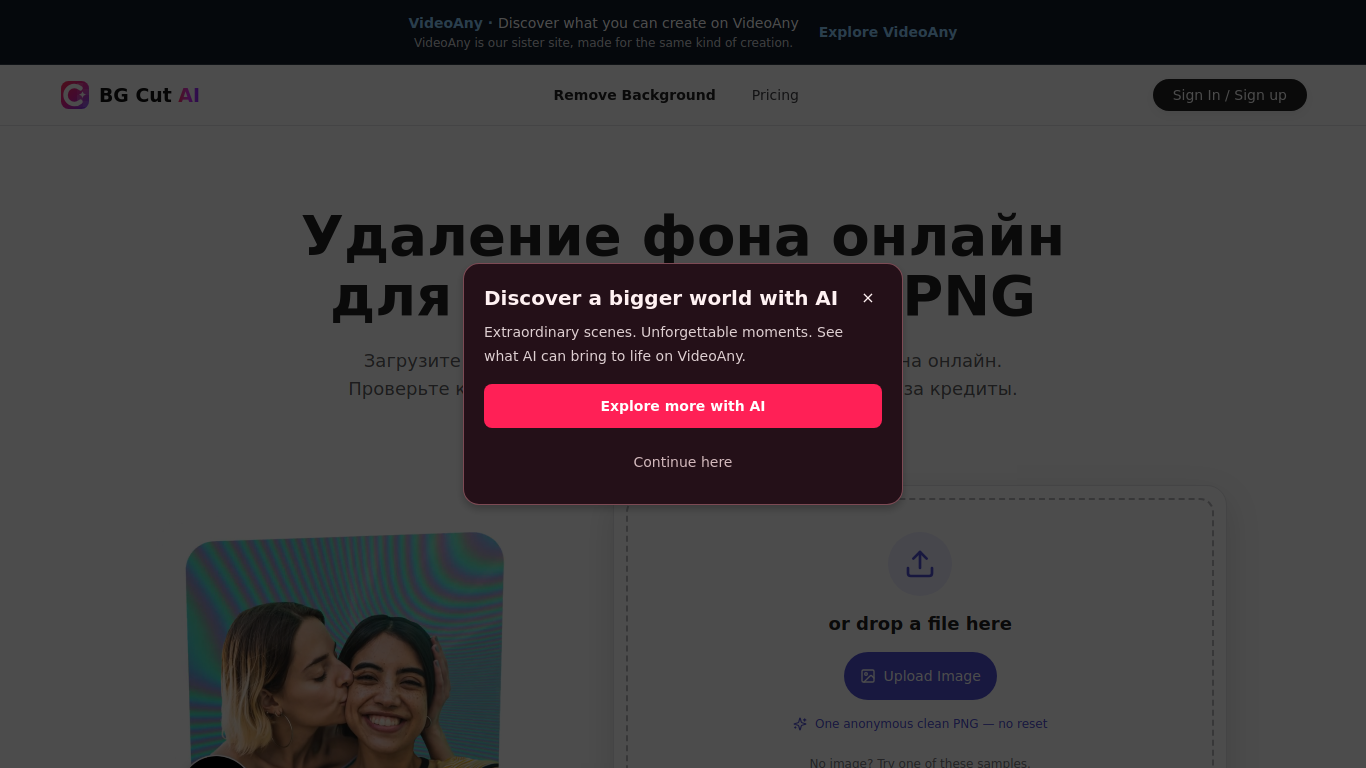
Remove Background Online (https://bgcutai.com/). Homepage title: Remove Background Online | BG Cut AI. Heading: Удаление фона онлайн для прозрачного PNG. Public description: Remove background online from JPG, PNG and WebP: upload an image, check the edges and download a transparent PNG. Fast and accurate with BG Cut AI. Default listing URL is the homepage https://bgcutai.com/.
Upload a JPG, PNG or WebP image, wait for processing, inspect the preview and download the result.
Prepare images for profiles, product listings, social posts, catalogs and presentations.
Remove Background Online (https://bgcutai.com/). Homepage title: Remove Background Online | BG Cut AI. Heading: Удаление фона онлайн для прозрачного PNG. Public description: Remove background online from JPG, PNG and WebP: upload an image, check the edges and download a transparent PNG. Fast and accurate with BG Cut AI. Default listing URL is the homepage https://bgcutai.com/.
Q: Do I need to install software? A: No, the tool runs in a web browser. Q: Is it free? A: One anonymous clean PNG is available; additional clean downloads use paid credits.
Tools aus denselben Kategorien, sortiert nach gemeinsamen Kategorien und dann nach Gesamtaufrufen. Vergleiche die Funktionen, um eine passende Alternative zu finden.
Enhance Photos to HD Online Free HD Pic AI
Animate Picture AI – Bilder für Social-Media- und Produktinhalte zum Leben erwecken
AI Video Editor Online (aivideoeditor.pro)
Animate Photo Online – Porträts und Erinnerungen zum Leben erwecken
Jensen Huang Meme Generator (jensenhuangmeme.com)
Wiederverwendbare Nake AI-Vorlagen für Bild- und Videoeinstellungen
Weitere Tools nach Gesamtaufrufen auf ToolsBot. Bei gleicher Aufrufzahl erscheinen neuere Einträge zuerst.
Glasshand is a visible, reviewable workspace for AI agents doing screen-based work. Hand over the task, watch the next move, and keep the fi
An LLM frontend for power users who want deep control over characters, prompts and local models.
HappyShrimp is an all-in-one AI music platform. Turn one line into a full song - lyrics, vocals and production included.
AI直充 提供 GPT 5.6 订阅代充服务,支持微信支付、订单查询和失败退款。
Capafy AI is a marketplace for expert AI agent Skills. Users can find agents for research, video, image, finance, commerce, marketing, writi
Google AI Plus 提供 Gemini Pro 一年自助开通(Pixel 开通包绑卡)与美区 12 个月成品号,Stripe 银行卡付款、自动发货、订单实时可查。
Produktreferenz: Remove Background Online — Produktwebsite.
Prüfe aktuelle Funktionen, Preise und Richtlinien auf der Produktwebsite, bevor du das Tool einsetzt.
ToolsBot hilft bei der Suche und beim Vergleich. Ein Eintrag ist keine Empfehlung oder Garantie für Produktangaben.