PasteQuill
Free transcripts for YouTube, TikTok and Instagram videos.
Transcribe Audio to Text turns audio into text in the browser. Freemium: 15 minutes per day when not signed in, 30 minutes per day when signed in. A one-time pack is $9.90 for 300 minutes, and Pro is $12.00 per month for 1,200 minutes.
Veröffentlicht und gepflegt von ToolsBot-Redaktion
| Produktwebsite | Transcribe Audio to Text |
|---|---|
| Kategorie | |
| Auf ToolsBot gelistet | |
| Eintrag aktualisiert |
Die Daten beziehen sich auf den ToolsBot-Eintrag, nicht auf den Produktstart oder eine neue unabhängige Prüfung.
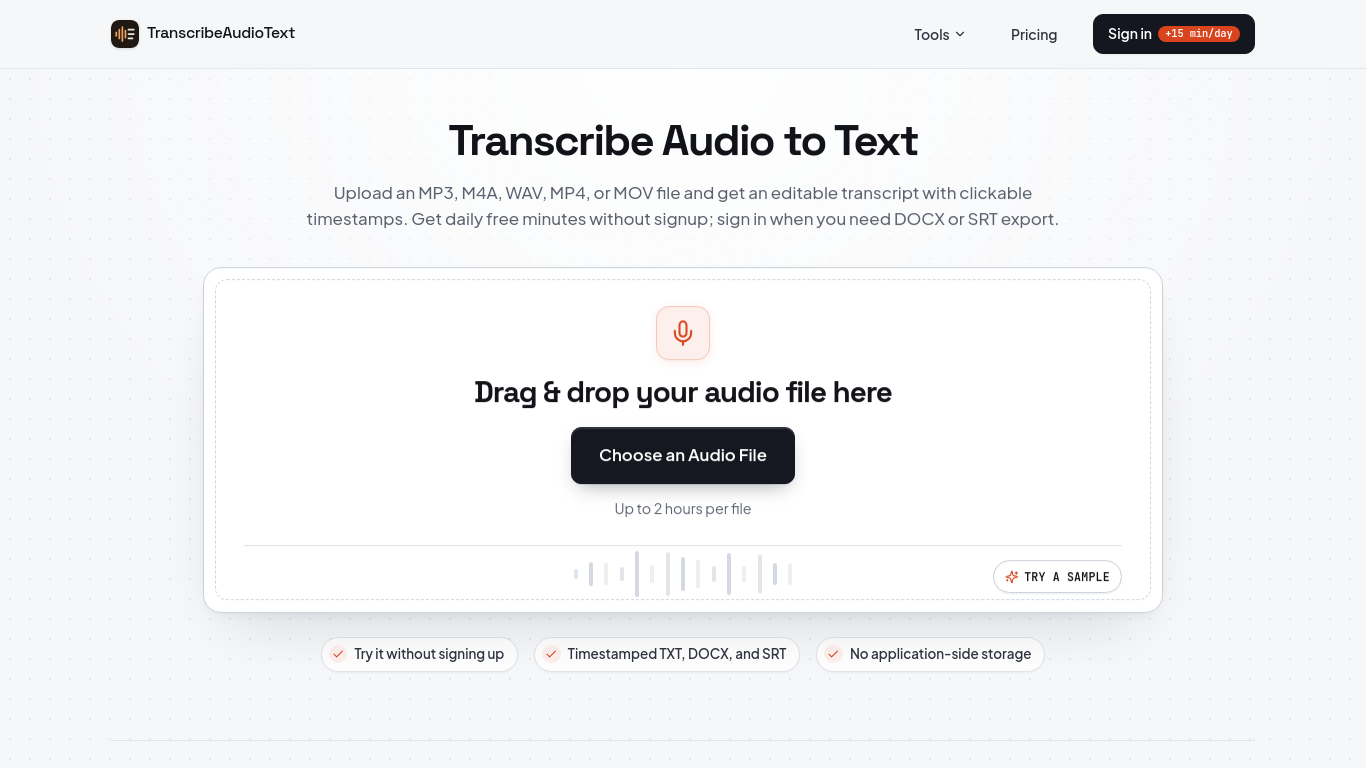
Transcribe Audio to Text converts audio and video recordings into editable, timestamped transcripts.
Upload a supported file, review and edit the transcript in the browser, then copy or export it. Click timestamps to play the corresponding audio.
Transcribe and verify interviews, research recordings, client calls, podcasts and voice notes.
Supports MP3, M4A, WAV, MP4 and MOV files and 30 languages. Offers transcript search, speaker labels, and TXT, DOCX and SRT exports. Transcription is processed by Groq with zero data retention enabled.
Q: Can I transcribe audio without signing up? A: Yes. The site offers 15 free minutes daily without an account, or 30 minutes total after signing in. Q: Are recordings stored? A: The site says it does not store recordings or transcripts, and Groq does not retain transcription inputs or outputs.
Tools aus denselben Kategorien, sortiert nach gemeinsamen Kategorien und dann nach Gesamtaufrufen. Vergleiche die Funktionen, um eine passende Alternative zu finden.
Free transcripts for YouTube, TikTok and Instagram videos.
SpeedTranscript turns a voice recording into an editable transcript with timestamps and speaker labels. Upload a voice memo, meeting recordi
Transcribe video and audio to text online — upload a file, paste a YouTube/TikTok link, or record live.
AnyScript creates timestamped YouTube, Shorts, TikTok and Instagram transcripts for AI-assisted source research and original script preparat
Browserbasierte Transkription von Video und Audio mit automatischer Spracherkennung, Zeitstempeln und direkter Bearbeitung. Kostenloses Ange
FastScribe wandelt Interviews, Podcasts und Videoaufnahmen in bearbeitbare Transkripte und SRT-Untertitel um.
Weitere Tools nach Gesamtaufrufen auf ToolsBot. Bei gleicher Aufrufzahl erscheinen neuere Einträge zuerst.
TaxBowl bietet Start-ups und kleinen Unternehmen ein reaktionsschnelles Team für Buchhaltung, Rechnungswesen, Lohn- und Gehaltsabrechnung, S
Erstelle kurze 1080p-Videos mit synchronisiertem Ton aus Prompts, Bildern oder Referenzmedien. Registriere dich, um das Studio sofort zu öff
Glasshand ist ein einsehbarer, überprüfbarer Arbeitsbereich für KI-Agenten, die Aufgaben am Bildschirm erledigen. Übergeben Sie die Aufgabe,
Ein LLM-Frontend für Power-User, die umfassende Kontrolle über Charaktere, Prompts und lokale Modelle wünschen.
HappyShrimp ist eine All-in-one-Plattform für KI-Musik. Verwandle eine einzige Zeile in einen vollständigen Song – inklusive Liedtext, Gesan
AI直充 bietet einen Aufladeservice für GPT 5.6-Abonnements und unterstützt WeChat Pay, die Bestellabfrage und Rückerstattungen bei fehlgesch
Produktreferenz: Transcribe Audio to Text — Produktwebsite.
Prüfe aktuelle Funktionen, Preise und Richtlinien auf der Produktwebsite, bevor du das Tool einsetzt.
ToolsBot hilft bei der Suche und beim Vergleich. Ein Eintrag ist keine Empfehlung oder Garantie für Produktangaben.