Turn a product photo into a 3x3 ad concept grid
Lade ein Produktfoto hoch und erhalte 2x2- oder 3x3-Raster mit Anzeigenkonzepten im Studio-, botanischen oder geometrischen Stil – für $1 pr
Voffo.ai combines AI Image and AI Video tools in a browser studio. Users can create from text or references and explore editing and enhancement as part of the workflow.
Veröffentlicht und gepflegt von ToolsBot-Redaktion
| Produktwebsite | Voffo.ai |
|---|---|
| Kategorie | |
| Auf ToolsBot gelistet | |
| Eintrag aktualisiert |
Die Daten beziehen sich auf den ToolsBot-Eintrag, nicht auf den Produktstart oder eine neue unabhängige Prüfung.
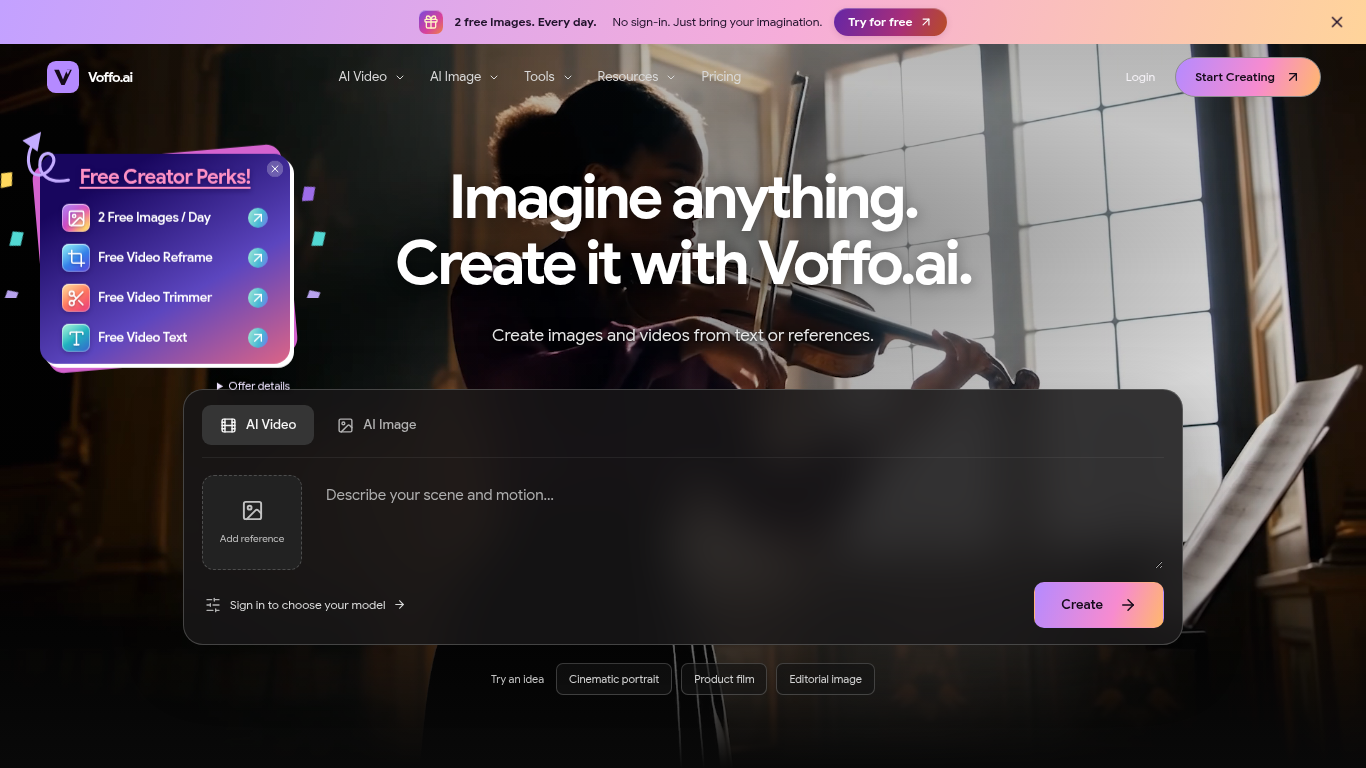
Voffo.ai is a browser-based studio for creating and editing images and videos with AI.
Choose an image or video tool and model, enter a prompt or upload a reference, and review the settings and cost before creating. Completed work can be previewed and downloaded from My Library.
Create product imagery, editorial portraits, cinematic scenes, illustrations and character concepts; edit or enhance existing footage.
Create images and videos from written ideas or reference inputs with Voffo.ai. The studio combines AI Image and AI Video tools with editing and enhancement workflows in one place. Free browser-local video utilities cover reframing, trimming and adding text. These tools use no credits and export WebM, giving the site a local video tool offering alongside its AI image and video creation studio. The site's no-sign-in image allowance is two free images per day, shared per public IP. It resets at 00:
Q: Can I create both images and videos? A: Yes. Choose Image or Video in the studio and review models and costs before submitting. Q: Can I use a reference image? A: Yes. Upload an image you have permission to use and choose a compatible model. Q: Is there a free allowance? A: The site offers two free images per day, shared per public IP and reset at 00:00 UTC, subject to model availability. Local video tools use no credits and export WebM.
Tools aus denselben Kategorien, sortiert nach gemeinsamen Kategorien und dann nach Gesamtaufrufen. Vergleiche die Funktionen, um eine passende Alternative zu finden.
Lade ein Produktfoto hoch und erhalte 2x2- oder 3x3-Raster mit Anzeigenkonzepten im Studio-, botanischen oder geometrischen Stil – für $1 pr
The independent Nano Banana homepage lists three models: Nano Banana 2, Nano Banana Pro and Nano Banana 2.1. Its workspace supports text-to-
Create Image brings AI image and video creation into one browser workspace. Start from text or a permitted reference image, choose a compati
AI image generator and editor: text-to-image and image-to-image with Nano Banana and GPT Image 2, up to 4K output.
Mit NewbornPhotos kann ein Elternteil aus einem Foto, für dessen Verwendung eine Erlaubnis vorliegt, ein Neugeborenenporträt im Studiostil e
KI-Fototools für Kunst, Porträts und Bildbearbeitung. MediaAI verwandelt ein echtes Foto mithilfe geführter Arbeitsabläufe in ein Kunstwerk,
Weitere Tools nach Gesamtaufrufen auf ToolsBot. Bei gleicher Aufrufzahl erscheinen neuere Einträge zuerst.
Ein Online-Konverter für die Umwandlung von Audio in Text für MP3, M4A, WAV, MP4 und andere Mediendateien.
Data-Story-, Whiteboard- und Keynote-Looks; die KI schreibt das Skript, spricht den Kommentar, zeichnet und vertont einen 15-60 Sekunden lan
Sprich in beliebiger Reihenfolge oder lade eine Sprachnotiz hoch und erhalte übersichtliche Notizen mit Überschriften, Aufzählungspunkten un
SMS-basierte Einsatzplanung für Außendienstbetriebe mit 2–10 Einsatzfahrzeugen. Techniker müssen keine App installieren – sie antworten auf
Kostenloser KI-Ausmalbildgenerator, der Texte oder Fotos in ausdruckbare Ausmalbilder und Fotos in Cartoon-Porträts verwandelt.
KI-Charakter-Chat und interaktives Geschichtenerzählen. Erstelle eigene fiktive Charaktere und entdecke textbasiertes Rollenspiel.
Produktreferenz: Voffo.ai — Produktwebsite.
Prüfe aktuelle Funktionen, Preise und Richtlinien auf der Produktwebsite, bevor du das Tool einsetzt.
ToolsBot hilft bei der Suche und beim Vergleich. Ein Eintrag ist keine Empfehlung oder Garantie für Produktangaben.