Backx.ai
AI platform for rapid backend development and automation.
Zist is a revolutionary code snippets manager that allows you to easily organize and access your code snippets and GitHub Gists in one intuitive platform. With AI-based auto-tagging, advanced search, and a user-friendly editor, Zist turns coding chaos into streamlined success.
Publié et maintenu par Équipe éditoriale ToolsBot
| Site du produit | Zist |
|---|---|
| Catégorie |
Les dates concernent la fiche ToolsBot, et non le lancement du produit ou une nouvelle évaluation indépendante.
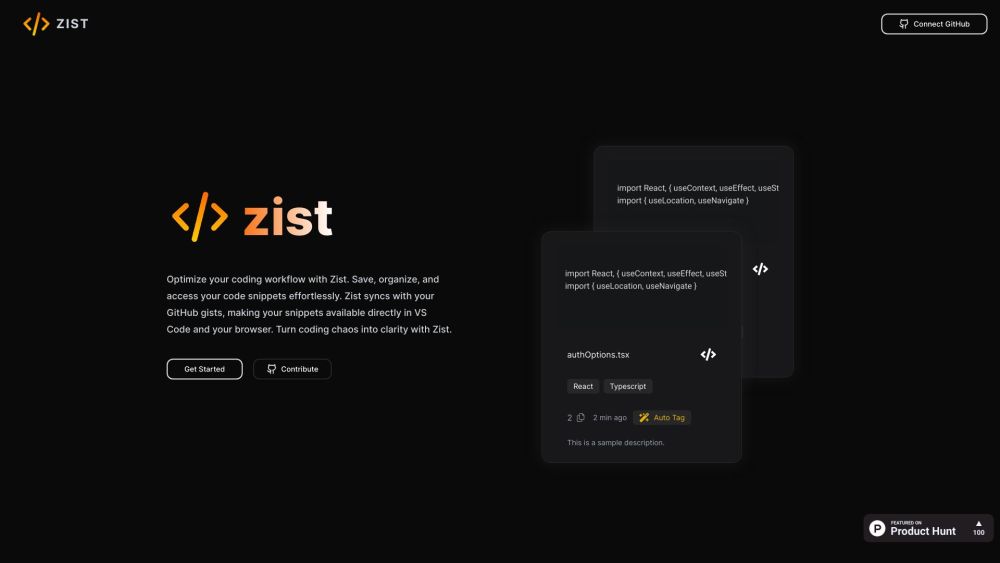
Zist is a revolutionary code snippets manager that allows you to easily organize and access your code snippets and GitHub Gists in one intuitive platform. With AI-based auto-tagging, advanced search, and a user-friendly editor, Zist turns coding chaos into streamlined success.
To use Zist, simply sign up for an account and connect your GitHub account. Once connected, you can start saving, organizing, and accessing your code snippets effortlessly. Zist syncs with your GitHub Gists, making your snippets available directly in VS Code and your browser. You can also use the AI-based auto-tagging feature to automatically tag your snippets for easy searching.
#1 Organize code snippets #2 Access code snippets easily #3 Improve coding workflow #4 Increase coding productivity
Code snippets management GitHub Gist integration AI-based auto-tagging Advanced search User-friendly editor Sync with VS Code and browser
How does Zist help improve coding efficiency? Can I sync my code snippets with VS Code and my browser? Is Zist free to use?
Outils des mêmes catégories, classés par catégories communes puis par nombre total de visites. Comparez leurs fonctions pour trouver une alternative adaptée.
AI platform for rapid backend development and automation.
AI-powered development environment for easy web application management.
AI coding assistance for developers in IDEs
AI tool for generating terminal commands easily.
Squire AI is a context-aware agent that assists in writing pull request descriptions, reviewing PRs, and learning individual code review pre
CodeHugo is an AI mentor platform powered by GPT for engineers to enhance their coding skills.
Autres outils classés par nombre total de visites sur ToolsBot. À égalité, les fiches les plus récentes apparaissent en premier.
Un convertisseur audio-texte en ligne pour les fichiers MP3, M4A, WAV, MP4 et autres fichiers multimédias.
Styles récit de données, tableau blanc et présentation ; l’IA rédige le script, assure la narration, dessine et compose la musique d’un film
Parlez dans l’ordre qui vous vient, ou importez un mémo vocal, et obtenez des notes claires avec des titres, des listes à puces et une liste
Logiciel de répartition axé sur les SMS pour les entreprises de services sur le terrain exploitant 2 à 10 camions. Les techniciens n’install
Générateur gratuit de coloriages par IA qui transforme du texte ou des photos en coloriages imprimables, et des photos en portraits de style
Discutez avec des personnages d’IA et créez des histoires interactives. Créez des personnages fictifs personnalisés et explorez des jeux de
Référence du produit : Zist — Site du produit.
Consultez le site du produit pour vérifier ses fonctionnalités, tarifs et politiques actuels avant de l’adopter.
ToolsBot facilite la découverte et la comparaison. Une fiche ne constitue ni une approbation ni une garantie des affirmations du produit.