clatterclub.com
Learn mahjong from scratch with interactive lessons, then play online against AI or real players worldwide. American and Hong Kong styles. F
Continuous security scanning for your codebase. Dokima maps architecture, identifies vulnerabilities, and delivers actionable fixes with AI-powered analysis. Free for small teams and open source.
公開・管理: ToolsBot 編集チーム
| 製品サイト | Dokima |
|---|---|
| カテゴリー | |
| ToolsBot 掲載日 | |
| 掲載情報の更新日 |
日付は ToolsBot の掲載記録を示し、製品の公開日や新たな独立評価の実施日ではありません。
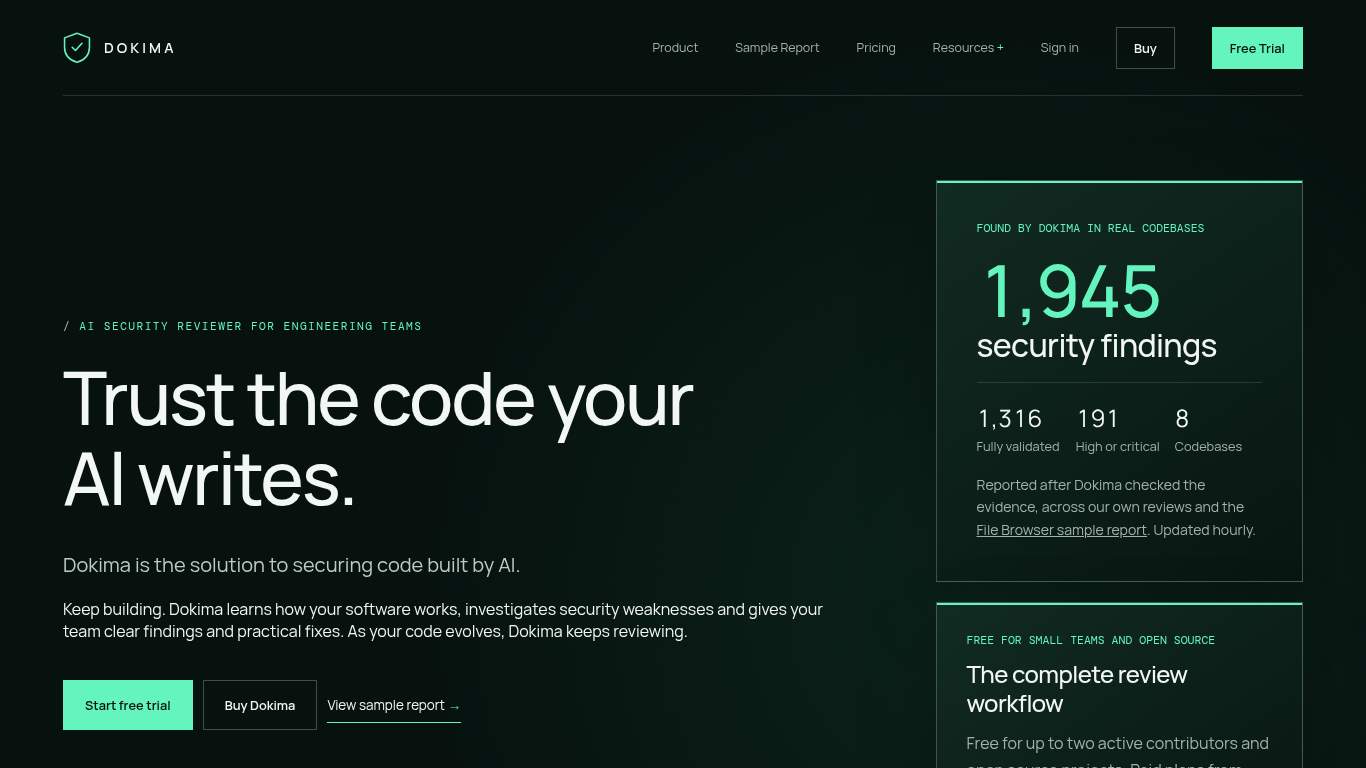
Dokima is an AI security reviewer that scans code repositories for vulnerabilities and suggests fixes.
It reviews local Git repositories, investigates suspected weaknesses, checks evidence, and continues reviewing as code changes. Users connect a supported AI model.
Engineering teams can review codebases, including AI-written code, for security weaknesses.
Architecture analysis, vulnerability investigation, evidence validation, a terminal dashboard, and HTML reports with source locations and suggested fixes.
Q: What does Dokima need to run? A: One or more local Git repositories on Linux or macOS and a supported AI model setup. Q: Is there a free option? A: Dokima is free for up to two active contributors and open source projects.
同じカテゴリのツールを、共通カテゴリ数、累計閲覧数の順に表示します。機能を比較して適切な代替ツールを探しましょう。
Learn mahjong from scratch with interactive lessons, then play online against AI or real players worldwide. American and Hong Kong styles. F
Award-winning NYC video production studio. 20+ years, 4,500+ projects for Nike, MAC, LinkedIn. Corporate events, weddings, brand films, musi
IndexMachine automatically submits your pages to Google, Bing, and other search engines, eliminating indexing delays. Track status with visu
Missed calls cost service businesses jobs. Sarah, the AI receptionist from Ansa, answers your phone 24/7, checks your real availability and
ThriveXDNAは、トレーニングアプリに加え、保険・個人向け資産管理ツール、AIを活用した保険証券スキャナー、即時保険見積もり機能を備えたフィットネ
Serpjoyは上位表示されているコンテンツを分析し、数十の情報源からトピックを調査。あなたにしかわからないことを質問したうえで、あなたの文体に合
ToolsBot の累計閲覧数順で表示するその他のツールです。同数の場合は新しく掲載されたツールを優先します。
Glasshand is a visible, reviewable workspace for AI agents doing screen-based work. Hand over the task, watch the next move, and keep the fi
An LLM frontend for power users who want deep control over characters, prompts and local models.
HappyShrimp is an all-in-one AI music platform. Turn one line into a full song - lyrics, vocals and production included.
AI直充 提供 GPT 5.6 订阅代充服务,支持微信支付、订单查询和失败退款。
Capafy AI is a marketplace for expert AI agent Skills. Users can find agents for research, video, image, finance, commerce, marketing, writi
Google AI Plus 提供 Gemini Pro 一年自助开通(Pixel 开通包绑卡)与美区 12 个月成品号,Stripe 银行卡付款、自动发货、订单实时可查。
製品の参照先: Dokima — 製品サイト.
導入前に製品サイトで最新の機能、料金、ポリシーを確認してください。
ToolsBot は製品の発見と比較のための情報を提供します。掲載は推奨や製品の主張の保証を意味しません。