TaxBowl
TaxBowl gives startups and small businesses one responsive team for bookkeeping, accounting, payroll support, tax planning, filing coordinat
Continuous security scanning for your codebase. Dokima maps architecture, identifies vulnerabilities, and delivers actionable fixes with AI-powered analysis. Free for small teams and open source.
Published and maintained by ToolsBot Editorial Team
| Product website | Dokima |
|---|---|
| Category | |
| Listed on ToolsBot | |
| Listing record updated |
Dates refer to this ToolsBot listing, not the product’s launch date or a new independent review.
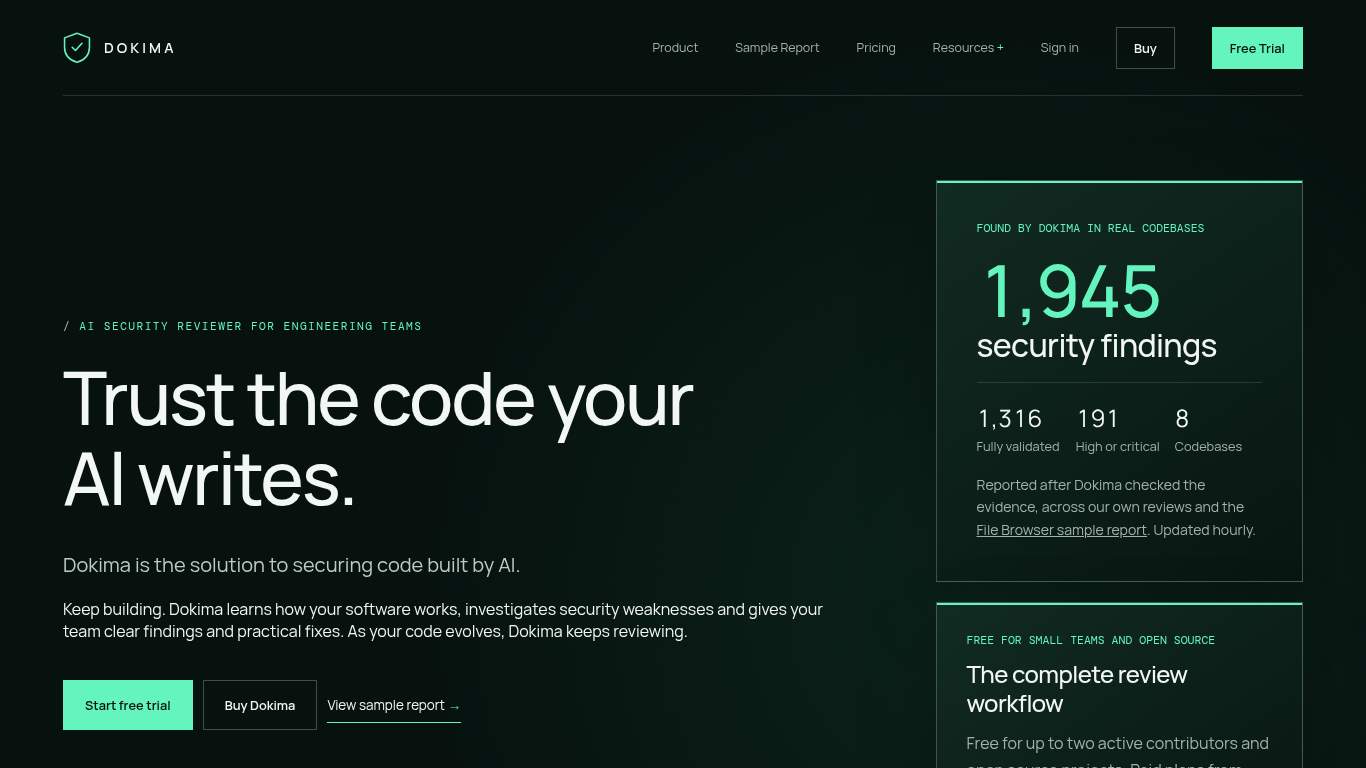
Dokima is an AI security reviewer that scans code repositories for vulnerabilities and suggests fixes.
It reviews local Git repositories, investigates suspected weaknesses, checks evidence, and continues reviewing as code changes. Users connect a supported AI model.
Engineering teams can review codebases, including AI-written code, for security weaknesses.
Architecture analysis, vulnerability investigation, evidence validation, a terminal dashboard, and HTML reports with source locations and suggested fixes.
Q: What does Dokima need to run? A: One or more local Git repositories on Linux or macOS and a supported AI model setup. Q: Is there a free option? A: Dokima is free for up to two active contributors and open source projects.
Tools in the same categories, ranked by shared categories and then total views. Compare their features to find a suitable alternative.
TaxBowl gives startups and small businesses one responsive team for bookkeeping, accounting, payroll support, tax planning, filing coordinat
Learn mahjong from scratch with interactive lessons, then play online against AI or real players worldwide. American and Hong Kong styles. F
Award-winning NYC video production studio. 20+ years, 4,500+ projects for Nike, MAC, LinkedIn. Corporate events, weddings, brand films, musi
Dual-pane free Windows file & document management. With PDF tools, Git browsing and cloud access in one free Windows app. Built for performa
IndexMachine automatically submits your pages to Google, Bing, and other search engines, eliminating indexing delays. Track status with visu
Missed calls cost service businesses jobs. Sarah, the AI receptionist from Ansa, answers your phone 24/7, checks your real availability and
More tools to explore, ranked by total views on ToolsBot. Newer listings come first when view counts are equal.
Cutroom is an AI video editor that turns plain-language directions into reviewable edit plans. Upload footage, refine cuts and captions, the
PicYep is a browser-based AI image and video generator with 20+ flagship models, face-consistent group edits, GIF and SVG output. New accoun
Free curated library of 559 Japanese kaomoji you can copy and paste.
AI LinkedIn posts and carousels in your own voice
Free browser-based prompt builder and curated examples for image-to-video work: compose image-to-video prompts, dance and motion prompt guid
ToolWorthy is an AI tools directory with category listings, product profiles, alternatives, published rankings and editorial guides. Browsin
Product reference: Dokima — Product website.
Check the product website for current capabilities, pricing and policies before adopting this tool.
ToolsBot provides directory information for discovery and comparison. A listing is not an endorsement or a guarantee of product claims.