Octopra
AI voice generation for content creation in multiple languages.
Record your screen in the browser, cut video by editing the transcript, and share a link viewers can open without an account. Turn recordings into written procedures or use Vertov’s MCP server to give an AI agent context from a walkthrough.
公開・管理: ToolsBot 編集チーム
| 製品サイト | Vertov |
|---|---|
| カテゴリー | |
| ToolsBot 掲載日 | |
| 掲載情報の更新日 |
日付は ToolsBot の掲載記録を示し、製品の公開日や新たな独立評価の実施日ではありません。
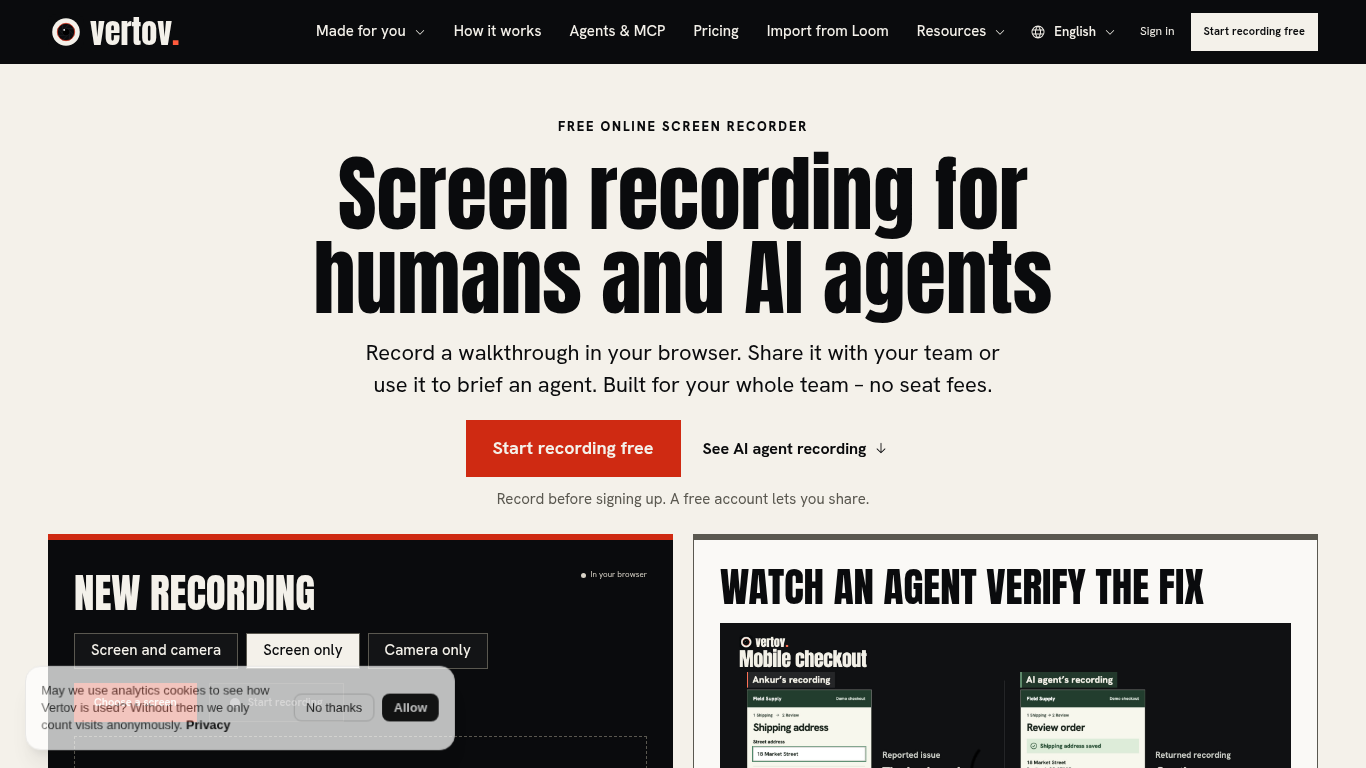
Vertov is a browser-based screen recorder for creating, editing and sharing walkthroughs with people or AI agents.
Record a screen, camera or both, edit the video through its transcript, and share a link. Connect an agent through MCP or the API.
Teams can record a client walkthrough, collect feedback at specific moments, or brief an AI agent on a change.
Transcript-based editing, captions, annotations, zoom, blur, live sharing, timestamped feedback, AI procedure drafting and Loom imports.
Q: Is Vertov free? A: The free plan includes 180 minutes of storage and videos up to 15 minutes long. Q: Do viewers need an account? A: No. Anyone with the link can watch, react and comment using their name.
同じカテゴリのツールを、共通カテゴリ数、累計閲覧数の順に表示します。機能を比較して適切な代替ツールを探しましょう。
AI voice generation for content creation in multiple languages.
AI tool for quickly generating viral video clips and captions.
AI-enhanced image and video analysis platform for multiple industries.
AI tool for analyzing body language to detect lies.
AI platform for easy podcast creation and publishing.
Personalized video messages from Santa using AI technology.
ToolsBot の累計閲覧数順で表示するその他のツールです。同数の場合は新しく掲載されたツールを優先します。
Linger is a local-first Mac app for collecting and comparing design references. Save images with their source links and notes, find referenc
Convert photos, scans and screenshots into editable text without uploading your images or signing up.
Upload a photo, poster or sign, type what the words should say, and get the same image back with the new text matched to the original font s
Press Start and talk: each sentence lands in your document about a second after you say it, with punctuation, in English, Chinese or both mi
FindLeadEmails finds work emails from a person's name and a company domain. It checks each address against the mail server before returning
Emailwish is an AI-powered, done-for-you (DFY) email marketing platform for Shopify and WooCommerce, built on a customer data platform (CDP)
製品の参照先: Vertov — 製品サイト.
導入前に製品サイトで最新の機能、料金、ポリシーを確認してください。
ToolsBot は製品の発見と比較のための情報を提供します。掲載は推奨や製品の主張の保証を意味しません。