TallyClip
TallyClipは、整理されていない銀行取引明細書のPDFを、整ったExcel、CSV、またはQuickBooks Onlineにインポート可能なデータに変換します。記帳担当
Convert photos, scans and screenshots into editable text without uploading your images or signing up.
公開・管理: ToolsBot 編集チーム
| 製品サイト | OCRMind |
|---|---|
| カテゴリー | |
| ToolsBot 掲載日 | |
| 掲載情報の更新日 |
日付は ToolsBot の掲載記録を示し、製品の公開日や新たな独立評価の実施日ではありません。
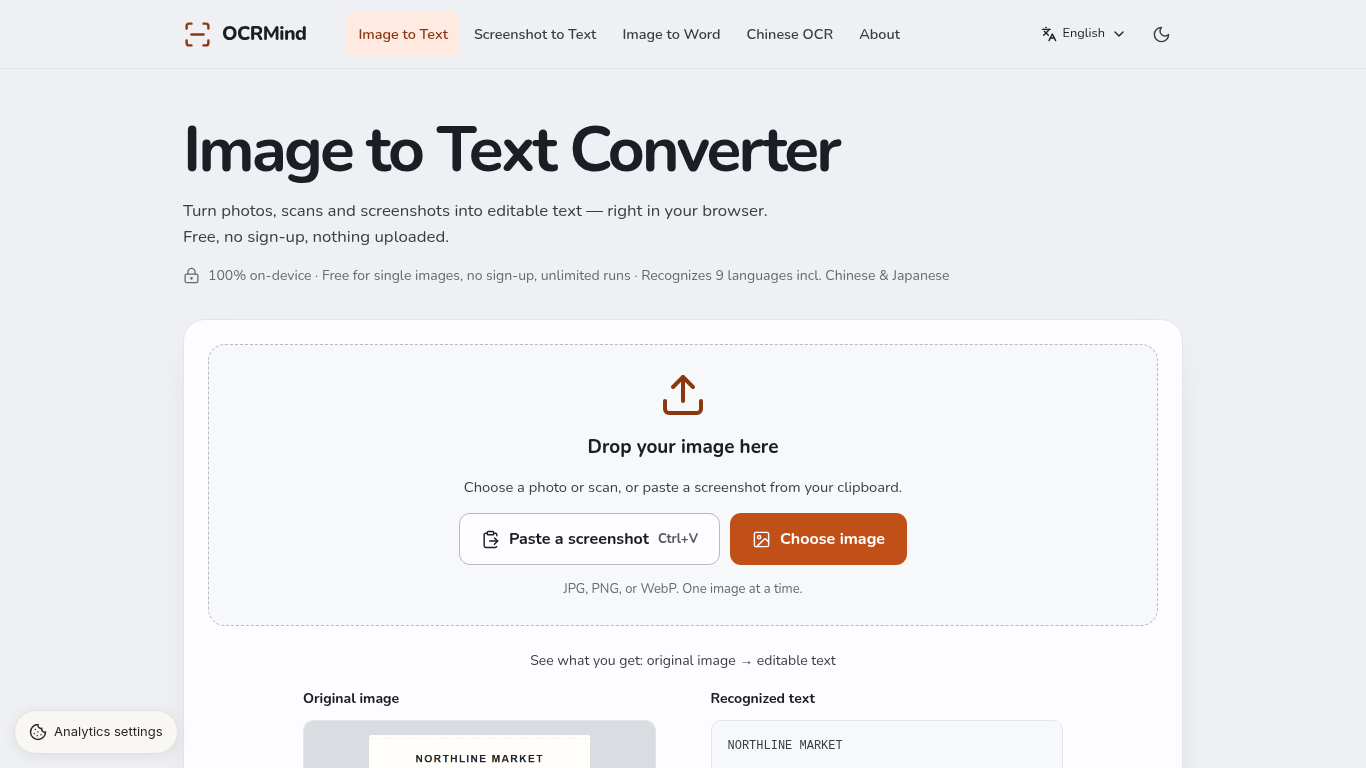
OCRMind is a free browser OCR tool that turns photos, scans and screenshots into editable text. Images are processed locally on your device. It supports JPG, PNG and WebP, one image at a time, and recognizes nine languages including English, Chinese and Japanese. Review the results, then copy text or export TXT, Word or Markdown. No account is required. Check important names, numbers and reading order before using the output.
Choose, drop or paste one image. Recognition starts automatically, after which you can check and edit the text, copy it, or export it.
Extract text from receipts, menus, book pages, screenshots and study notes.
Local browser OCR; JPG, PNG and WebP input; nine recognition languages; editable text; TXT, Word and Markdown export; no account required.
Q: Does my image leave my device? A: No. The image and OCR result are processed locally, although the site loads software and models over the network. Q: Can it read handwriting? A: It can try clear handwriting, but results vary and should be checked against the original.
同じカテゴリのツールを、共通カテゴリ数、累計閲覧数の順に表示します。機能を比較して適切な代替ツールを探しましょう。
TallyClipは、整理されていない銀行取引明細書のPDFを、整ったExcel、CSV、またはQuickBooks Onlineにインポート可能なデータに変換します。記帳担当
Convert technical PDFs into Markdown, including formulas, tables and multi-column text. Includes layout-preserving translation and API/MCP w
Custom AI chatbot solutions tailored for businesses.
AI tool for extracting data from invoices efficiently.
AI tool for web scraping and automation.
API for extracting product data from any webpage effortlessly.
ToolsBot の累計閲覧数順で表示するその他のツールです。同数の場合は新しく掲載されたツールを優先します。
Record your screen in the browser, cut video by editing the transcript, and share a link viewers can open without an account. Turn recording
Linger is a local-first Mac app for collecting and comparing design references. Save images with their source links and notes, find referenc
Upload a photo, poster or sign, type what the words should say, and get the same image back with the new text matched to the original font s
Press Start and talk: each sentence lands in your document about a second after you say it, with punctuation, in English, Chinese or both mi
FindLeadEmails finds work emails from a person's name and a company domain. It checks each address against the mail server before returning
Emailwish is an AI-powered, done-for-you (DFY) email marketing platform for Shopify and WooCommerce, built on a customer data platform (CDP)
製品の参照先: OCRMind — 製品サイト.
導入前に製品サイトで最新の機能、料金、ポリシーを確認してください。
ToolsBot は製品の発見と比較のための情報を提供します。掲載は推奨や製品の主張の保証を意味しません。