Voice Inbox
A voice-based quick-capture app for thoughts and ideas.
Offline voice typing for Windows and macOS. Hold a shortcut, speak, and release to type into your current app with on-device recognition.
公開・管理: ToolsBot 編集チーム
| 製品サイト | VocoType |
|---|---|
| カテゴリー | |
| ToolsBot 掲載日 | |
| 掲載情報の更新日 |
日付は ToolsBot の掲載記録を示し、製品の公開日や新たな独立評価の実施日ではありません。
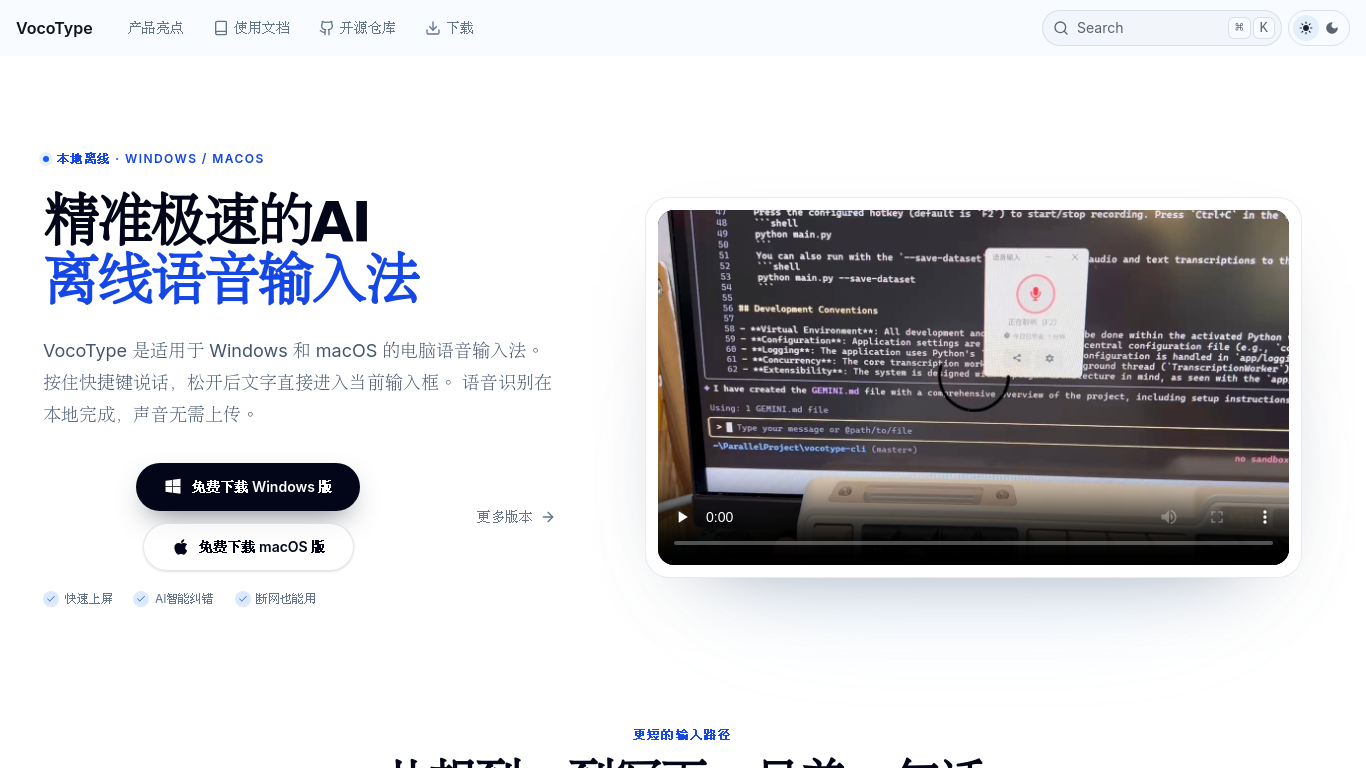
VocoType is an offline voice typing application for Windows and macOS. Hold a keyboard shortcut, speak naturally, and release it to insert the recognized text directly into the active input field. Speech recognition runs locally on the computer and works without an internet connection, helping users dictate without uploading their voice to a cloud recognition service. It supports mixed Chinese and English input and custom replacement dictionaries for preferred words, names and recurring phrases.
Hold a shortcut, speak, and release it to insert recognized text into the current input field. Speech recognition runs locally without an internet connection.
Dictate documents, messages, coding prompts, customer replies, game chats, study notes, and professional text.
Shortcut-based voice typing into your active app Local offline speech recognition Chinese-English mixed dictation Custom replacement dictionaries Optional AI text refinement Free core features
Q: Does voice typing require an internet connection? A: No. Recognition runs locally; optional AI features are separate. Q: Is VocoType free? A: Core voice typing is free for personal users; some advanced features may be paid. Q: Which systems are supported? A: Windows 10 64-bit or later and macOS 12 or later.
同じカテゴリのツールを、共通カテゴリ数、累計閲覧数の順に表示します。機能を比較して適切な代替ツールを探しましょう。
A voice-based quick-capture app for thoughts and ideas.
AI-powered transcription service for audio and video data.
Tailored AI solutions for business innovation and optimization.
AI assistant for scheduling, bookings, and consultations.
AI tool for transcribing and summarizing audio and video content.
AI-powered translation for accurate global communication.
ToolsBot の累計閲覧数順で表示するその他のツールです。同数の場合は新しく掲載されたツールを優先します。
独立したデイリーパズルのページです。SumbreakはLinkedInが提供するデイリーゲームです。このサイトはLinkedInとは提携しておらず、LinkedInの承認も
答えを見る前にクイズのヒントをチェック。ネタバレを抑えた例題を試してから、Krillion Dailyで制限時間付きの7問に挑戦しましょう。
非公式のTrollheim: Gnomes wiki。公式情報に基づき、リリース状況、対応プラットフォーム、Steamプレイテストの仕組み、8人協力プレイ、Väsen、PCの
Anime Crusaders Xのフィールドガイド:報告されたコード、検索可能なユニットのティア、保存できるチーム編成ツール、召喚確率計算ツールを掲載。次
独立したCork7のゲームガイドです。操作を覚え、スノーボードを入手し、コークトリックを練習して、公式のブラウザ版、デスクトップ版、iOS版を見つけ
Realistic Ragdoll MMAのコードを公式情報源と照合。SORRY4UPDに対応するゲームを確認し、報酬を比較して、よくあるコード引き換えの問題を解決します
製品の参照先: VocoType — 製品サイト.
導入前に製品サイトで最新の機能、料金、ポリシーを確認してください。
ToolsBot は製品の発見と比較のための情報を提供します。掲載は推奨や製品の主張の保証を意味しません。