Voice Inbox
A voice-based quick-capture app for thoughts and ideas.
Offline voice typing for Windows and macOS. Hold a shortcut, speak, and release to type into your current app with on-device recognition.
发布与维护: ToolsBot 编辑团队
| 产品网站 | VocoType |
|---|---|
| 分类 | |
| ToolsBot 收录日期 | |
| 收录记录更新日期 |
日期仅表示 ToolsBot 收录记录的时间,不代表产品上线时间或完成了新的独立评测。
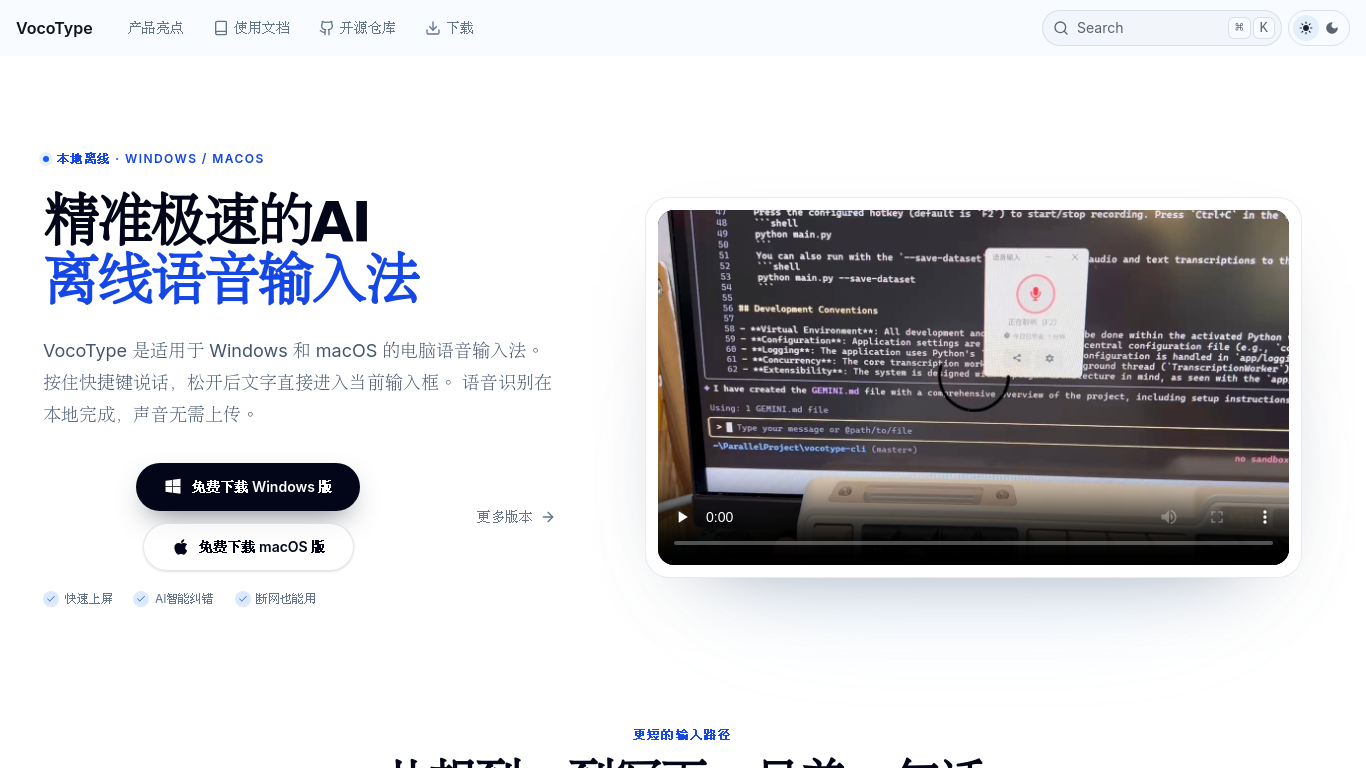
VocoType is an offline voice typing application for Windows and macOS. Hold a keyboard shortcut, speak naturally, and release it to insert the recognized text directly into the active input field. Speech recognition runs locally on the computer and works without an internet connection, helping users dictate without uploading their voice to a cloud recognition service. It supports mixed Chinese and English input and custom replacement dictionaries for preferred words, names and recurring phrases.
Hold a shortcut, speak, and release it to insert recognized text into the current input field. Speech recognition runs locally without an internet connection.
Dictate documents, messages, coding prompts, customer replies, game chats, study notes, and professional text.
Shortcut-based voice typing into your active app Local offline speech recognition Chinese-English mixed dictation Custom replacement dictionaries Optional AI text refinement Free core features
Q: Does voice typing require an internet connection? A: No. Recognition runs locally; optional AI features are separate. Q: Is VocoType free? A: Core voice typing is free for personal users; some advanced features may be paid. Q: Which systems are supported? A: Windows 10 64-bit or later and macOS 12 or later.
按共同分类数量及累计浏览量排序的相似工具,可比较功能后选择合适的替代方案。
A voice-based quick-capture app for thoughts and ideas.
AI-powered transcription service for audio and video data.
Tailored AI solutions for business innovation and optimization.
AI assistant for scheduling, bookings, and consultations.
AI tool for transcribing and summarizing audio and video content.
AI-powered translation for accurate global communication.
按 ToolsBot 累计浏览量排序的更多工具;浏览量相同时优先展示较新收录的工具。
一个独立的每日谜题页面。Sumbreak 是 LinkedIn 推出的一款每日游戏;本网站与 LinkedIn 没有任何关联,也未获得其认可。我们每天早上在这里推算出 Li
在揭晓答案前先获取一道测验提示。试试剧透较少的示例,然后玩 Krillion Daily,练习七道限时题目。
非官方 Trollheim: Gnomes 维基。根据官方资料介绍发布状态、游戏平台、Steam 测试的运作方式、8 人合作模式、Väsen 和 PC 配置要求。
你的 Anime Crusaders X 实战指南:玩家报告的兑换码、可搜索的单位强度排行、可保存的队伍构建工具和召唤概率计算器。规划你的下一场 Roblox 游戏。
你的独立 Cork7 游戏指南。了解操作方法、获取单板、练习斜轴旋转技巧,并找到官方浏览器版、桌面版和 iOS 版。
根据官方来源核查的 Realistic Ragdoll MMA 兑换码。了解 SORRY4UPD 对应的游戏,比较奖励并解决常见兑换问题。
产品参考链接: VocoType — 产品网站.
采用此工具前,请到产品网站核实最新功能、价格与政策。
ToolsBot 提供目录信息,帮助发现与比较产品。收录不代表背书,也不保证产品声明的准确性。