Surfsite
AI workspace enabling professionals to enhance their business workflows.
Your Ultimate PDF Companion
게시 및 관리: ToolsBot 편집팀
| 제품 웹사이트 | https://palypdf.com/ |
|---|---|
| 범주 |
날짜는 ToolsBot 등록 기록에 관한 것으로, 제품 출시일이나 새로운 독립 평가일을 의미하지 않습니다.
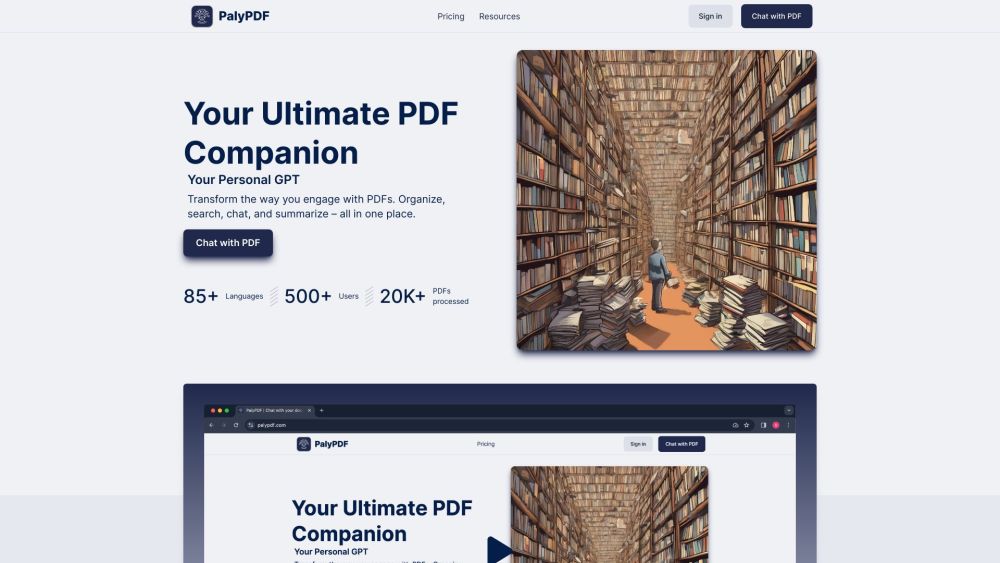
Your Ultimate PDF Companion
Transform the way you engage with PDFs. Organize, search, chat, and summarize – all in one place.
#1 Chatting with PDFs #2 Organizing and categorizing PDFs #3 Swiftly summarizing extensive PDFs #4 Merging knowledge from multiple documents #5 Deep searching and discovering insights #6 Creating a neat and tidy workspace #7 Engaging with documents in any language #8 Choosing the best subscription plan for PDF needs
Direct PDF Conversations: Chat directly with your PDFs and get real-time answers. Group PDF Chats: Merge multiple documents into one conversation and see the bigger picture. Swift Summaries: Convert extensive PDFs into concise, easy-to-digest summaries. Unified Multi-PDF Insights: Merge knowledge from various documents into enlightening conversations. OCR Magic: Advanced OCR capabilities ensure understanding of text and images in PDFs. Advanced Semantic Search: Discover connections and insights with deep document search. Powerful Search: Quickly find what you need across one or multiple documents. Easy Storage: Store, categorize, and manage your PDFs in customizable folders. Stay Organized: Create a neat workspace and always find what you need. Universal Utility: Tailored solution for all document types. Speak Any Language: Understand and engage with documents in over 85 languages. Seamless Conversations: Chat with documents in your preferred language. Flexible and Customizable: Multiple subscription plans with tiered pricing. Organize and interact with all your data.
What is PalyPDF? What languages does PalyPDF support? Can I chat directly with my PDFs? Is there a limit on the size of PDFs I can upload? Can I merge multiple PDFs into one conversation? Does PalyPDF support OCR? How can I find what I need in my PDFs? Can I customize the folder setup for my PDFs? What subscription plans does PalyPDF offer?
같은 카테고리의 도구를 공통 카테고리 수, 누적 조회수 순으로 표시합니다. 기능을 비교하여 적합한 대안을 찾아보세요.
AI workspace enabling professionals to enhance their business workflows.
AI chatbot for easy PDF interaction
Empress is an on-demand automation service that helps businesses automate their operations and cut costs. With a simple monthly fee, busines
TerraPrime is a broker-free platform revolutionizing commercial real estate by directly connecting developers with investors globally. Its T
AI enables conversational interactions with PDF documents.
AI-powered commodity trading platform
ToolsBot 누적 조회수순으로 정렬한 다른 도구입니다. 조회수가 같으면 최근 등록된 도구를 먼저 표시합니다.
RapVideo AI turns one or two photos into an AI rap video, including the viral Hotel Lobby trend. It writes the lyrics, makes the beat, gener
AI video generation turning text and images into videos and animations for creators.
Online AI face swap for videos and photos, fast and free to try.
All-in-one AI image and video generator using many top models in one place.
输入一段文字描述或上传草图,即可在几分钟内生成符合制图规范的专业平面图,无需 CAD 基础。
Capafy AI is a browser-based AI video generator. Add up to 9 photos or write a prompt, pick one of 5 models (Seedance 2.5, Seedance 2.0, Kli
제품 참고 링크: PalyPDF — 제품 웹사이트.
도입 전에 제품 웹사이트에서 최신 기능, 가격 및 정책을 확인하세요.
ToolsBot은 제품 탐색과 비교를 위한 정보를 제공합니다. 등록이 제품에 대한 보증이나 주장의 정확성을 보장하지는 않습니다.