Surfsite
AI workspace enabling professionals to enhance their business workflows.
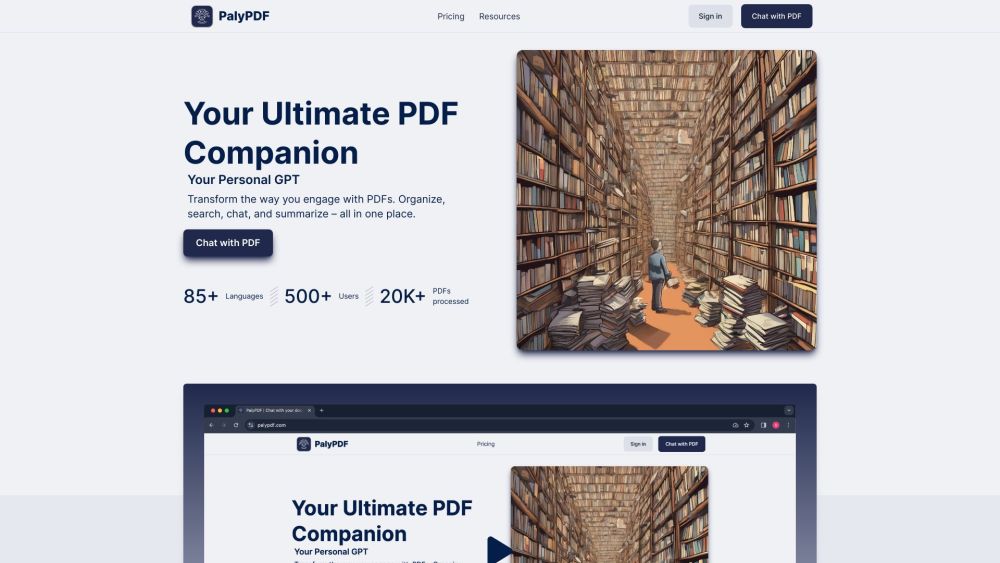
Your Ultimate PDF Companion
Published and maintained by ToolsBot Editorial Team
| Product website | PalyPDF |
|---|---|
| Category |
Dates refer to this ToolsBot listing, not the product’s launch date or a new independent review.
Your Ultimate PDF Companion
Transform the way you engage with PDFs. Organize, search, chat, and summarize – all in one place.
#1 Chatting with PDFs #2 Organizing and categorizing PDFs #3 Swiftly summarizing extensive PDFs #4 Merging knowledge from multiple documents #5 Deep searching and discovering insights #6 Creating a neat and tidy workspace #7 Engaging with documents in any language #8 Choosing the best subscription plan for PDF needs
Direct PDF Conversations: Chat directly with your PDFs and get real-time answers. Group PDF Chats: Merge multiple documents into one conversation and see the bigger picture. Swift Summaries: Convert extensive PDFs into concise, easy-to-digest summaries. Unified Multi-PDF Insights: Merge knowledge from various documents into enlightening conversations. OCR Magic: Advanced OCR capabilities ensure understanding of text and images in PDFs. Advanced Semantic Search: Discover connections and insights with deep document search. Powerful Search: Quickly find what you need across one or multiple documents. Easy Storage: Store, categorize, and manage your PDFs in customizable folders. Stay Organized: Create a neat workspace and always find what you need. Universal Utility: Tailored solution for all document types. Speak Any Language: Understand and engage with documents in over 85 languages. Seamless Conversations: Chat with documents in your preferred language. Flexible and Customizable: Multiple subscription plans with tiered pricing. Organize and interact with all your data.
What is PalyPDF? What languages does PalyPDF support? Can I chat directly with my PDFs? Is there a limit on the size of PDFs I can upload? Can I merge multiple PDFs into one conversation? Does PalyPDF support OCR? How can I find what I need in my PDFs? Can I customize the folder setup for my PDFs? What subscription plans does PalyPDF offer?
Tools in the same categories, ranked by shared categories and then total views. Compare their features to find a suitable alternative.
AI workspace enabling professionals to enhance their business workflows.
AI chatbot for easy PDF interaction
Empress is an on-demand automation service that helps businesses automate their operations and cut costs. With a simple monthly fee, busines
TerraPrime is a broker-free platform revolutionizing commercial real estate by directly connecting developers with investors globally. Its T
AI enables conversational interactions with PDF documents.
AI-powered commodity trading platform
More tools to explore, ranked by total views on ToolsBot. Newer listings come first when view counts are equal.
An online audio-to-text converter for MP3, M4A, WAV, MP4 and other media files.
Data-story, whiteboard and keynote looks; AI writes the script, narrates, draws and scores a 15-60 second film with SRT subtitles.
Talk in any order, or upload a voice memo, and get clean notes with headings, bullet points and a to-do list - or an email, journal entry, l
SMS-first dispatch software for field-service shops running 2–10 trucks. Techs never install an app — they reply to a text. Flat pricing fro
Free AI coloring page generator that turns text or photos into printable coloring pages, and photos into cartoon portraits.
AI character chat and interactive storytelling. Create custom fictional characters and explore text-based roleplay.
Product reference: PalyPDF — Product website.
Check the product website for current capabilities, pricing and policies before adopting this tool.
ToolsBot provides directory information for discovery and comparison. A listing is not an endorsement or a guarantee of product claims.