Yotei
Yotei is a Windows and Mac app that turns an event on your screen (chat, email, PDF or web page) into a calendar entry. You select the area,
Convert schedule photos, screenshots and PDFs into editable events. Review dates, times and locations, then download an ICS file to import into Google Calendar, Apple Calendar or Outlook.
Published and maintained by ToolsBot Editorial Team
| Product website | Image to Calendar |
|---|---|
| Category | |
| Listed on ToolsBot | |
| Listing record updated |
Dates refer to this ToolsBot listing, not the product’s launch date or a new independent review.
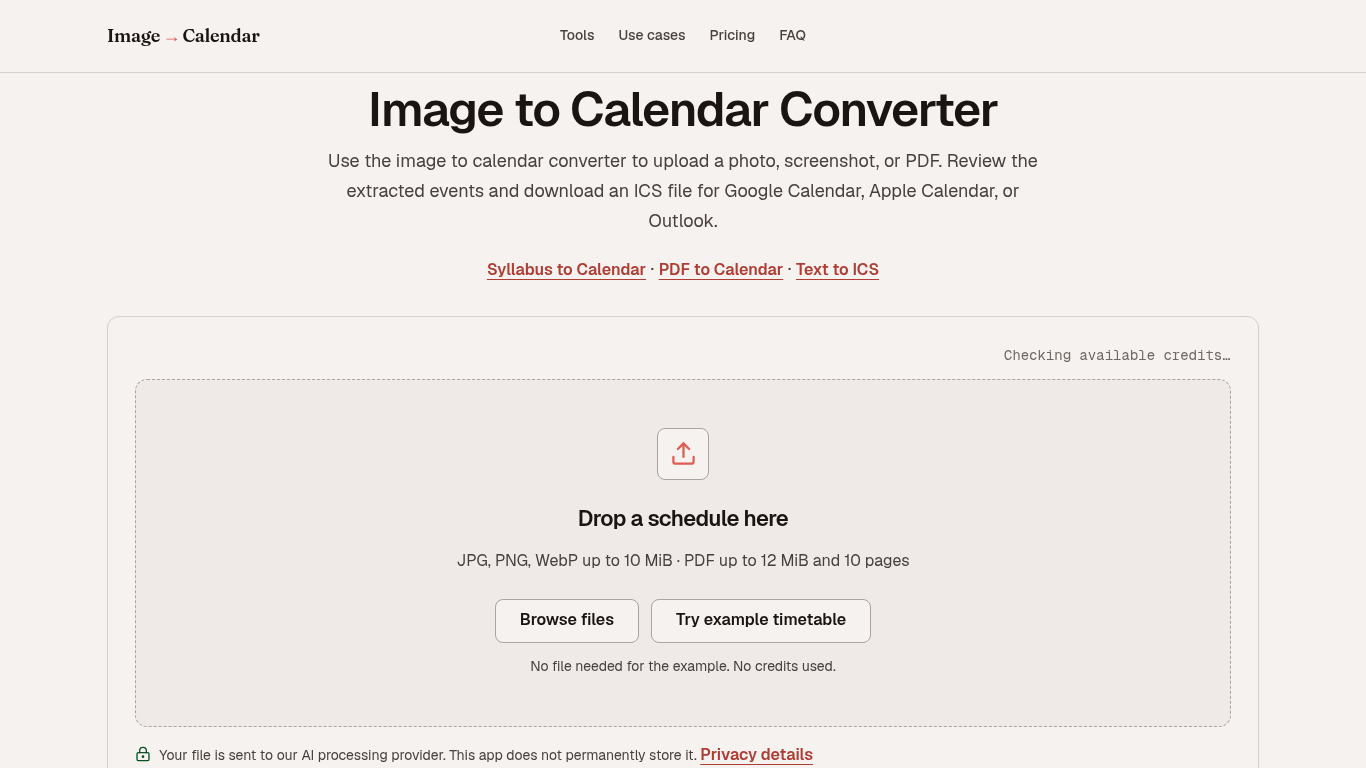
Converts schedule photos, screenshots, and PDFs into editable calendar events.
Upload a file, review and edit the extracted events, then download an ICS file to import into a calendar app.
Convert class timetables, sports schedules, work rosters, conference programs, and travel itineraries into calendar events.
Supports JPG, PNG, WebP, and PDF files; extracts up to 100 events; offers confidence scores and warnings; and lets users edit timezones and repeat rules.
Q: Which calendar apps support the exported file? A: Google Calendar, Apple Calendar, Outlook, and other apps that support iCalendar. Q: Are uploads stored? A: The app does not permanently store uploads, but file content is sent to AIHubMix and its model provider for processing.
Tools in the same categories, ranked by shared categories and then total views. Compare their features to find a suitable alternative.
Yotei is a Windows and Mac app that turns an event on your screen (chat, email, PDF or web page) into a calendar entry. You select the area,
A voice-based quick-capture app for thoughts and ideas.
Comprehensive project management system for teams.
All-in-one CRM to build, market, and scale your business.
AI-powered platform for managing Threads content and community engagement.
Launch your virtual scheduling assistant easily with BuddyBrain.
More tools to explore, ranked by total views on ToolsBot. Newer listings come first when view counts are equal.
Free online recap video maker: add your photos, pick a template, download a beat-synced MP4. No app, no sign-up. Photos deleted after your v
Transform photos into anime, watercolor, 3D avatars and other creative styles inside Telegram. Make personalized photo greeting cards. New a
Turn product updates into channel-ready marketing copy and visuals.
The LinkedIn MCP for AI agents.
AI product photography for clothing sellers: create on-model, ghost mannequin and flat lay images from garment photos, or remove backgrounds
AI Photo Detector checks photos for AI generation and editing. View classification, confidence and available region analysis. English and Ch
Product reference: Image to Calendar — Product website.
Check the product website for current capabilities, pricing and policies before adopting this tool.
ToolsBot provides directory information for discovery and comparison. A listing is not an endorsement or a guarantee of product claims.