Image to Image AI - PictCraft
PictCraft is an image to image AI generator. Upload a photo, describe what should change, and get a new image with everything else kept. No
Free browser AI image-to-image studio: restyle portraits, swap outfits, upscale 2x/4x, and sketch-to-photo with 2 free 1K runs/day.
Published and maintained by ToolsBot Editorial Team
| Product website | Image to Image AI |
|---|---|
| Category | |
| Listed on ToolsBot | |
| Listing record updated |
Dates refer to this ToolsBot listing, not the product’s launch date or a new independent review.
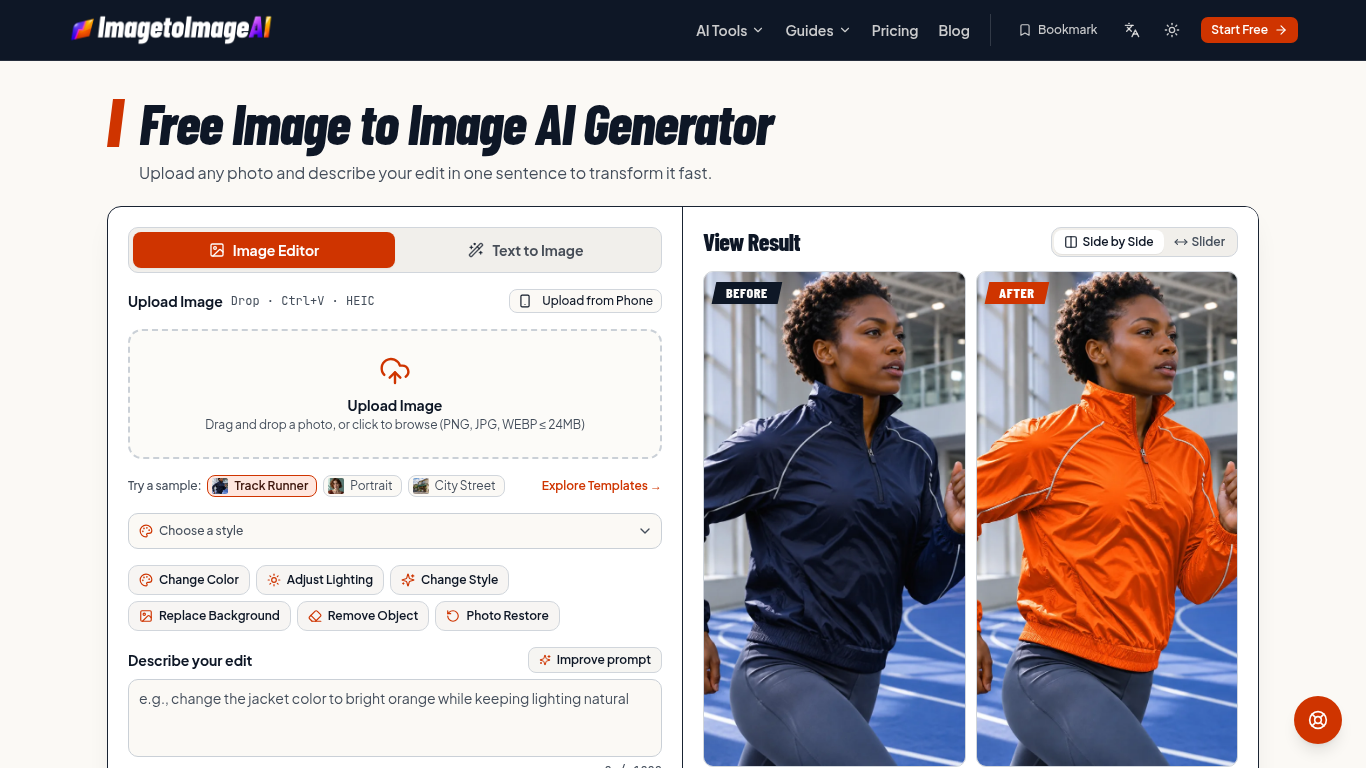
Upload a photo and describe one edit to transform portraits, outfits, sketches, or backgrounds while preserving facial landmarks and pose geometry.
Upload an image, choose a style or describe an edit, then review and download the result.
Restyle a portrait while preserving the subject’s face and pose, or restore an old photo.
2 free watermark-free 1K Standard runs/day per IP; no sign-up; local GIF converter 0 cr; 25+ style templates; 2x/4x AI upscaler.
Q: Is it free? A: The site offers two free watermark-free 1K Standard runs per day without sign-up. Q: Can free results be used commercially? A: Free runs are for personal testing; paid packs and subscriptions include commercial rights.
Tools in the same categories, ranked by shared categories and then total views. Compare their features to find a suitable alternative.
PictCraft is an image to image AI generator. Upload a photo, describe what should change, and get a new image with everything else kept. No
Change any photo with a simple text prompt: upload a photo, describe the change, and get a new image that keeps your subject, pose and layou
ColorWillow offers free printable coloring pages, photo-to-outline and mandala tools, plus optional AI photo-to-coloring creation with an ac
Tancky AI 通过参考图片与文字指令进行图生图编辑,可调整画面风格、背景或服装,并尽量保留主体的可辨识特征。还支持合并参考图、高清放大、扩展画幅
FluidGen uses AI to turn everyday product photos into high-converting marketplace visuals for Amazon, Shopify, and more. Upload a product sh
Generate front, side, back, three-quarter, low, bird’s-eye, wide, or close-up 2D views from one photo.
More tools to explore, ranked by total views on ToolsBot. Newer listings come first when view counts are equal.
All-in-one AI creative studio for generating images, videos, music, and voiceovers.
Magi2AI is an independent web application powered by Sand.ai MAGI-2 for generating cinematic 1080p AI videos with native synchronized audio
Connect ChatGPT, Claude and developer clients to real-time and historical market data for US stocks, Forex, commodities and crypto through S
AI faceless video generator: turn any topic into a voiced, captioned short for YouTube Shorts, TikTok and Reels in minutes. No camera. Try o
Explore planting ideas from yard photos: named areas, plant suggestions, area refinements and a shareable brief. Public Beta includes six on
AI book cover design for independent authors. Generate genre-guided artwork, edit typography, and prepare ebook covers and paperback wraps.
Product reference: Image to Image AI — Product website.
Check the product website for current capabilities, pricing and policies before adopting this tool.
ToolsBot provides directory information for discovery and comparison. A listing is not an endorsement or a guarantee of product claims.