Image to Image
Change any photo with a simple text prompt: upload a photo, describe the change, and get a new image that keeps your subject, pose and layou
Tancky AI 通过参考图片与文字指令进行图生图编辑,可调整画面风格、背景或服装,并尽量保留主体的可辨识特征。还支持合并参考图、高清放大、扩展画幅、擦除物体及移除或替换背景。提供初始体验积分,后续积分包 4.99 美元起。
Published and maintained by ToolsBot Editorial Team
| Product website | Image to Image AI — Tancky AI |
|---|---|
| Category | |
| Listed on ToolsBot | |
| Listing record updated |
Dates refer to this ToolsBot listing, not the product’s launch date or a new independent review.
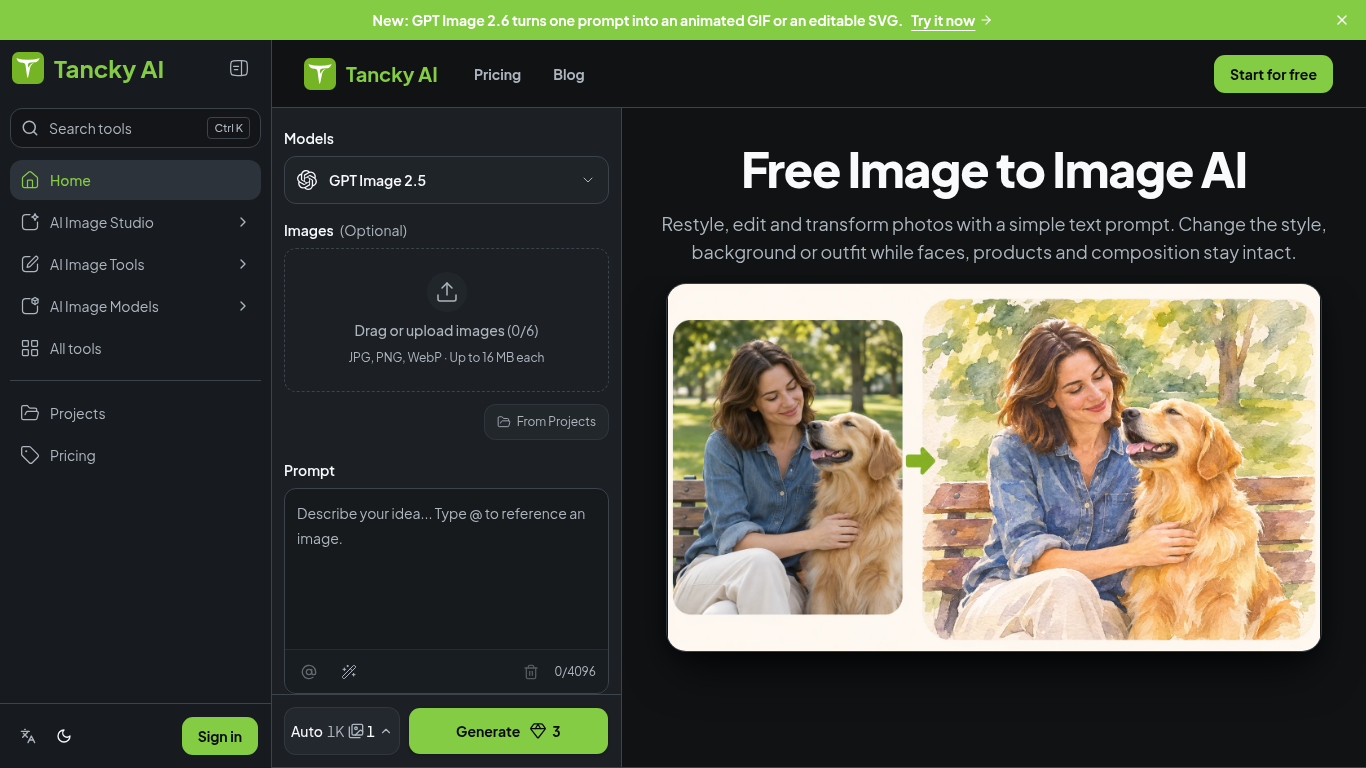
Tancky AI 是一款浏览器图生图编辑工具:上传照片、草图或产品图并输入文字指令,生成保留原图主体特征的新风格、场景或外观。
Upload up to six images, describe what to change and keep, choose an aspect ratio, and generate a result.
Create product photos, restyle portraits, visualize room changes, or turn sketches into finished artwork.
参考图片与文字指令编辑;最多上传 6 张 JPG、PNG 或 WebP 图片(每张最大 16 MB);合并图片;高清放大;移除或替换背景;扩展画幅;擦除物体。
Q: What image formats are supported? A: JPG, PNG, and WebP, up to 16 MB per image. Q: Is it free to try? A: New accounts receive trial credits; images made with free credits have a watermark.
Tools in the same categories, ranked by shared categories and then total views. Compare their features to find a suitable alternative.
Change any photo with a simple text prompt: upload a photo, describe the change, and get a new image that keeps your subject, pose and layou
ColorWillow offers free printable coloring pages, photo-to-outline and mandala tools, plus optional AI photo-to-coloring creation with an ac
FluidGen uses AI to turn everyday product photos into high-converting marketplace visuals for Amazon, Shopify, and more. Upload a product sh
Generate front, side, back, three-quarter, low, bird’s-eye, wide, or close-up 2D views from one photo.
Use Image to Image AI when you need Office Fitout Concepts without a heavy desktop install. Upload or prompt, preview, export. The credit co
AI image-to-image editor for transforming reference images into new styles and scenes.
More tools to explore, ranked by total views on ToolsBot. Newer listings come first when view counts are equal.
An independent daily puzzle page. Sumbreak is a daily game made by LinkedIn; this site is not affiliated with or endorsed by LinkedIn. The a
Get a quiz hint before you reveal the answer. Try a spoiler-light example, then play Krillion Daily and practise on seven timed prompts.
Unofficial Trollheim: Gnomes wiki. Release status, platforms, how the Steam playtest works, 8-player co-op, Väsen and PC requirements, from
Your Anime Crusaders X field guide: reported codes, searchable unit tiers, a saved team builder and summon probability calculator. Plan your
Your independent Cork7 game guide. Learn the controls, get a snowboard, practise cork tricks and find the official browser, desktop and iOS
Realistic Ragdoll MMA codes checked against official sources. Find the right game for SORRY4UPD, compare rewards and fix common redemption p
Product reference: Image to Image AI — Tancky AI — Product website.
Check the product website for current capabilities, pricing and policies before adopting this tool.
ToolsBot provides directory information for discovery and comparison. A listing is not an endorsement or a guarantee of product claims.